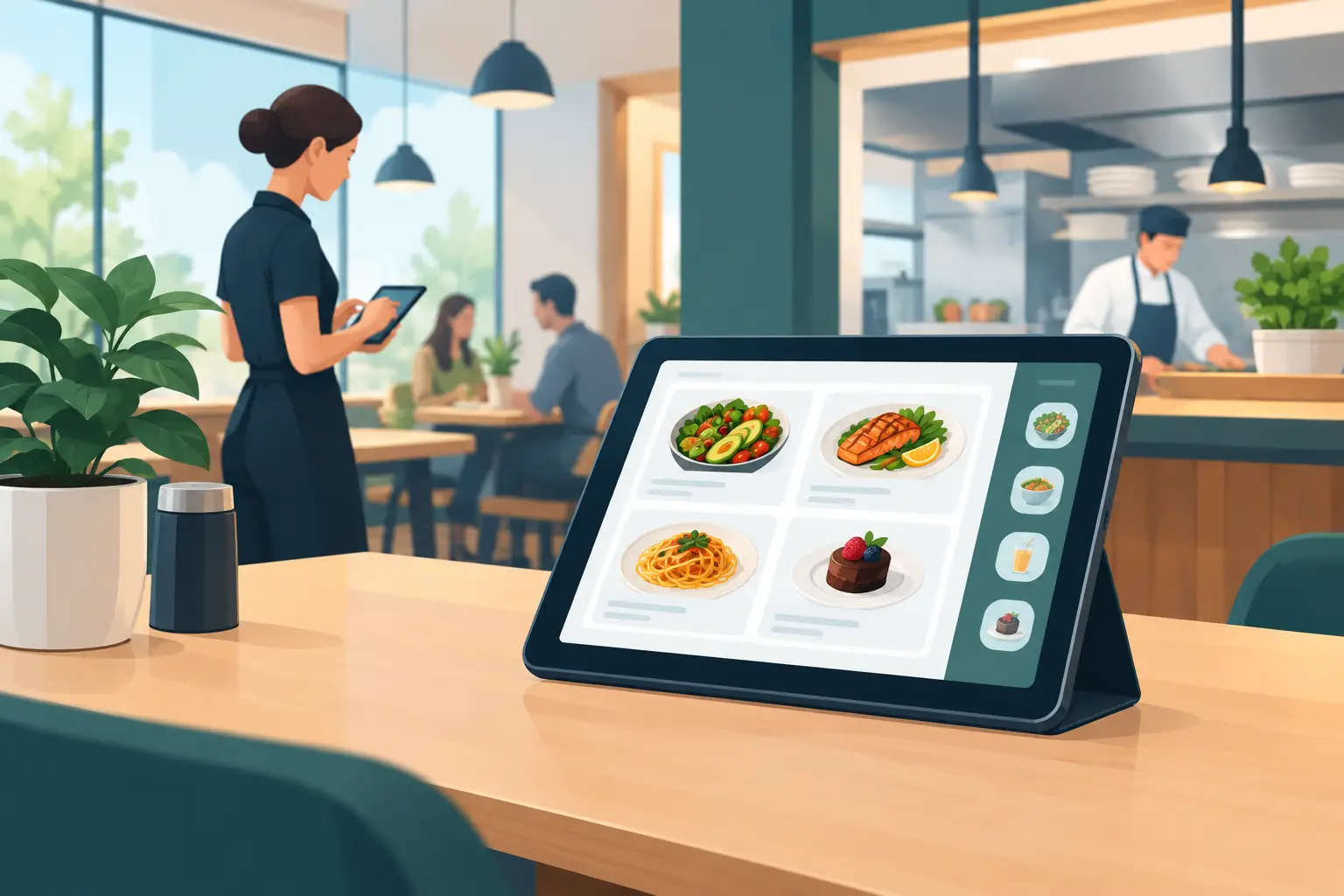
Restaurant Digitalization: Modernizing Your Menu for Success
A guest sits down, scans a QR code, and within seconds sees your current offerings on their phone. No waiting for a menu, no scratched-out prices, no awkward moments where a waiter explains a dish is unavailable. Restaurant digitalization often begins right here – at the intersection of daily operations and guest experience.
For restaurants, cafes, bars, and hotels, especially those with seasonal operations or a high volume of international guests, digital tools aren't just decorative. They solve concrete problems: frequent price changes, sold-out items, multilingual offerings, and the cost of constant menu printing. The key, however, is choosing a solution that streamlines staff work, rather than adding another task.
What Restaurant Digitalization Truly Means
Digitalization isn't just about placing a QR code on a table. The QR code is the entry point, but the value comes from the system behind it. When the digital menu can be updated instantly, when guests receive clear information, and when the team works with one accurate version of the offering, it becomes an integral part of daily organization.
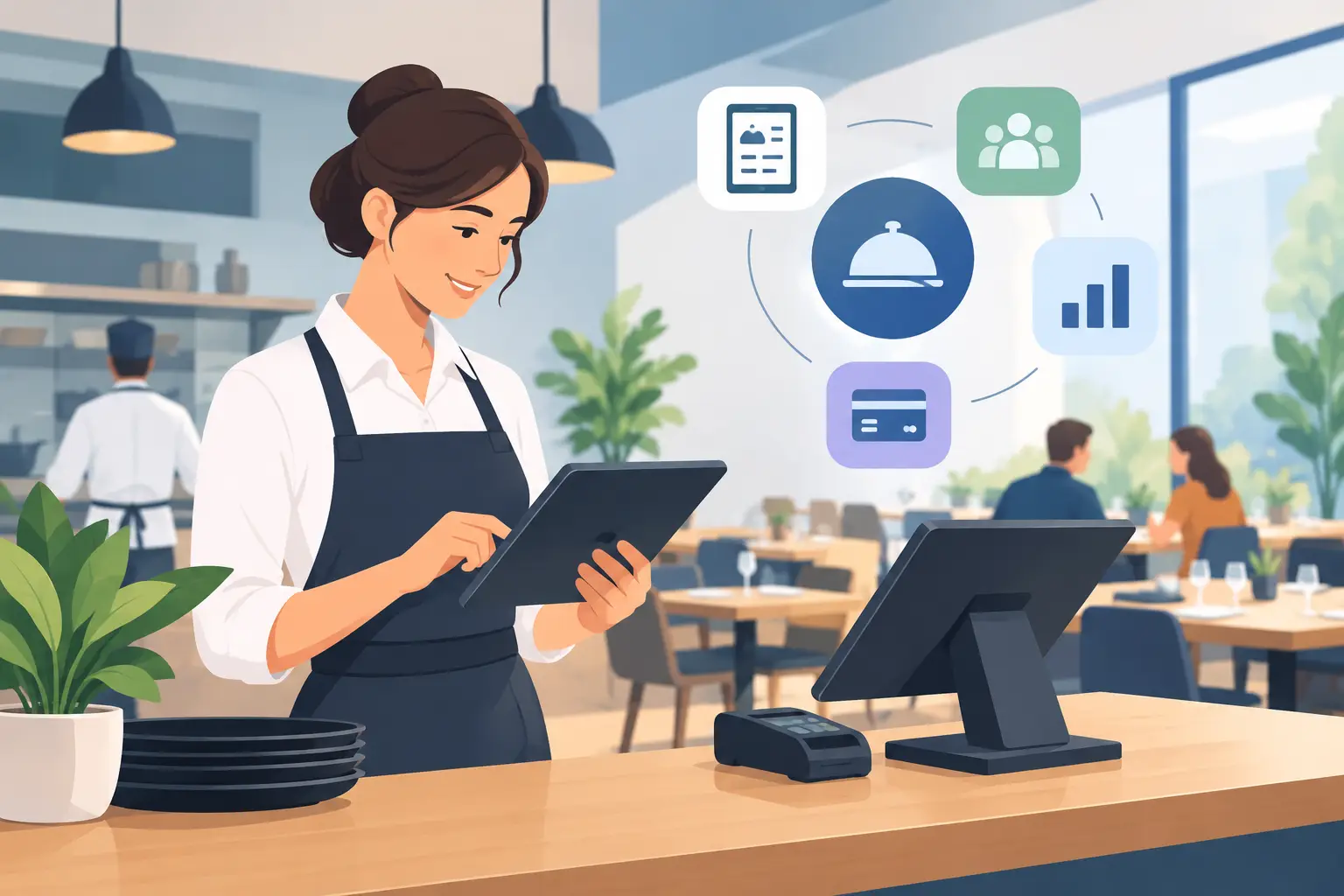
In practice, restaurant digitalization can include online menus, reservation systems, POS systems, loyalty programs, guest communication, and sales analytics. Not every establishment needs to implement everything at once. For a large restaurant with multiple dining areas and delivery, integrating several systems might be justified. For a small cafe or a seasonal beach bar, a high-quality, easy-to-maintain digital menu often brings the quickest benefits.
This is an important distinction. Technology should support how an establishment operates, not force owners and staff to change simple, functional processes.
A Digital Menu Solves a Daily Recurring Problem
A printed menu seems like a one-time expense until the first change. A new procurement price, a different portion size, a seasonal wine, a daily dessert, or a sold-out beer often means another correction. If changes are delayed due to printing, guests receive outdated information, and staff become an additional menu themselves.
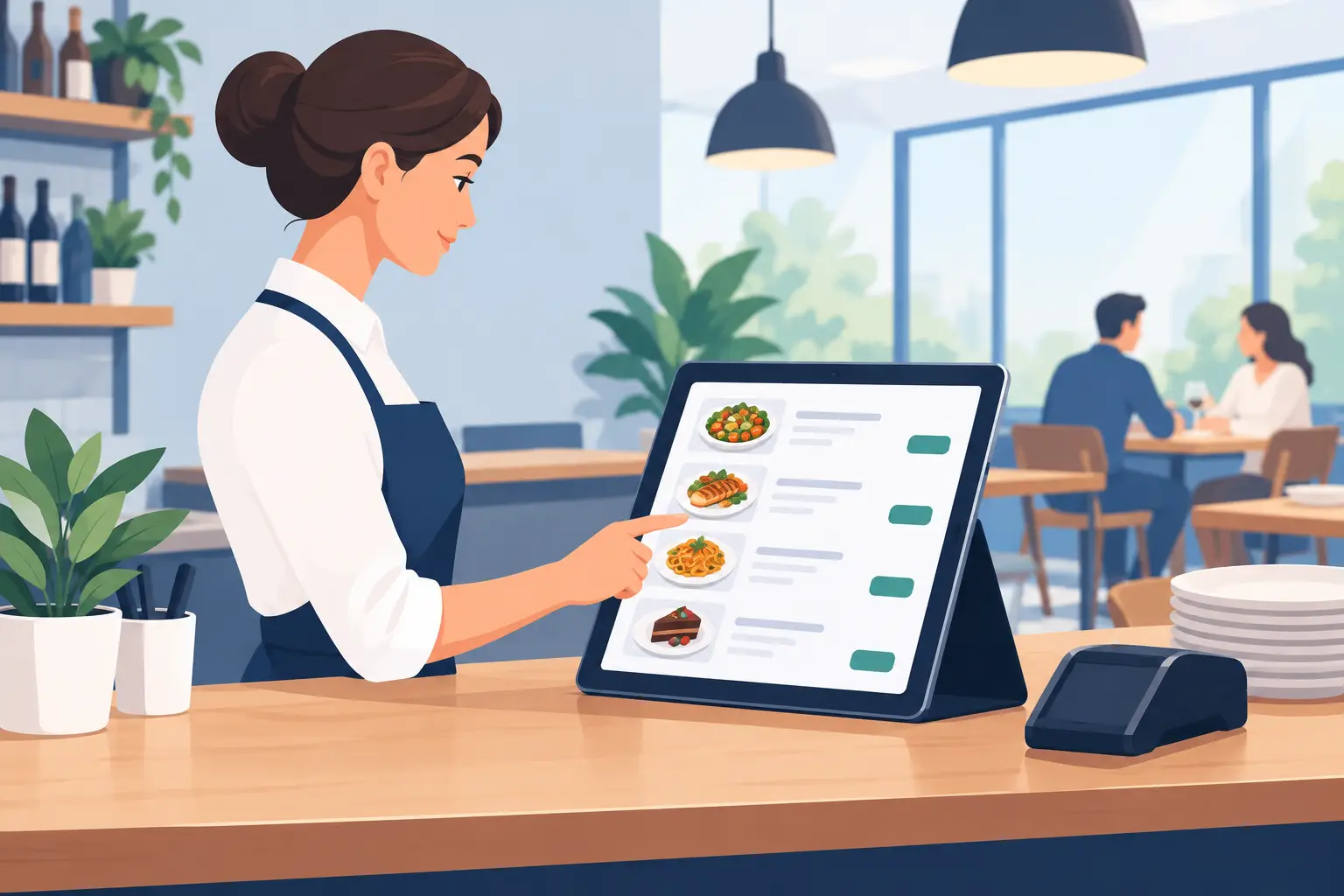
A digital menu allows prices, descriptions, photos, availability, or promotions to be changed when needed. If the kitchen runs out of an ingredient, the item can be temporarily hidden. If a cocktail offer is introduced for the weekend, it can be visible immediately. When the offering returns to standard mode, a few edits are enough, without new files for the print shop and without discarding old menus.
This flexibility is particularly valuable for establishments on the coast and in tourist locations. The season accelerates everything: higher traffic, fluctuating inventory, more languages, and more frequent promotions. A menu that can keep pace with this tempo reduces operational pressure on the team.
One Version of Information for Every Guest
An incorrect allergen description, a wrong price, or a discrepancy between what's written on the board and what the waiter says can erode guest trust. A digital format makes it easier for everyone to see the same, current version of the offering.
Good structure is as important as the technology itself. Dishes should be clearly grouped, prices easily visible, and descriptions concise and helpful. Too much text, tiny fonts, and dozens of cluttered categories can create the same problem as a poorly designed printed menu. A phone is not the place for a twenty-page PDF copy, but for a clear selection.
More Languages Without More Printed Menus
An international guest shouldn't have to choose randomly because they don't understand dish names. In tourist cities and hotels, a multilingual menu is a basic service, not an added convenience. English is often the minimum, while the offering structure might require other languages, depending on the guests the establishment most frequently serves.
However, translations shouldn't be superficial. A dish name can remain authentic, but the description should explain what the guest is getting. For example, a local specialty can retain its native name with a brief explanation of ingredients and preparation. This preserves the cuisine's identity, and the guest gains confidence when ordering.
A digital menu allows translations to be supplemented and corrected without reprinting the entire material. This is practical when a new item is introduced, a recipe is changed, or it's noticed that a certain description causes guest questions.
How to Implement a Digital Menu Without Operational Downtime
The best start isn't a major technological overhaul, but organizing the information you already have. First, check item names, prices, categories, descriptions, and available translations. If the existing menu is unclear on paper, it will be unclear on screen.
Next, decide who in the establishment is responsible for changes. In smaller venues, this is often the owner or manager. In a hotel or larger restaurant, it might be someone from marketing, an F&B manager, or the head waiter. It's important to have a clear procedure: who reports a change, who inputs it, and who verifies that the correct information is published.
After that, QR codes should be placed where guests naturally look for a menu: on the table, bar, reception, or in hotel rooms, when relevant. The code must be easily noticeable, but it shouldn't take up the entire table or look like a technical manual. A short message like "Scan for menu" is usually sufficient.
Finally, staff should know how to assist guests who don't want or can't use a phone. Digitalization doesn't mean service is shifted to the guest. The waiter still guides the experience, recommends dishes, and answers questions. It's good to have an alternative for rare situations – a tablet, a backup printed overview, or staff assistance.
Where Are the Limits of the Digital Approach?
A digital menu isn't a solution for every problem in an establishment. It won't fix slow service, poor kitchen organization, or an unclear offering. Also, a bad signal or a guest's dead battery can create an obstacle. Therefore, it makes sense to view it as a tool that facilitates information and menu management, not as a substitute for hospitality.
There are also establishments where a printed menu plays a role in the overall experience, for example, fine dining restaurants with carefully crafted identities. In these cases, a combined approach might be a better choice. The printed menu can remain part of the ambiance, while the digital version serves for current prices, wine lists, daily specials, allergens, or translations.
A good decision depends on the type of establishment, guest profile, and frequency of changes. An establishment that updates its offering once a year doesn't have the same needs as a bar that adjusts cocktails and promotions daily.
What Guests Expect from a Mobile Menu
Guests don't judge technology by how advanced it is, but by how quickly it provides them with an answer. They want to see the offering without registration, easily find a category, read the price, and understand what they are ordering. If opening takes too long, the text is tiny, or the menu requires too many clicks, the benefit quickly diminishes.
Therefore, a mobile menu should be fast, clean, and optimized for a phone screen. Photos can help when they are high-quality and don't slow down the display. Descriptions should sell the dish, but also provide key information. For drinks, it's useful to state the volume; for food, the main ingredients; and for items with potential allergens, a clear note.
A platform like menu4.me makes sense precisely when it gives the owner an easy way to manage this information without waiting, additional printing costs, and complicated technical maintenance.
How to Measure if a Change Brings Benefit
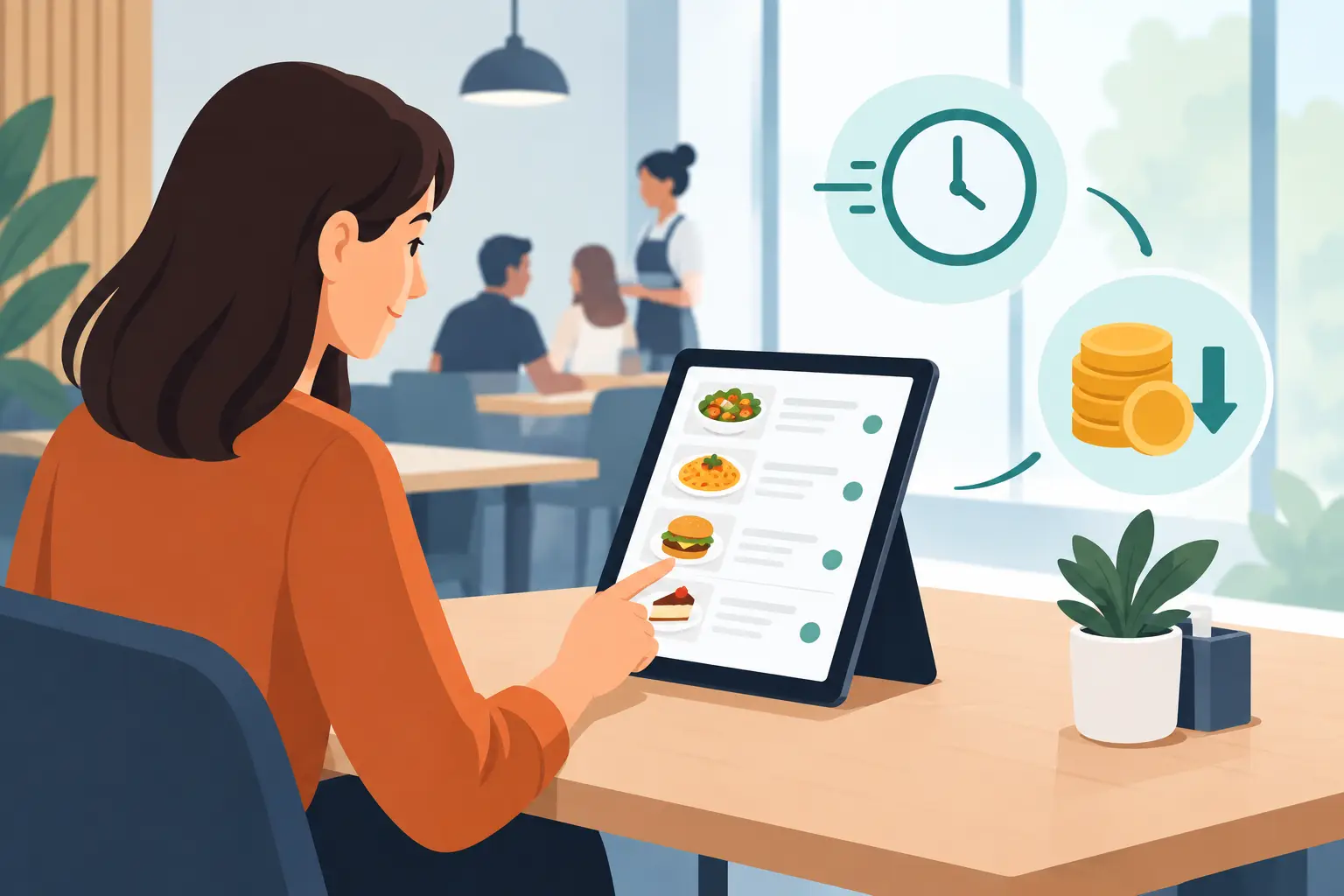
The most visible saving is reduced printing costs, but that's not the only indicator. Track how quickly you can publish a change, how many questions guests ask about prices and ingredients, and whether staff spend less time explaining unavailable items.
Also, pay attention to guest behavior. If a seasonal specialty or premium offering is better received with a good description and photo, the menu becomes an active sales channel. If the same questions repeatedly arise, it's a sign that the description, category layout, or labels are not clear enough.
Digitalization has the greatest effect when it removes small, daily bottlenecks. Start with a menu that is always accurate, readable, and accessible. This is a change the team will feel in operations, and guests will notice from the very first scan.