Digital Menu Guide for Restaurants, Cafes, Bars, Hotels
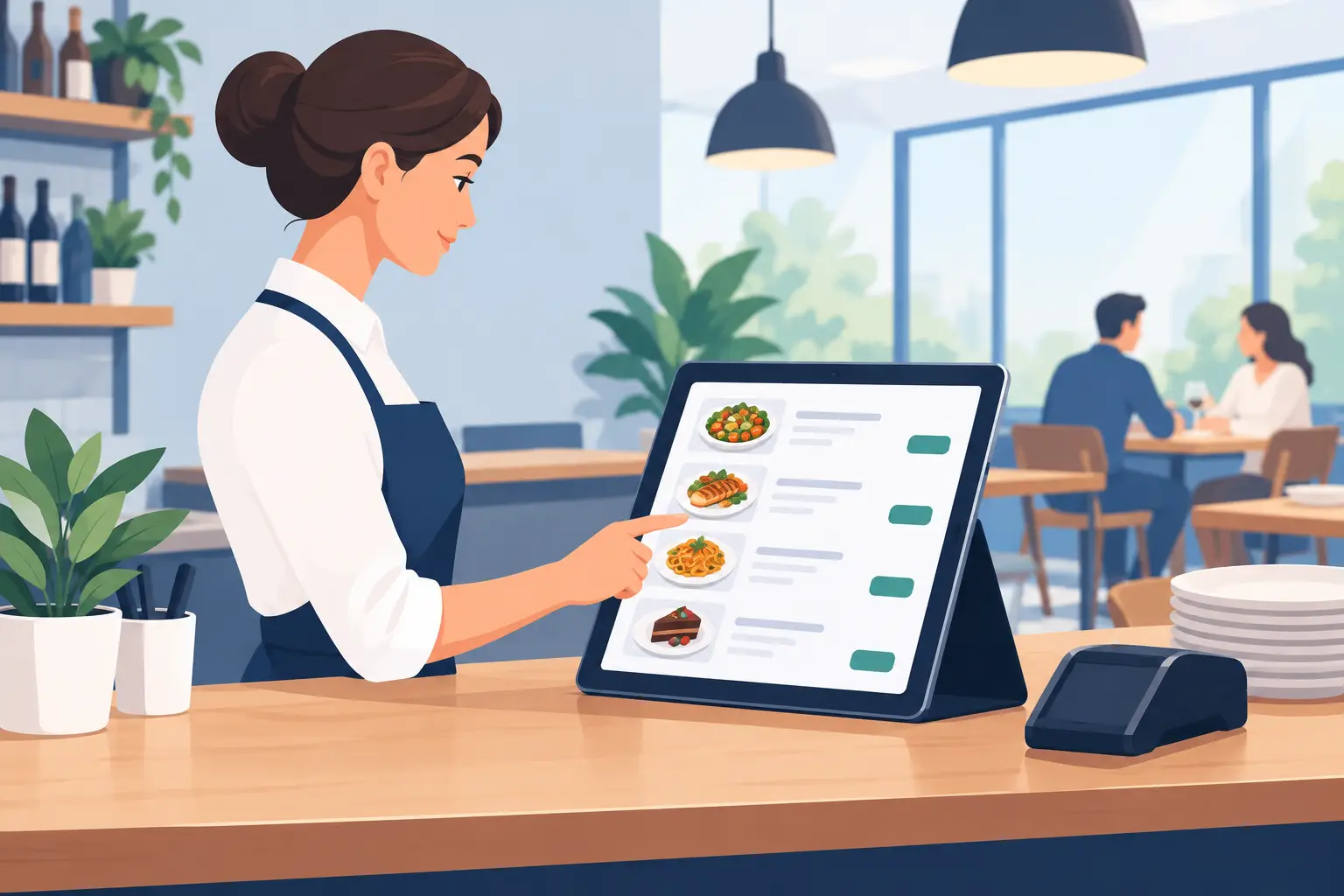
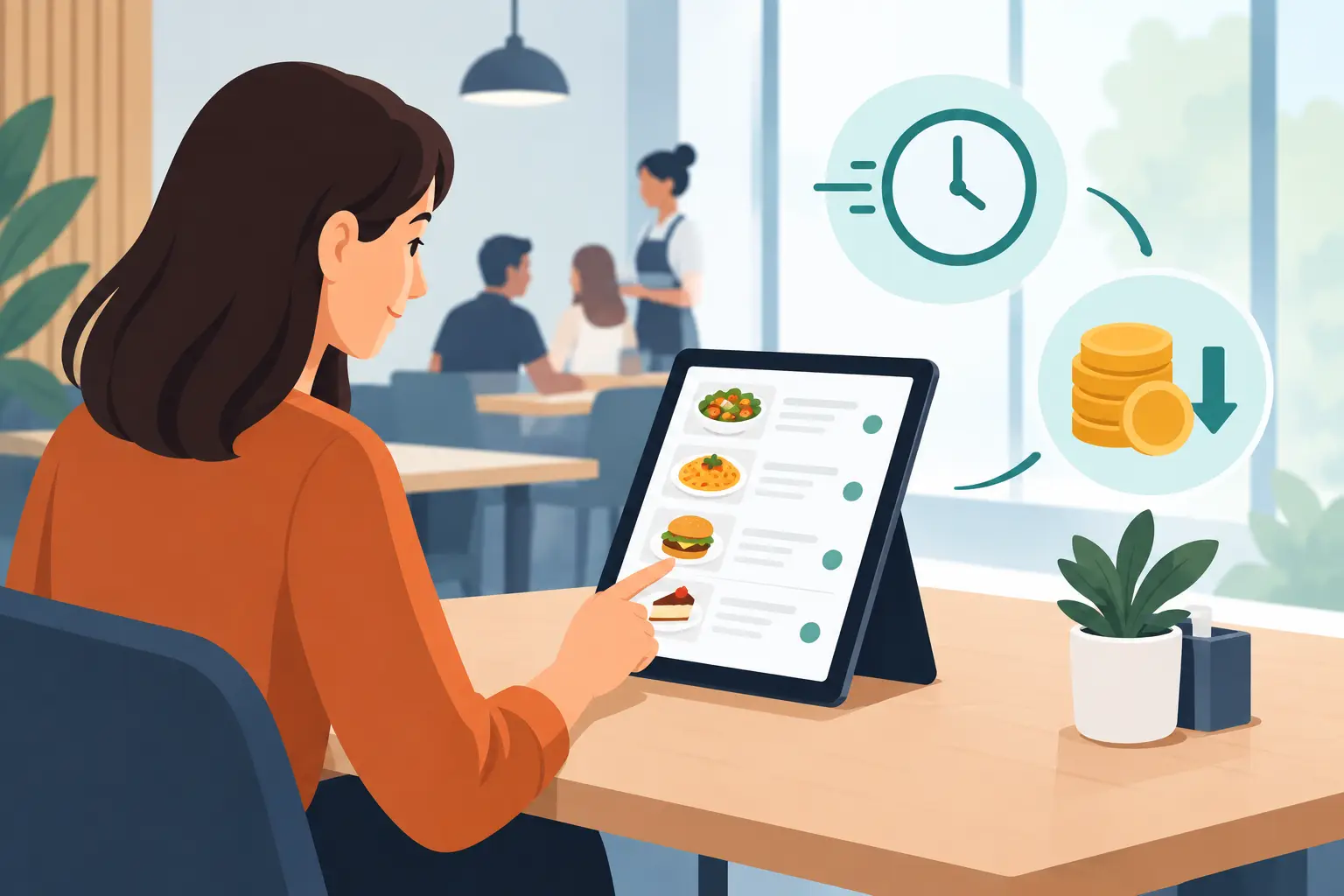
A guest is seated, the waiter is busy, and the cocktail price changed this morning. If your menu was printed a week ago, you have two bad options: the guest gets incorrect information, or you reprint everything. This digital menu guide starts right from that everyday problem – your menu must keep pace with your operation, not slow it down.
For a restaurant, cafe, bar, or hotel, a digital menu isn't just a QR code on a table. It's a channel through which guests quickly see your offerings, while your team gains control over prices, availability, descriptions, and languages. Especially in the Balkans, where seasons change pace daily, this flexibility directly impacts service and costs.
What a Digital Menu Should Solve
A good digital menu solves specific real-time operational issues. When a certain wine runs out, the item should be removed or marked as unavailable immediately. When a supplier changes a purchase price, the new price should be visible without waiting for the next print run. When a group of foreign guests arrives, the menu must be understandable without lengthy explanations from staff.
A printed menu can still have a place in establishments that want physical materials for certain guests or special occasions. However, as the sole source of information, it often becomes a limitation. Every seasonal offer, daily special, price correction, or translation creates additional costs and the risk of inconsistent versions.
The digital format doesn't solve poor organization by itself. If prices aren't checked, descriptions are inaccurate, or staff don't know who's responsible for changes, errors will persist. The difference is that they can be corrected in minutes, instead of after the next printing.
Digital Menu Guide: From Offer to Screen
Before choosing a platform, first organize your content. A digital format quickly reveals everything unclear in your existing menu: duplicate categories, inconsistently written names, incomplete descriptions, and items no longer sold. Good preparation is therefore more important than the technology itself.
Start with a Clear Structure
Guests should find what they're looking for without scrolling through an endless list. Categories should follow how people order: breakfast, appetizers, main courses, pasta, desserts, soft drinks, coffee, beer, wines, and cocktails. In a bar, the order will differ from a restaurant, and in a hotel, it's often useful to separate room service, pool, and restaurant menus.
Don't put everything on one page just because a phone can display long content. Clarity speeds up guest decisions, which also eases the burden on staff. Category names should be familiar, short, and consistent.
Write Descriptions That Aid Ordering
A dish description doesn't have to be long, but it must remove ambiguity. For risotto, it's useful to list main ingredients; for cocktails, the base alcohol and dominant flavor; and for wine, the grape variety, origin, and volume. If a portion is for two people, that should be clearly stated.
Photos can increase interest in certain dishes and drinks, especially for specialties and seasonal offers. However, a poor, dark, or inconsistent photo can leave a worse impression than no picture at all. It's better to use a few high-quality photos than an image for every item without a clear purpose.
Show Prices Without Surprises
The price must be visible next to the product, along with the unit or volume when relevant: 0.25 L, 0.5 L, 0.75 L, 30g, or per portion. For add-ons and surcharges, such as plant-based milk, extra dressing, or side dish, state the price where the guest makes their decision.
Check that prices in your digital menu align with prices at the POS, fiscal system, and other materials in your establishment. A digital menu improves communication but doesn't replace your obligations under regulations. If the price on the screen and the bill don't match, the problem isn't technical but operational – and guests notice immediately.
QR Code Must Be Easily Accessible
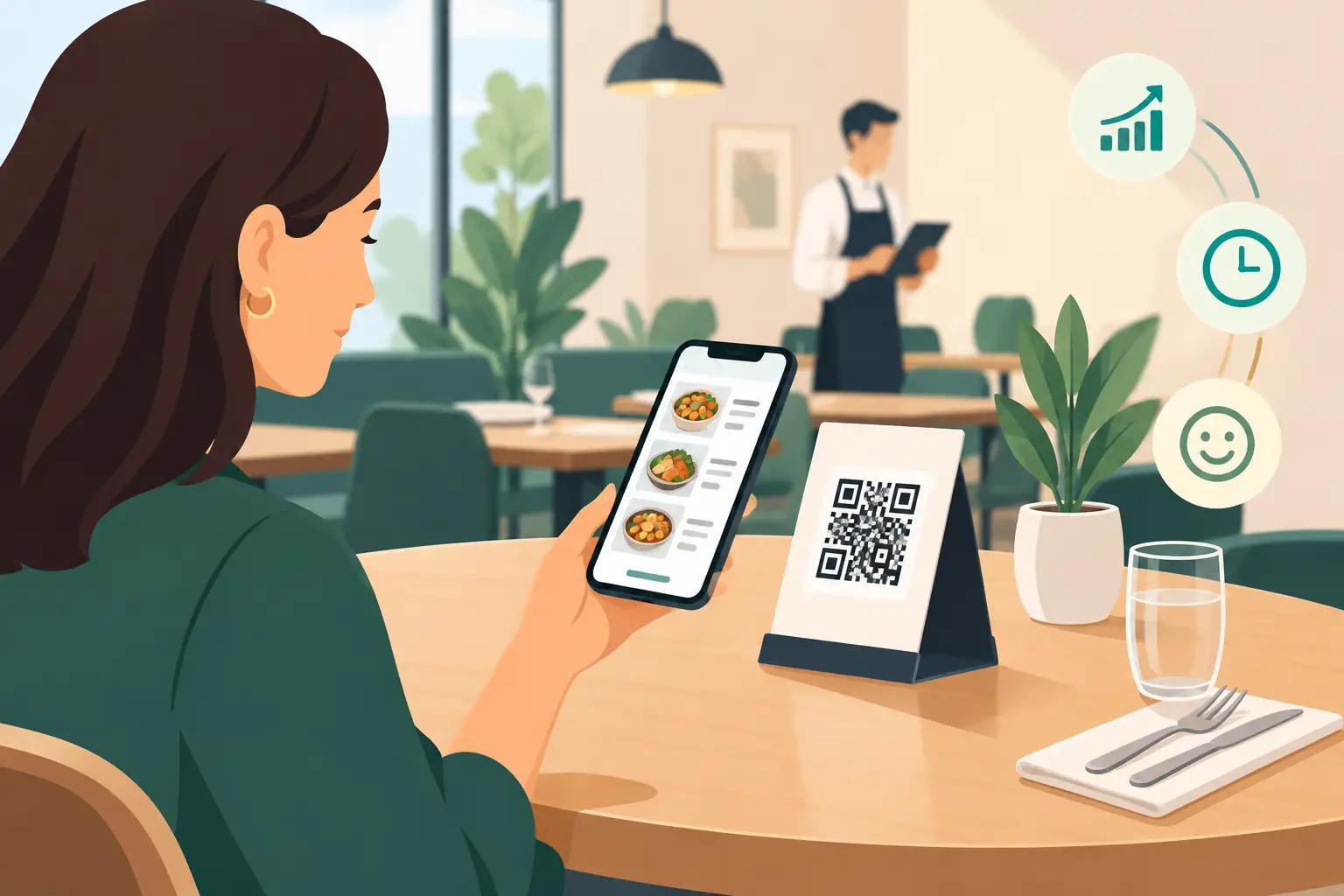
The QR code is the gateway to your menu, but its placement determines whether guests will use it. Place it on the table, on a stand, with the bill, at the bar, and at the entrance if needed. The code should be large enough, sharp, and placed on a contrasting background. A code stuck under glass, faded, or covered by decor won't help anyone.
Add a short message with the code, for example: “Scan for menu.” Guests don't need an explanation of how the technology works, but a clear next step. In establishments with many tourists, it's useful to have the message in both Serbian and English.
It's also important to have an alternative. Some guests don't want to use their phone, have a dead battery, or simply prefer a printed format. One or two neat physical menus with the waitstaff solve this situation without reverting to a large number of printed copies.
Multiple Languages Aren't Just a Seasonal Add-on
In tourist areas, menu translation impacts sales. A guest who understands ingredients, quantity, and price orders more easily, more often chooses specialties, and less frequently interrupts staff with questions. English is the primary choice, but depending on your guest demographics, German, Russian, Italian, or other languages might make sense.
Translation should not be literal. A dish name can remain local when it's part of the establishment's identity, but the description should explain what the guest gets. “Karađorđeva šnicla” has more value when a foreigner reads that it's breaded stuffed meat, with a specified side dish. The same applies to local brandies, regional cheeses, and traditional desserts.
Every language version must have the same current prices and availability. If an item is changed in Serbian, the change should reflect in other languages as well. That's why central content management is much more practical than maintaining multiple separate PDF documents.
Who Should Update the Menu?
The most common mistake is assuming everyone can change everything. In practice, designate one responsible person and a backup for when they're absent. This could be a shift manager, owner, dining room manager, or someone from marketing, depending on the size of the establishment.
Create a simple rule: the kitchen reports unavailable items, the bar reports drink changes, and the responsible person publishes the update. For larger establishments, a quick daily check before opening is useful. Five minutes of menu control can prevent an unpleasant discussion at the table and loss of guest trust.
Seasonal offers deserve a special approach. Instead of changing the basic structure daily, create separate categories for daily specials, promotions, catch of the day, or cocktail of the week. When an offer expires, remove it immediately. A menu showing something you can't serve creates disappointment, not interest.
How to Assess if Your Digital Menu is Working
Don't measure success only by the number of QR code scans. Pay attention to questions guests ask staff, the number of pricing errors, the time it takes to change an offer, and printing costs during the season. If waiters spend less time explaining basic information, they can dedicate themselves to recommendations and better service.
Also observe guest behavior. Are dishes with good descriptions ordered more frequently? Are premium drinks easier to sell when clearly presented? Do foreign guests decide faster? The answers won't be the same for every establishment, but they will show where content needs improvement.
Platforms like menu4.me make sense when a team needs a simple way to maintain a professional, mobile menu without constantly relying on design, printing, and sending new files. The best solution isn't the one with the most features, but the one staff actually use during the busiest shift.
A digital menu should be a quiet, reliable part of your service: guests open it without waiting, find accurate information, and order with more confidence. When the offer changes, your establishment should be ready before the first guest of the day sits down.