Restaurant Digital Menu Example & Benefits
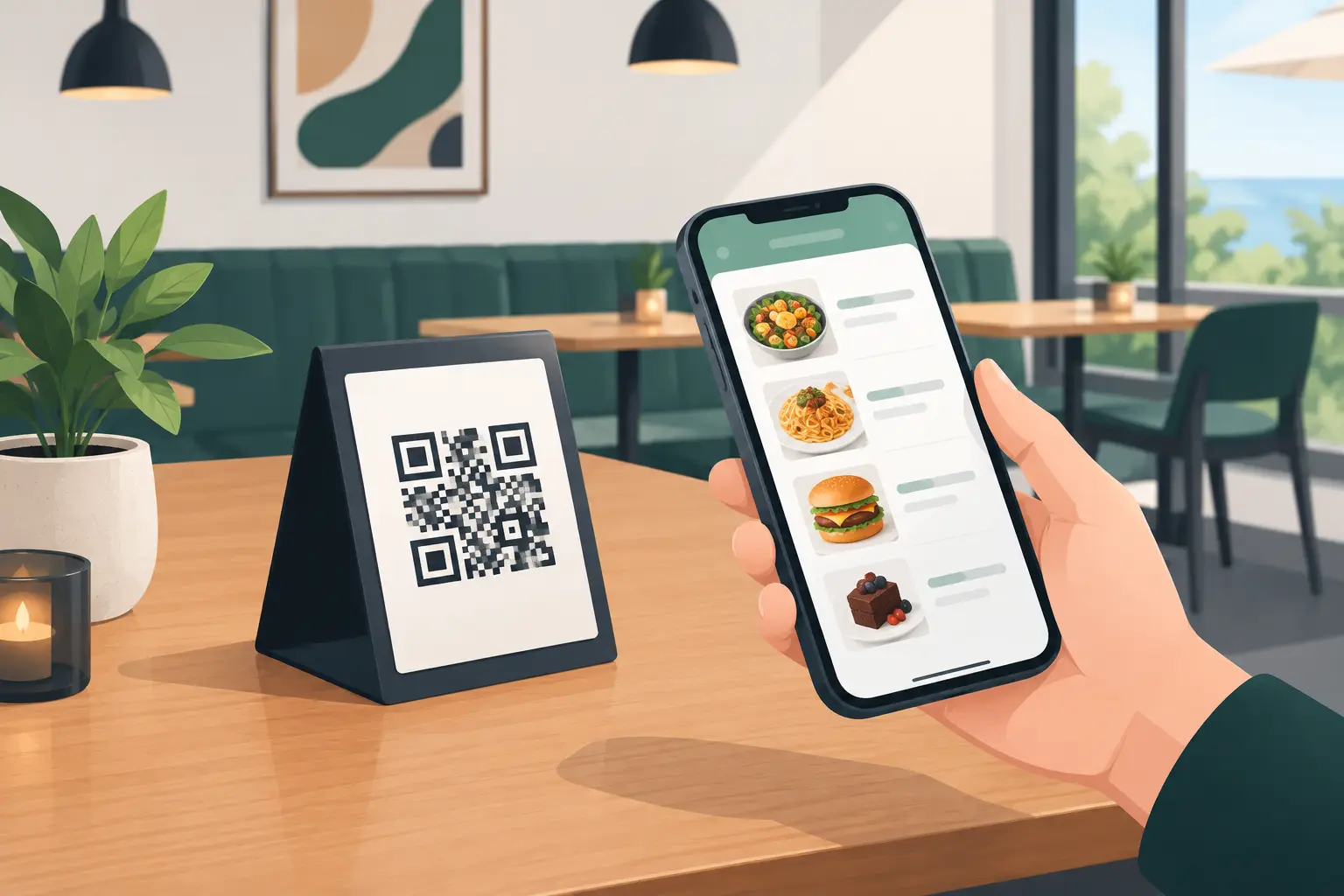
A guest sits at a patio table, scans a QR code, and within seconds sees the menu in their language. In the kitchen, the sea bass has just run out, and cocktail prices are changing due to a new excise tax. Instead of crossing out items, informing waiters, and waiting for the next print run, the manager updates the menu instantly. This is precisely what a digital restaurant menu example looks like, solving real hospitality problems, not just replacing paper with a screen.
For a restaurant, café, hotel, or beach bar, the menu is not just decoration. It is an everyday sales tool and a source of information for the guest. When it's slow to change, unclear, or available in only one language, the consequences are visible in service, costs, and the impression the venue leaves.
Digital Restaurant Menu – A Practical Example
Imagine a coastal restaurant with a seasonal menu. In June, local guests arrive; in July and August, mostly international visitors. The availability of fresh fish depends on the morning catch, and prices of certain drinks change throughout the season. A printed menu in such a business quickly becomes a problem: a single price change or an ingredient running out means some information is no longer accurate.
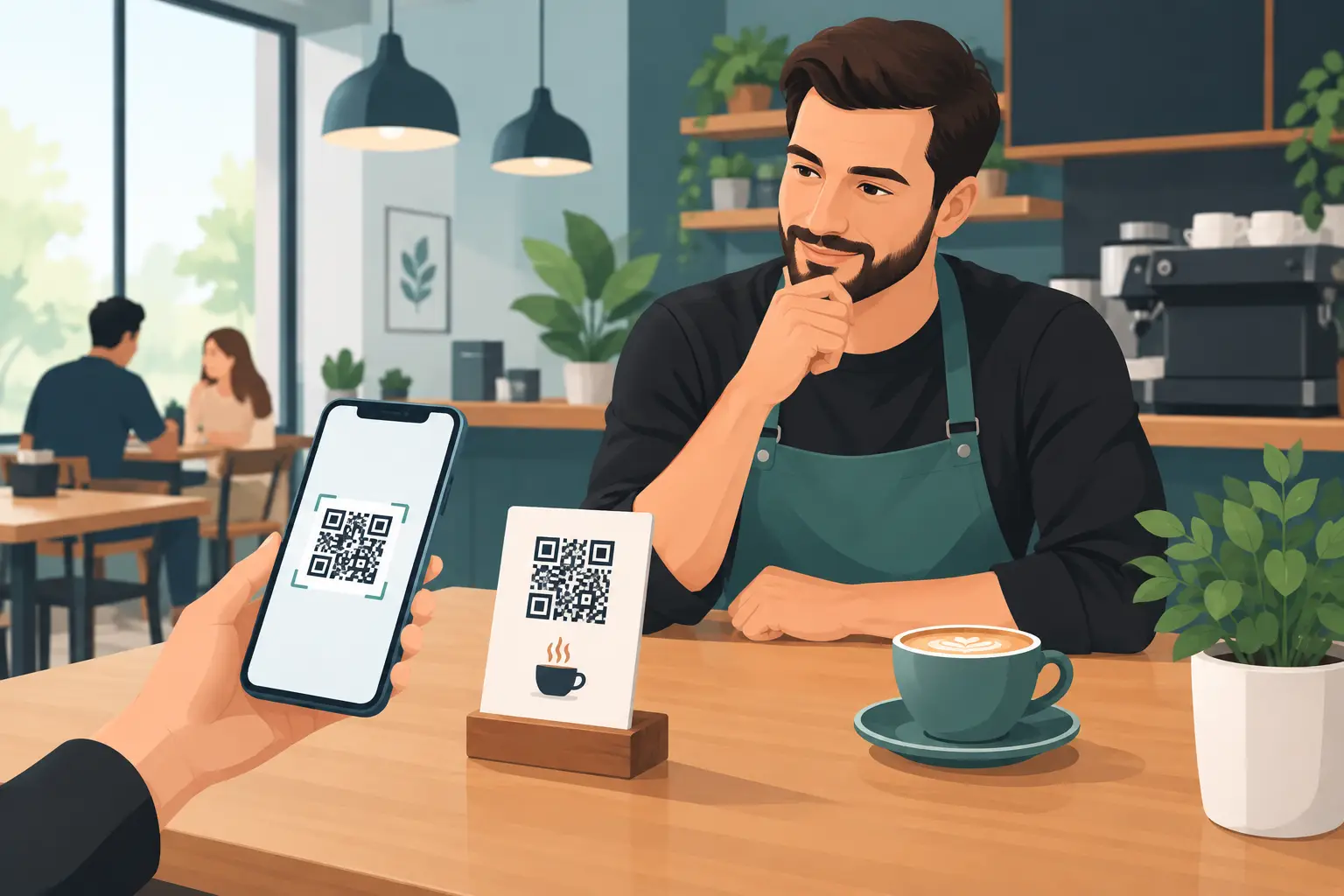
A digital menu solves this simply. Each table, bill, or entrance has a QR code. The guest scans it with their phone camera and opens the menu in a web browser, without installing an app. The owner or an authorized team member changes the content via administration when needed.
In this example, the restaurant marks sea bass as currently unavailable that morning. It doesn't delete the item permanently but temporarily hides it. Simultaneously, it adds a daily recommendation – seafood risotto – with a photo, description, and price. English and German versions automatically display the appropriate information to foreign guests. The waiter doesn't have to explain what's unavailable at every table, and the kitchen receives fewer orders it has to refuse.
This is not a substitute for good service. On the contrary, a digital menu takes repetitive questions off the staff and leaves them more time to recommend wine, explain specials, or engage more attentively with guests.
What Guests Truly Gain
The greatest value for the guest isn't the QR code itself. The value lies in getting information quickly, clearly, and when they need it. On their phone, they can zoom in on text, view photos, easily navigate between categories, and choose a language they understand.
With a well-structured menu, each dish has a clear name, a brief description, price, and relevant tags. These can include allergen information, vegetarian options, spice levels, or wine pairing recommendations. There's no need to overload every detail with text. The goal is to help the guest decide more easily, not to read a lengthy brochure.
Multiple languages are especially important in tourist areas, hotels, and venues with international guests. Translation shouldn't be literal at all costs. The name of a local specialty can remain authentic, while the description should clearly explain the ingredients and preparation method. This preserves the identity of the offering while reducing uncertainty when ordering.
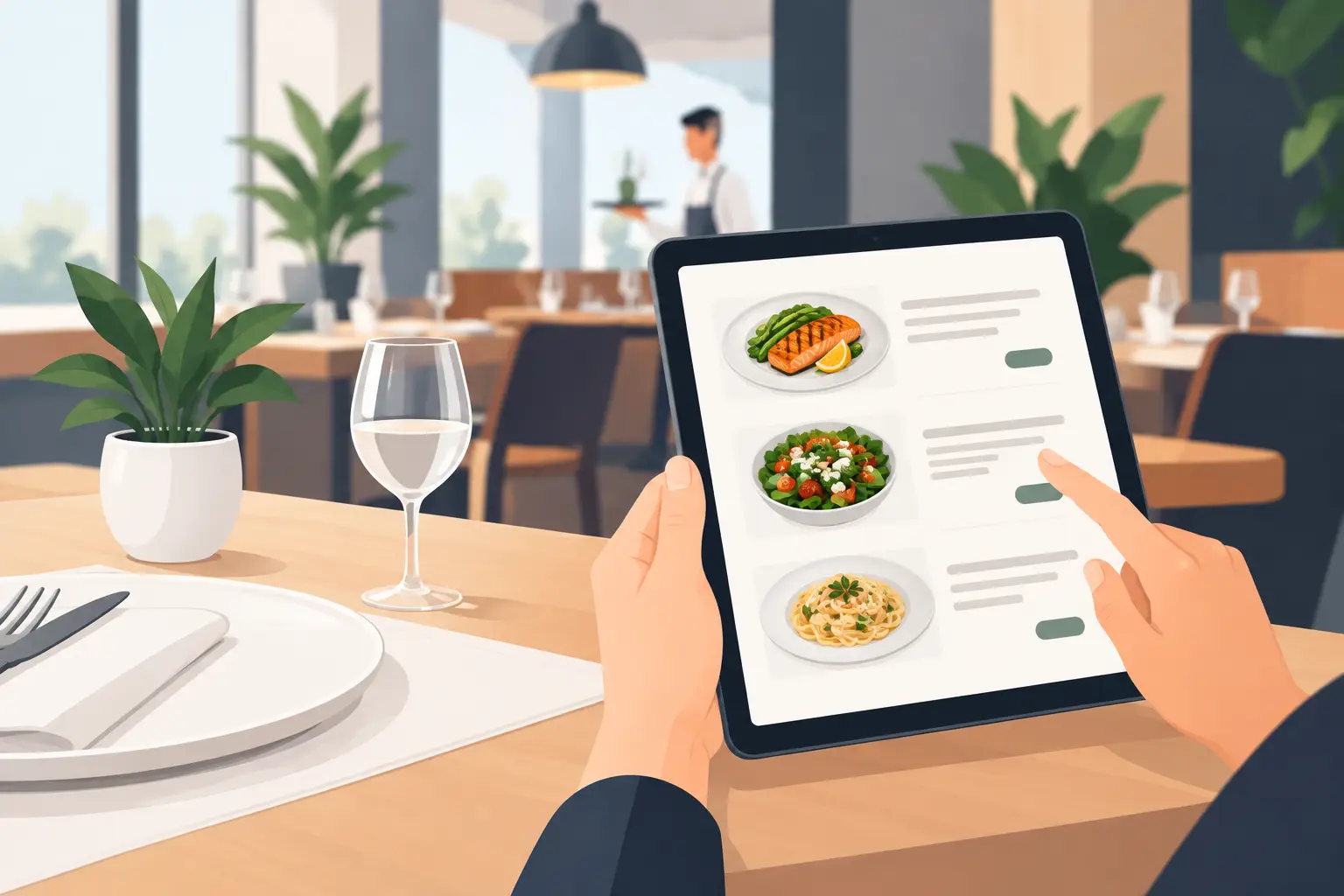
However, a digital menu doesn't mean completely ignoring guests who don't use smartphones. Older guests, families with one phone, or people with a dead battery still need easy access to help. Good practice is for staff to have access to the menu on a tablet or to have a small number of printed copies available upon request. Digitalization should expand accessibility, not create a new barrier.
Operational Benefits Seen Daily
Printing menus seems like a small expense until it adds up over a year. A new price list, a VAT change, seasonal offers, hotel breakfast, a wine list, a weekend promotion – each change involves preparation, proofreading, and a new print run. If something changes urgently, the venue often operates with crossed-out or outdated menus.
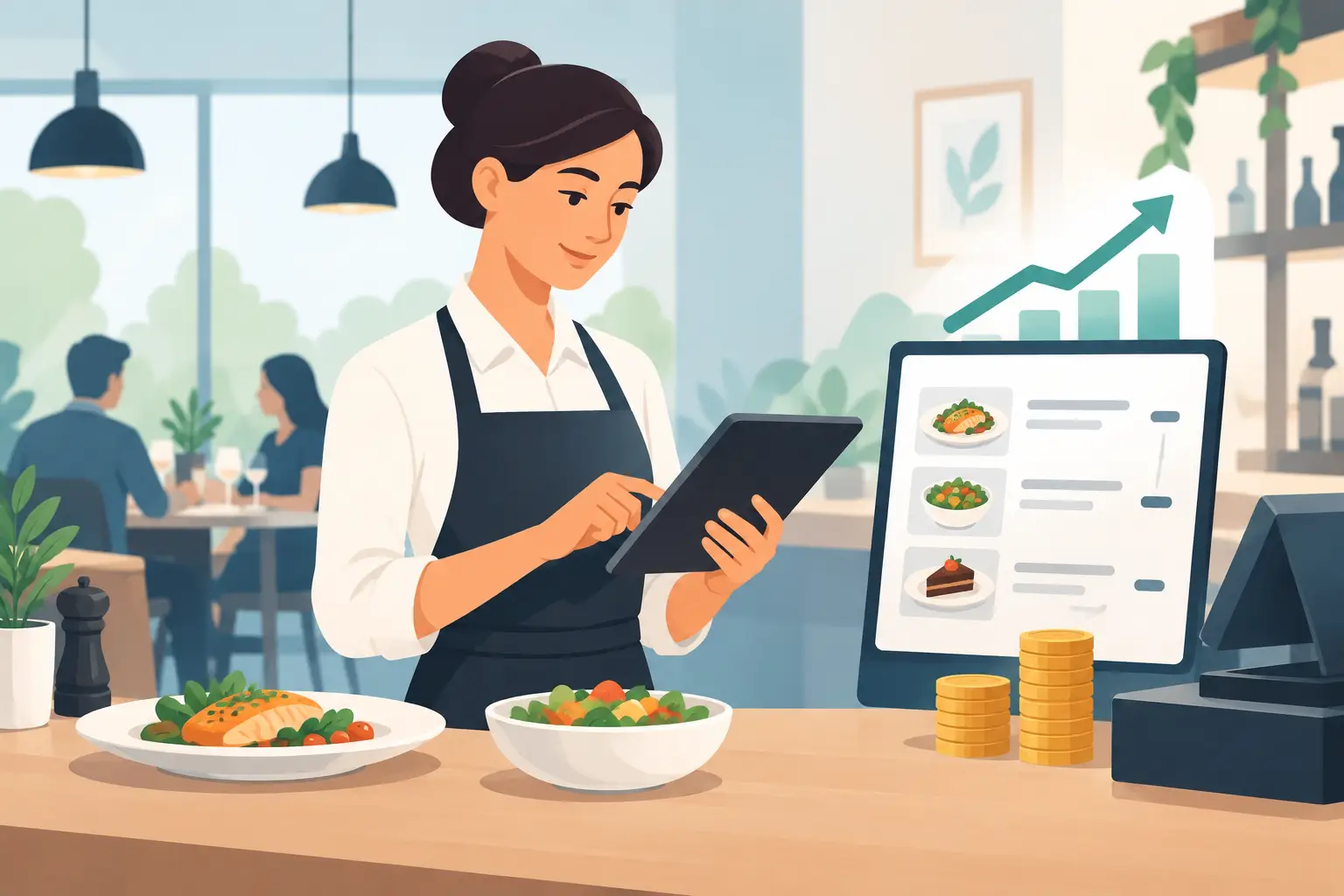
With a digital solution, the price changes once, and the new information is immediately visible to guests. The same applies to availability, descriptions, photos, and promotional offers. For establishments with multiple locations or separate daily and evening menus, this control is even more significant.
There's also an important limit: the speed of change is only useful if there's order. It's not a good idea for multiple people to randomly edit prices without agreement. The owner or manager should determine who changes the menu, who checks translations, and who approves prices before publication. A digital tool speeds up the process but doesn't replace responsibility.
For seasonal establishments, the advantage is particularly clear. The basic menu structure is prepared before opening, and daily offers are added and prices adjusted during the season. After the season, the menu can be archived or temporarily hidden, without discarding old printed materials.
How to Make Your Digital Menu Truly Sell
A bad digital menu can be just as frustrating as a bad printed one. Too-small text, blurry photos, illogical categories, and lengthy descriptions slow guests down. Therefore, the design must follow how people choose on their phone.
First, organize your offerings into clear categories: breakfast, appetizers, main courses, desserts, non-alcoholic drinks, wines, and cocktails. Category names should be understandable and consistent. If you have a small menu, there's no need for too many subcategories. If you have an extensive wine list, separate it so guests don't have to scroll through dozens of items to find water or coffee.
Photos make sense when they are professional and accurately represent the portion. A few good photos often work better than an image with every dish. For premium restaurants, a minimalist approach might better suit the concept. For a family restaurant, pizzeria, or beach bar, visual offerings can have a stronger sales effect. The solution depends on the type of venue and its guests' expectations.
Descriptions should answer what the guest most often wants to know: what's in the dish, how it's prepared, and what makes it unique. Instead of a general description like "house specialty," write "grilled chicken fillet, homemade mushroom sauce, and roasted potatoes." Clarity builds trust and makes it easier for staff to recommend an item.
Seamless Implementation
The transition doesn't have to be a major technological project. Start with your existing menu and check every item: name, price, weight, description, allergens, and translations. This is a good time to remove items that rarely sell or whose description no longer matches the actual offering.
Then, place QR codes where guests naturally see them – on the table, placemat, table display, bill, or entrance. The code must be large enough, high-contrast, and tested on various phones. If it scans slowly or leads to the wrong page, guests won't have the patience to try again.
Staff need brief, practical training. They should know how to explain menu access to guests, where to check current offerings, and who to notify when something is unavailable. Waiters shouldn't view the digital menu as competition, but as a tool that reduces errors and speeds up the initial contact at the table.
A platform like menu4.me can be particularly useful for venues needing quick entry, simple content management, and multilingual offerings without complex technical maintenance. The best solution isn't the one with the most features, but the one the team actually uses every day.
Measure Impact, Not Just Scans
The number of QR menu openings is a useful signal, but it doesn't tell the whole story. Observe practical indicators: how often prices change, how many times staff have to explain unavailable items, whether guests more frequently choose daily recommendations, and if there are fewer ordering errors.
If a certain category is rarely opened or guests constantly ask for the same explanation, the problem might not be with the technology but with the menu structure. A digital format gives you the ability to quickly test a different category order, a clearer description, or a more visible recommendation.
A good digital menu doesn't try to impress guests with complexity. It gives them accurate information at the right time, and it returns control over the offering to the restaurant. The next time you change a price, sell out of a daily special, or welcome guests from multiple countries, the difference won't be in the QR code on the table, but in how calmly and precisely the entire establishment operates.