Best QR Menu Platforms for Restaurants in 2026
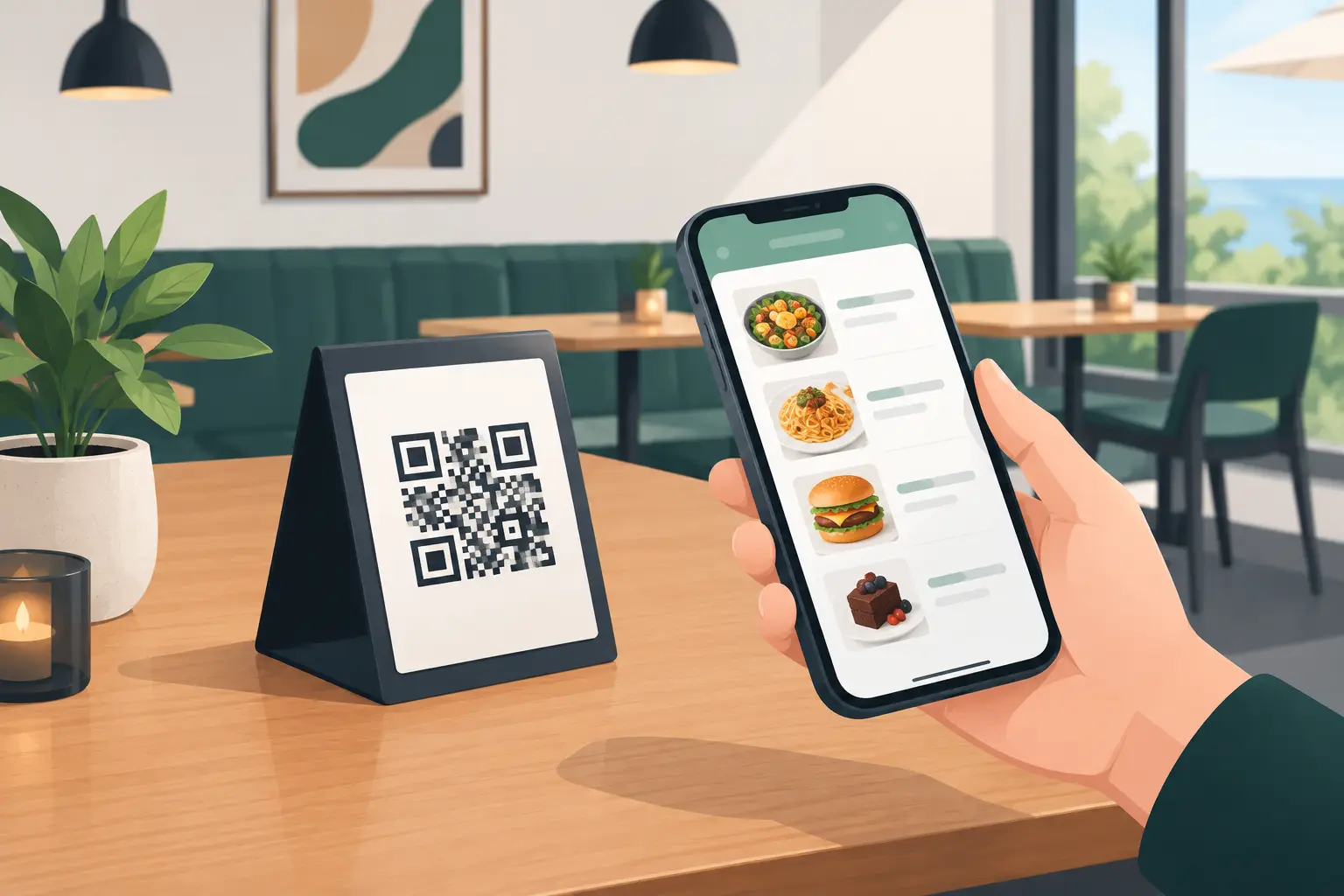
A guest sits down, scans a QR code, and within seconds sees your current offerings. If a price changed that morning, a dish sold out, or a daily special arrived, the information is already on screen. This is what differentiates the best QR menu platforms from a simple PDF file hidden behind a QR code.
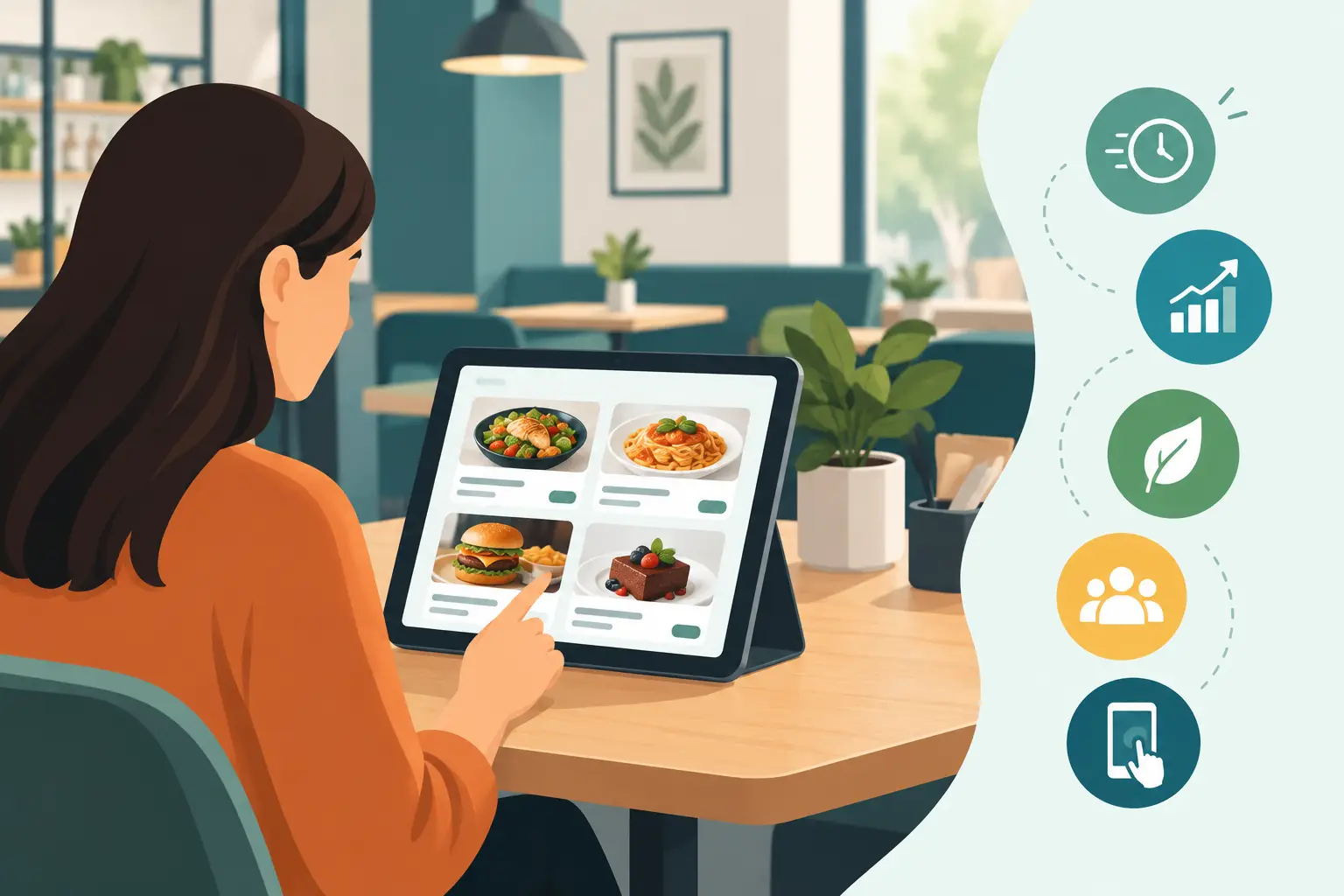
For a restaurant, cafe, bar, or hotel, a digital menu is no longer just a replacement for a printed price list. It's an operational tool that must keep pace with the venue's rhythm: seasonal changes, multiple languages, different prices across locations, and an offering that shifts throughout the day. Therefore, the choice shouldn't merely be about whether the platform generates a QR code. Almost any can do that. What's more important is what happens after the guest scans the code and how easy it is for your team to manage the content.
What the Best QR Menu Platforms Offer
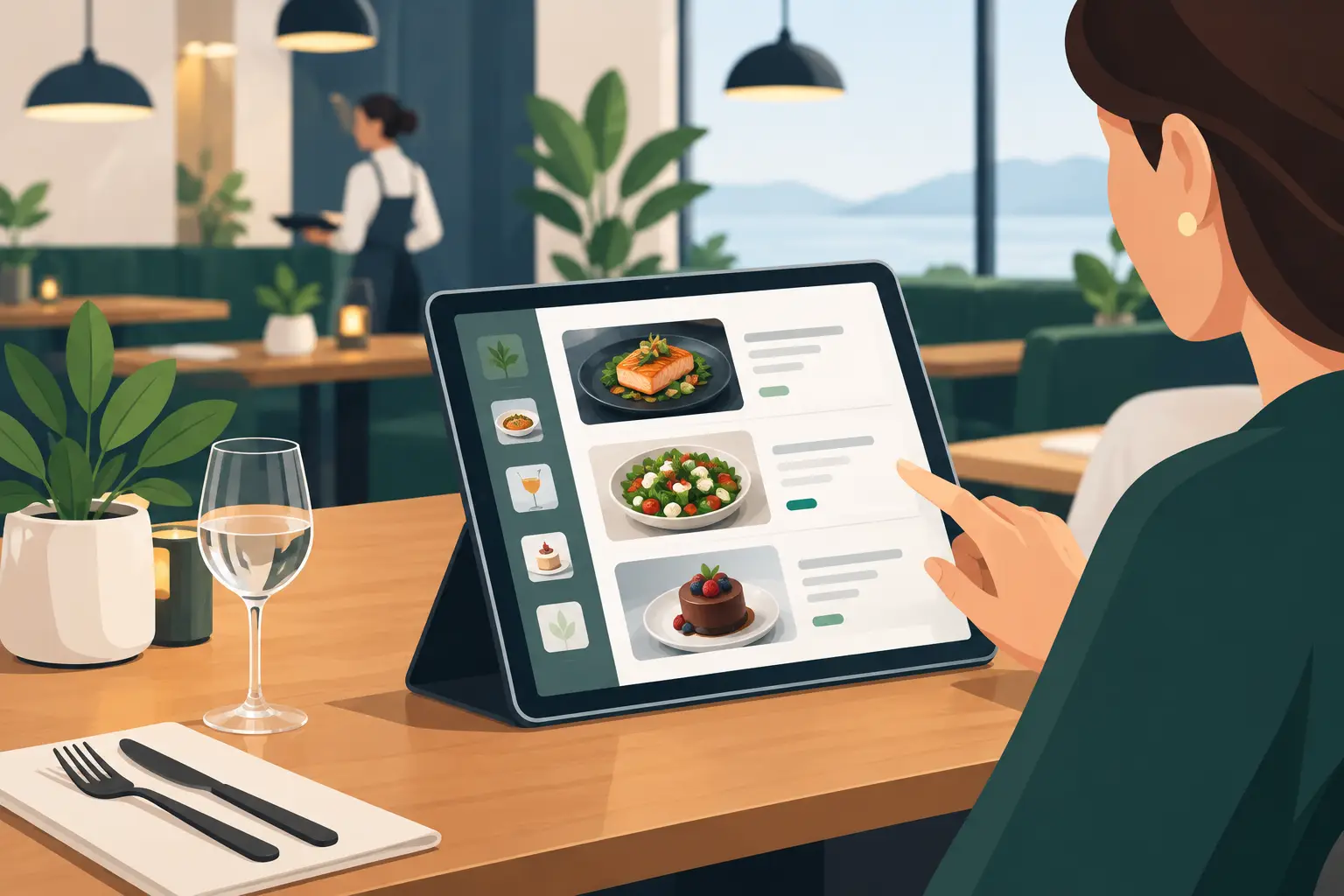
A good platform must be simple for the guest, yet fast for the person updating the menu. If a manager has to message a designer for every price correction, a digital menu simply shifts an old problem into a new format. The most practical solution allows prices, descriptions, photos, availability, or allergen tags to be changed from the administration panel and published instantly.
The first criterion is mobile display. Most guests open the menu on their phone, often in sunlight, with a weak signal, or in a hurry. Text must be readable, categories clear, and photos optimized not to slow down the page. A menu that only looks good on a large computer screen isn't a good solution for a terrace, a beach bar, or a packed restaurant during evening rush hour.
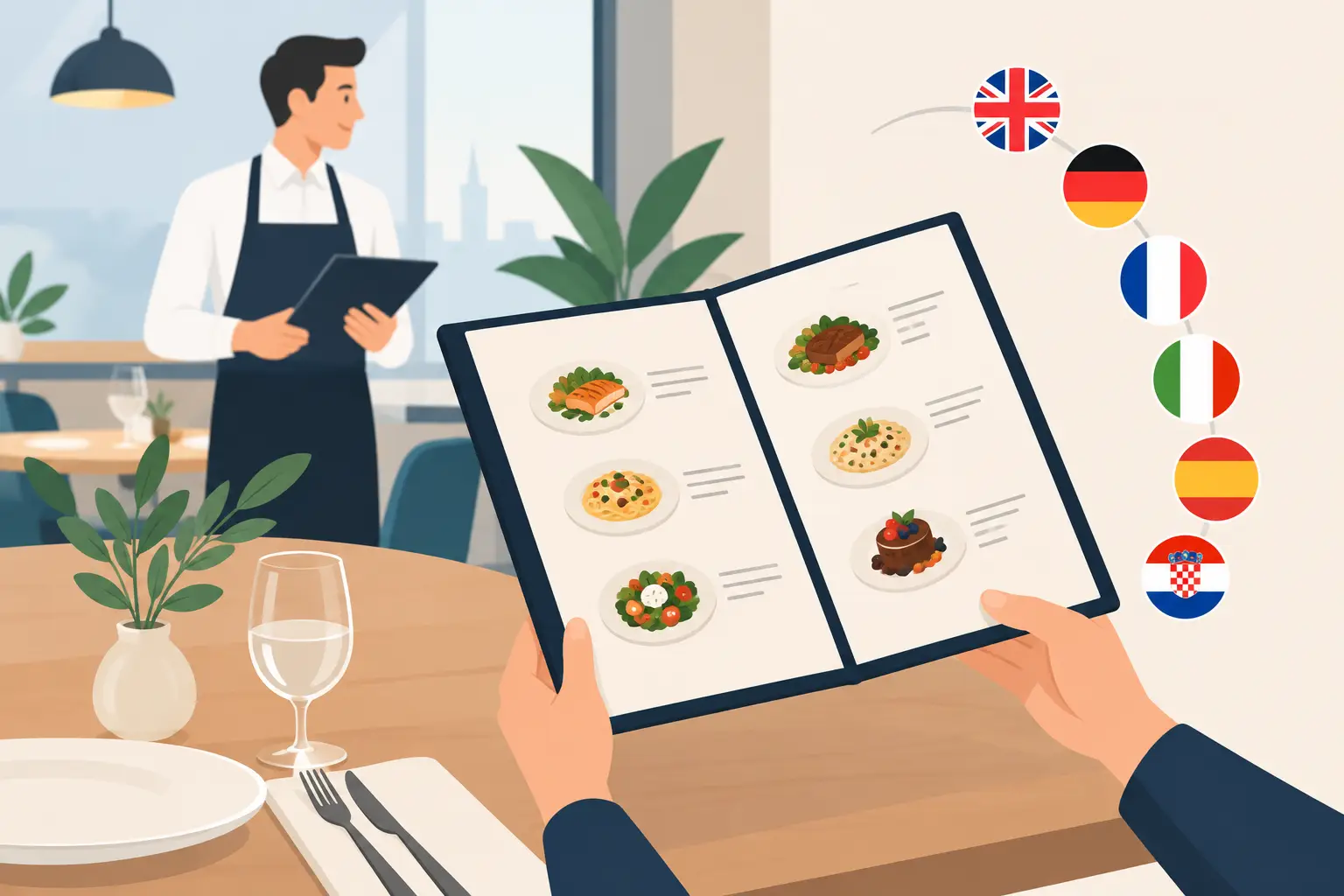
The second criterion is multilingual support. In many tourist-heavy regions, the same table often hosts both local and international guests. Translations shouldn't be an additional PDF or a separate link that staff manually explains. A good platform displays languages clearly and allows each description to be tailored to the guest reading it. This also applies to currencies, ingredient names, and labels like spicy, vegan, or gluten-free.
The third criterion is availability control. There are few situations more unpleasant than a guest choosing a dish the kitchen no longer has. The ability to temporarily hide an item or mark it as unavailable saves waiters time and reduces disappointment at the table. For seasonal venues, this function is even more crucial, as procurement and daily offerings change much more frequently than in a standard city restaurant.
Not All QR Platforms Are the Same Type of Solution
When comparing offers, it's useful to distinguish between four types of systems. Each can make sense, but they aren't designed for the same situation.
QR Code Leading to a PDF
This is the fastest and often cheapest starting point. A QR code is placed, the guest opens a PDF and sees the existing menu. For a small establishment with infrequent changes, this can be an acceptable temporary solution.
The problem arises as soon as a single item needs to be changed. The PDF must be edited, re-uploaded, and checked on a phone. On smaller screens, guests often zoom in, scroll, and manually search for categories. Photos and text can be tiny, and different languages create multiple document versions. A PDF solves access, but it doesn't solve menu management.
Generic QR Code Generators
These tools work well when the goal is simply to create a code with a link. Their advantage is simplicity, and their drawback is that they typically don't offer hospitality-specific features. You won't get category organization, availability status, structured allergens, multilingual descriptions, or a menu-optimized design.
Such a tool can be an addition to an existing website, but it's rarely a complete platform for a restaurant. If the menu content lives elsewhere, the team still has to maintain multiple systems.
Dedicated Digital Menu Platforms
This is often the best choice for establishments that prioritize speed and display quality. A dedicated platform is built for food and beverage: categories, items, prices, descriptions, photos, languages, allergens, and promotions are all in one environment.
Its value is evident in everyday details. You can hide a missing cocktail, feature breakfast until a certain time, add a house recommendation, or change a price without printing new menus. For venues with multiple tables, locations, or seasonal changes, this flexibility quickly becomes more important than the subscription price itself.
menu4.me is an example of an approach focused precisely on these needs: a digital menu tailored to a specific hospitality establishment, with an emphasis on easy updates, mobile display, and serving both local and international guests.
Platforms Integrated with Ordering and POS Systems
Some solutions go beyond menu display and enable ordering, payment, or integration with cash registers and the kitchen. This can be an excellent choice for high-volume establishments, delivery services, self-service concepts, or those with a clear need for guests to order from their phones.
However, more features also mean more complexity. It's necessary to check how the system integrates with existing POS, who trains the staff, how order errors are resolved, and whether the additional functions are truly needed. A restaurant that only wants an elegant, up-to-date menu might end up paying for and administering much more than it uses.
How to Compare Platforms Before Deciding
Instead of relying on a short demonstration, test the platform with a real-life scenario from your establishment. Create a few categories, add a dozen items, change a price, disable one item, and open the menu on several different phones. This immediately shows whether the tool is practical or just looks good in a presentation.
Pay attention to the following questions:
- Can an employee independently modify the menu without technical support?
- Do price and availability changes happen instantly, across all tables?
- Are English and other necessary languages clearly organized?
- Can a guest easily navigate from the drinks category to the food category?
- Does the platform allow you to maintain the recognizable look of your establishment?
- Does the QR code remain the same when the menu content changes?
Especially check the loading speed. On a terrace, with weak mobile internet, an overly heavy menu with large images can create a poor first impression. Photos are important for wine, cocktails, desserts, and specialties, but not every item needs a large photo. Clarity is often more useful than a slow-loading gallery.
Price Isn't Just the Monthly Subscription
The lowest initial price doesn't necessarily mean the best value. You need to factor in employee time, printing costs, delays in changes, and the cost of errors when a guest receives incorrect information. If you change your printed menu several times a year, just the avoided reprinting costs can justify a digital platform.
On the other hand, there's no need to pay for an advanced ordering system, analytics, and integrations if your only goal is a clear menu with frequent changes. The best option is one whose feature set aligns with how your establishment actually operates.
For a hotel with guests from multiple countries, languages and consistent display of offerings are priorities. For a cocktail bar, visual identity, daily specials, and quickly changing drink lists might be important. For a restaurant with daily specials, item availability is crucial. For a beach club, loading speed, readability in sunlight, and easy switching between food, drinks, and service packages are priorities.
Mistakes That Ruin the Guest Experience
A digital menu should not be a barrier between the guest and their order. The most common mistake is placing only one code somewhere on the wall, without a clear explanation. The code should be visible on the table, bill, or table stand, and the message short: scan for menu.
Another mistake is outdated content. A digital menu promises current information, so any error in price or availability leaves a worse impression than the same error on paper. Designate one or two responsible persons and implement a simple checking routine, especially before the start of a shift and during peak season.
The third mistake is completely eliminating staff assistance. A digital menu speeds up service, but it doesn't replace a waiter's recommendation, answering a question about ingredients, or hospitality. Older guests and people without battery or internet should still be offered an alternative, even if it's just a short printed menu upon request.
A good digital menu works quietly in the background: the guest opens it without thinking, finds what they want, and gets accurate information. When a platform allows you to maintain this without calls, waiting, and new printed copies, it becomes part of better service, not just another digital task for the team.