How to Reduce Restaurant Menu Printing Costs
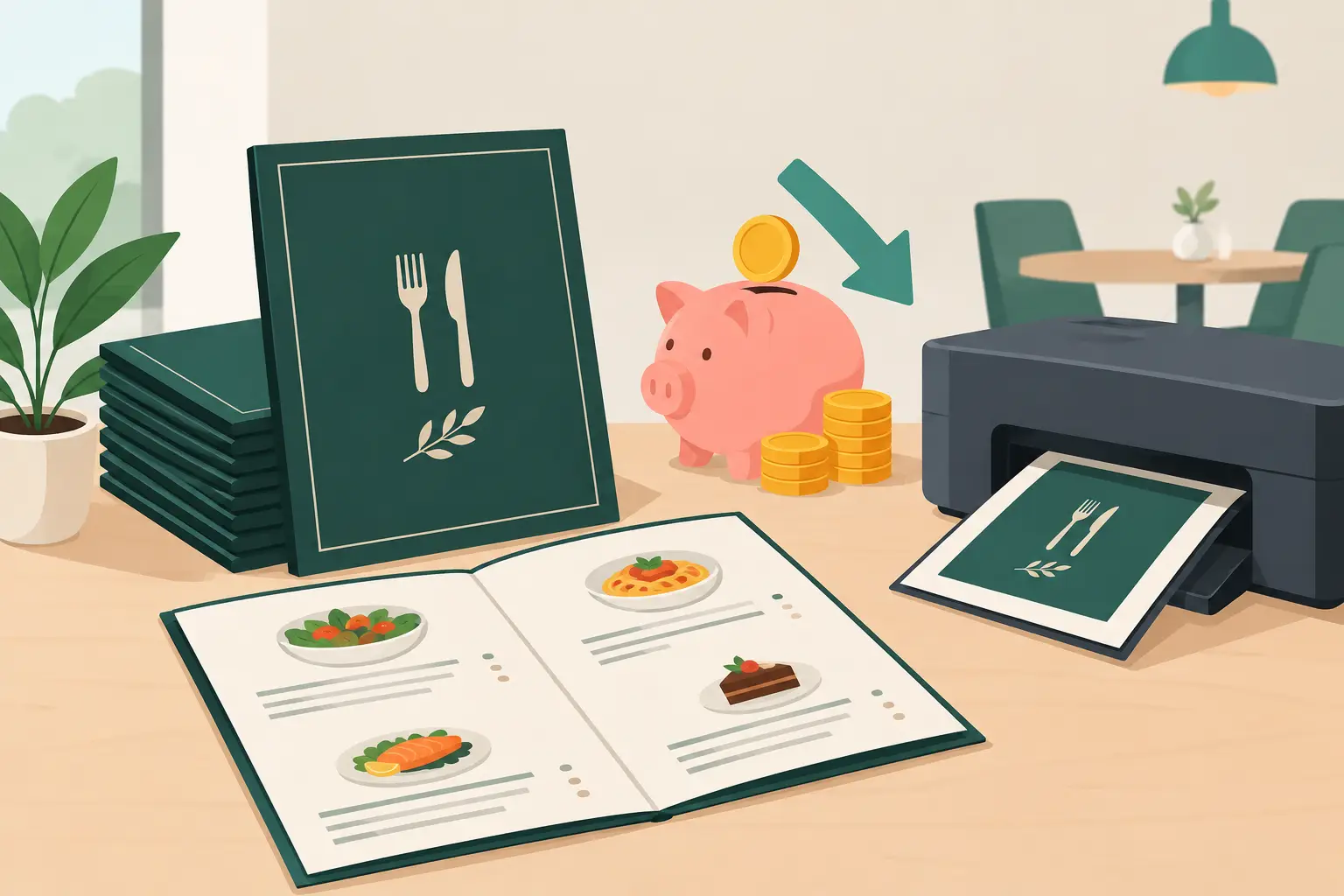
The cost of a single printed menu is rarely a problem in itself. The problem arises when you have to change it ten, fifty, or two hundred times a year. If you're wondering how to reduce restaurant menu printing costs, don't just look at the price of paper and printing. The calculation includes price changes, seasonal offers, corrections, translations, damaged copies, and the time your team spends checking everything.
For restaurants, cafes, bars, and hotels in Serbia, especially in tourist locations, the menu is a constantly changing document. Procurement prices fluctuate, certain dishes are unavailable, daily specials come and go, and foreign guests expect information in a language they understand. Therefore, the best savings don't necessarily come from cheaper printing, but from fewer reasons to reprint.
First, Calculate the True Cost of a Printed Menu
Many establishments reduce the cost to the price of a single copy. This gives a misleading picture. If you have 40 tables, several zones in the venue, a terrace, and spare copies, the initial quantity quickly adds up. Add lamination, covers, design, corrections, delivery, and replacement of damaged menus – and the initial order is just the first part of the cost.
Even more expensive is reprinting due to a single change. When coffee prices rise, grammage changes, a specific wine becomes unavailable, or you introduce a seasonal cocktail, you have a choice: give guests an outdated menu or initiate another print run. In both cases, you lose. Outdated information creates uncomfortable conversations with guests, while reprinting burdens the budget.
Therefore, keep a simple record for three months: how many times you changed the menu, why, how many copies were replaced, and how much was spent in total. When even small reprints are added up, it often turns out that the cost is higher than initially assumed.
How to Reduce Menu Printing Costs Without Compromising Impression
A complete switch to a digital menu isn't the only option, but for many establishments, it's the fastest way to break the cycle of constant corrections. However, there are also practical measures you can implement immediately.
Separate Permanent from Variable Offers
If you keep printed menus, don't put information that changes weekly on the same material as content that remains the same for months. You can print your basic food offerings, house rules, or venue story less frequently. Daily specials, promotional prices, wines by the glass, and seasonal dishes are better displayed on a board, an easily changeable insert, or digitally.
This model reduces the volume of reprints but has a limit. If both prices and availability of a large part of the offer change regularly, even a modular printed menu becomes an administrative burden. In such cases, it's better to change the content management method, not just the paper format.
Reduce the Number of Versions You Maintain
One menu for the dining room, another for the garden, a third for delivery, a fourth in English, and a fifth for hotel guests sounds organized until a change occurs. Then there's a high chance that one version remains inconsistent. The guest sees one price, the waiter another, and the POS system a third.
Standardize names, descriptions, allergens, and prices in a single central content version. Even when using print, it should originate from the same data source. This reduces errors that later cost more than the design itself.
Don't Choose the Cheapest Paper at All Costs
Cheap paper can reduce the cost of the initial order, but it easily gets dirty, wrinkled, and torn. In a cafe or restaurant, a menu passes through many hands, exposed to water, oil, and sun. If you replace it every two weeks because it looks untidy, the initial savings don't mean much.
For stable printed content, a higher quality material can be a reasonable choice. For frequently changing content, paper durability doesn't solve the fundamental problem. You need update flexibility.
Plan Changes, But Don't Delay Necessary Corrections
Grouping smaller changes can reduce the number of trips to the print shop. For example, you can plan regular changes once a month instead of updating the menu for every little thing. This makes sense when changes aren't urgent and don't affect price or availability.
However, it's not good to wait to change a price or mark an item as unavailable. The savings on reprinting can then create a greater cost through complaints, wrong expectations, and reduced guest trust. A good system differentiates between changes that can wait and those that must be visible immediately.
A Digital Menu Changes the Cost Model
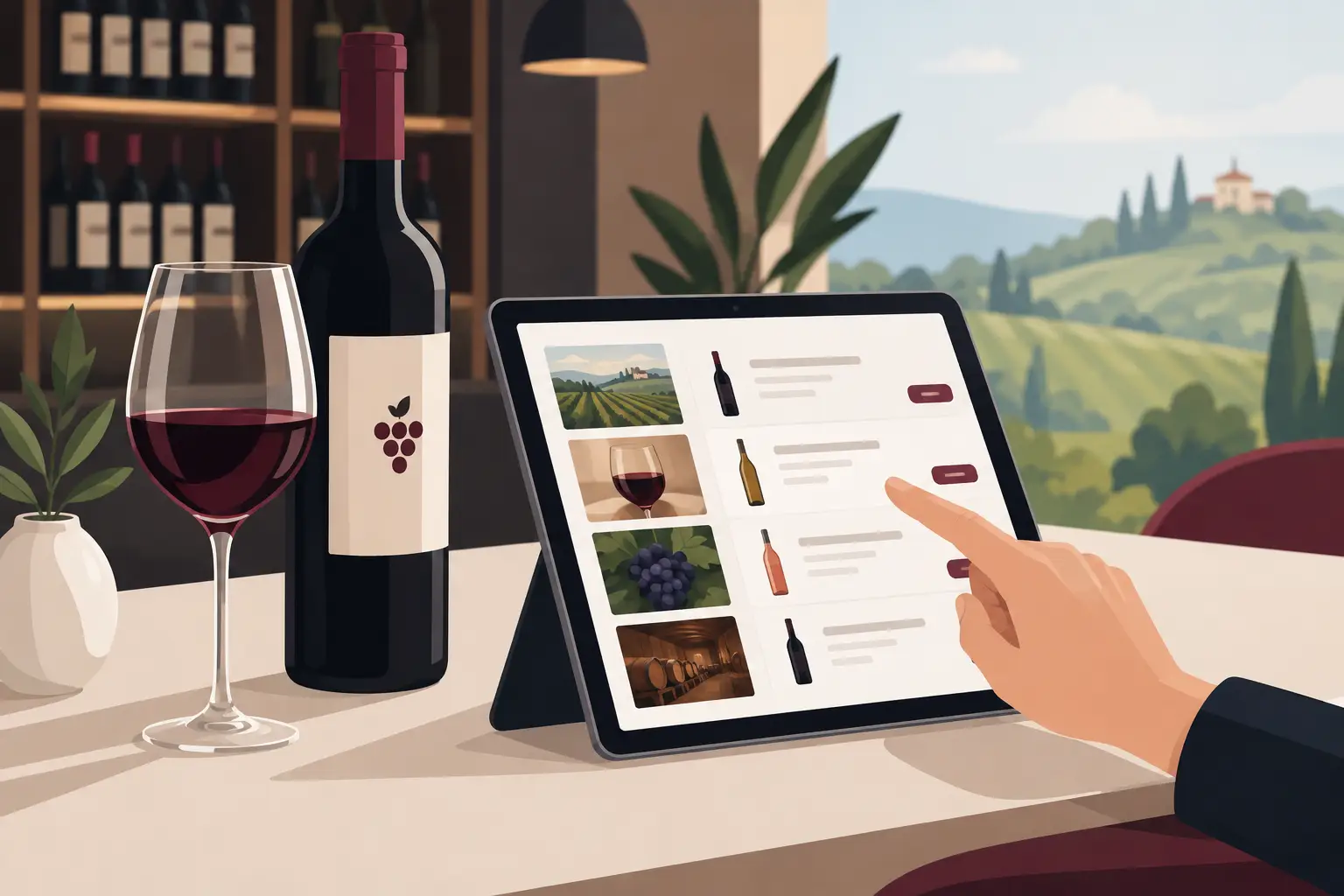
A QR digital menu doesn't just eliminate paper. It eliminates the delay between deciding to change something and the moment the guest sees the new information. When a price changes, a dish sells out, or you want to highlight breakfast, a cocktail of the day, or a tasting menu, you update the content in one place.
This is especially useful for establishments with a seasonal rhythm. A restaurant on the coast might have completely different dynamics in July than in April. A hotel can have offerings for breakfast, lunch, room service, and the pool. A bar can change cocktails according to events. A printed menu for every situation means more versions and more waste. A digital menu allows the active offer to reflect the actual situation in the establishment.
The advantage isn't just financial. Guests receive clearer information, and staff have to explain fewer times that a menu item is currently unavailable. When description, price, and availability are aligned, service is faster and more reliable.
Multiple Languages Without Multiple Printing
For tourist establishments, multilingualism is often a necessity, not an add-on. Printed menus in Serbian, English, German, or other languages increase the text volume, page count, and risk of translation errors. If you later change a price or description, you need to update every language version.
A digital menu facilitates managing different languages from the same base. Guests can open the version that suits them, while the establishment doesn't have to keep multiple sets of physical menus on tables. It's important that translations are short, accurate, and adapted to gastronomy – automatic translation without verification can do more harm than good.
Less Waste, Less Visual Clutter
Old menus, incorrectly printed inserts, and worn covers are not just a cost. They take up space, create waste, and often give an impression of improvisation. Digital display allows for a cleaner table and a more consistent presentation of the offer, while a QR code can be discreetly placed on the table, bill, or counter.
However, guest habits should not be ignored. A part of the audience, especially in more formal restaurants or among older guests, still prefers a physical menu. A practical solution can be a hybrid: a digital menu as the main, up-to-date source of the offer, with a few neat printed copies available on request. This way, you don't deny the guest a choice, but you also don't maintain dozens of expensive copies.
Implement a Process, Not Just a New Format
A digital menu brings savings only when there is clear responsibility for the content. Determine who can change prices, who checks translations, who updates availability, and who approves promotions. Without this, a digital menu can quickly become as outdated as a printed one.
A good process is simple: before the shift starts, daily availability is checked, every price change is entered immediately upon decision, and descriptions, photos, and language versions are reviewed once a week. There's no need for complicated procedures, but there must be a task owner.
A platform like menu4.me allows restaurateurs to update their menu without waiting for the print shop and without changing every physical copy. This is especially practical when the offer changes frequently, when you operate seasonally, or when you display content to guests in multiple languages.
Measure Savings Even After the Transition
Don't evaluate the result solely by no longer ordering menus. Compare the annual cost of printing and design with the cost of a digital solution, but also track operational indicators: number of changes, time required to publish a change, number of staff questions about unavailable items, and number of pricing errors.
The greatest benefit is often seen on days when you need to react quickly. When an ingredient for a popular dish runs out or a wine price changes, accurate information can be with the guest in minutes, instead of days. Then the menu stops being a cost that constantly lags behind operations and becomes a tool that keeps pace with your establishment's rhythm.