QR menu or tablet menu: what's better for your restaurant?
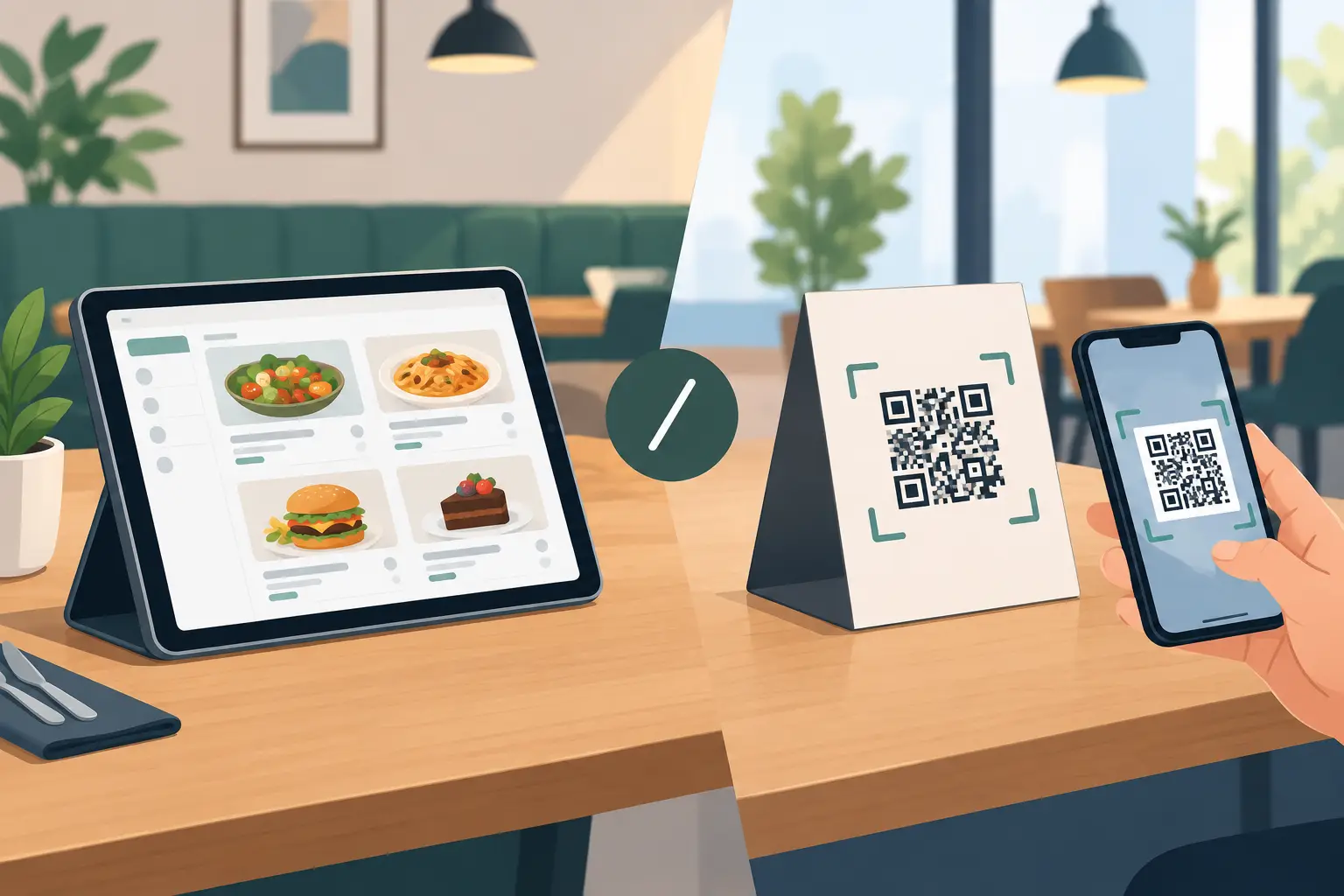
A guest is seated, the waiter is busy, and the menu needs to be available immediately—without waiting or worn-out pages with old prices. That's why the question of a tablet menu or QR code isn't just a choice between two modern formats. It's a decision about cost, service speed, maintenance, and how your establishment communicates with guests.
For most restaurants, cafes, bars, and hotels in the Balkans, a QR code is a more practical starting point. However, tablets make sense in certain types of venues. The right solution depends on your turnover, guest profile, number of tables, and how often you change your offerings.
Tablet menu vs. QR code: the fundamental difference
A QR code directs a guest to a digital menu via their phone. The code can be on the table, bill, stand, or sticker, and the menu opens in a browser within seconds. There's no app installation, no device sharing, and no waiting for staff to bring a printed menu.
A tablet menu involves a device that the establishment places on the table, bar, or entrance. Guests browse the offerings on a screen provided by the venue. This can appear premium, especially when the tablet displays photos, recommendations, or allows direct ordering. But this approach requires more equipment, charging, cleaning, and control.
Both solutions can use the same digital menu backend. The key difference is whose device the guest uses and who is responsible for ensuring that device always works.
When a tablet menu has an advantage
A tablet can be a good choice for a hotel, a higher-category restaurant, a beach club with cabanas, or a venue with a clear table service concept. A larger screen offers more space for food photos, wine lists, cocktails, and detailed descriptions. Guests who prefer not to use their phones can browse the offerings without additional steps.
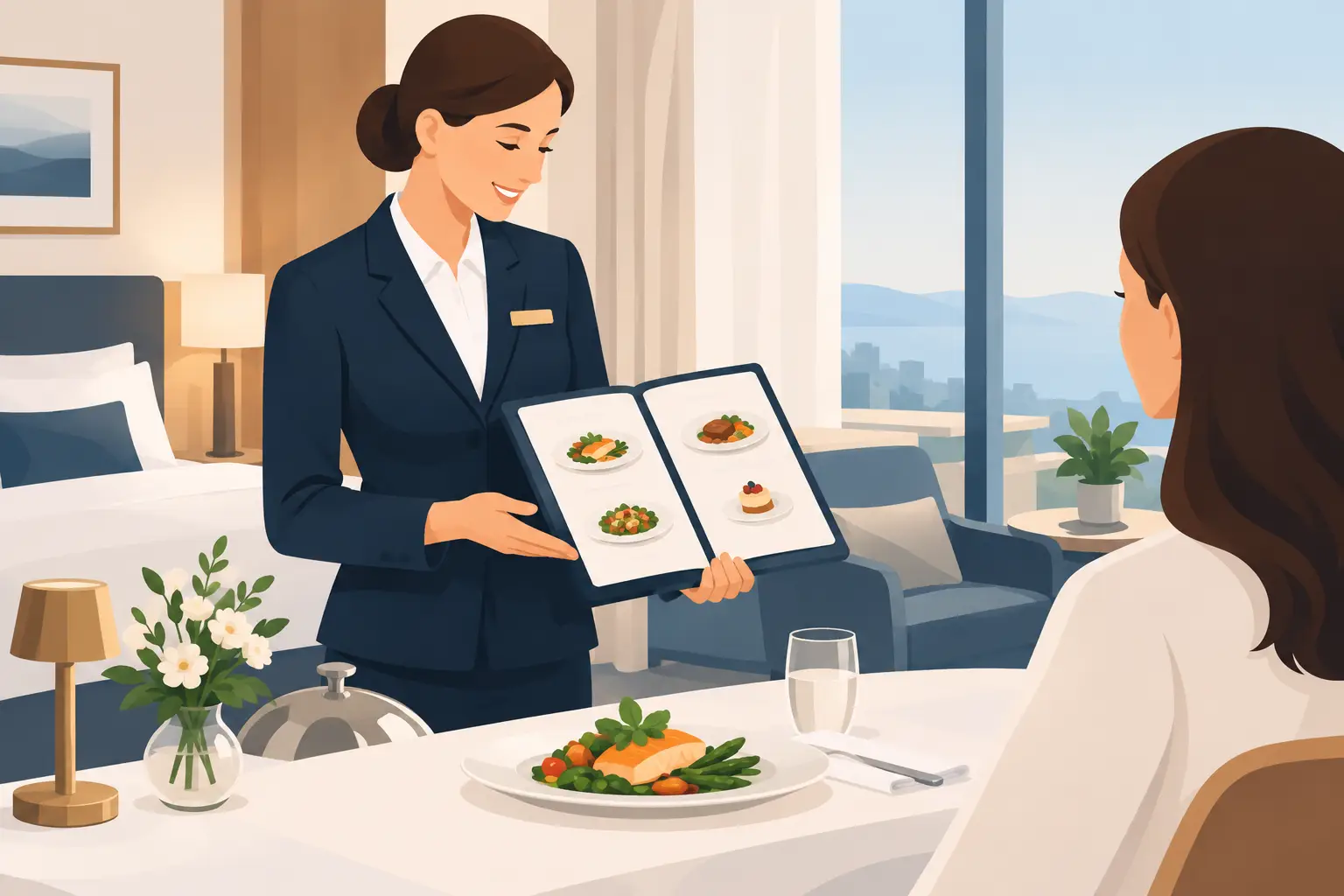
This model is particularly useful when you want the content to be part of the ambiance. For example, a fine dining restaurant can use a tablet to present tasting menu courses, ingredient origins, or wine recommendations. A hotel can display breakfast, room service, spa offers, and information in multiple languages in one place.
However, a tablet isn't a device you just set up and forget. It requires regular charging, secure overnight storage, a stable internet connection, and a plan for malfunctions. In a high-traffic establishment, devices wear out faster, screens get dirty, and loss or damage incurs a direct cost.
There's also an operational detail that often gets overlooked: a tablet must be available precisely when needed. If the battery is dead, the device is busy at another table, or staff don't have time to resolve the issue, the digital experience becomes an obstacle instead of an ease.
Why a QR menu is often a more practical solution
A QR menu uses the phone the guest already has. This means no buying dozens of devices, chargers, protective cases, and spare tablets. For a seasonal venue with a terrace of 30 or 100 tables, this difference in initial investment can be significant.
The biggest advantage is flexibility. When you change the price of coffee, mark a certain wine as sold out, introduce a daily lunch special, or want to highlight a new cocktail, the change is made on the digital menu. The guest immediately sees the current version, without crossing out items and without the cost of reprinting.
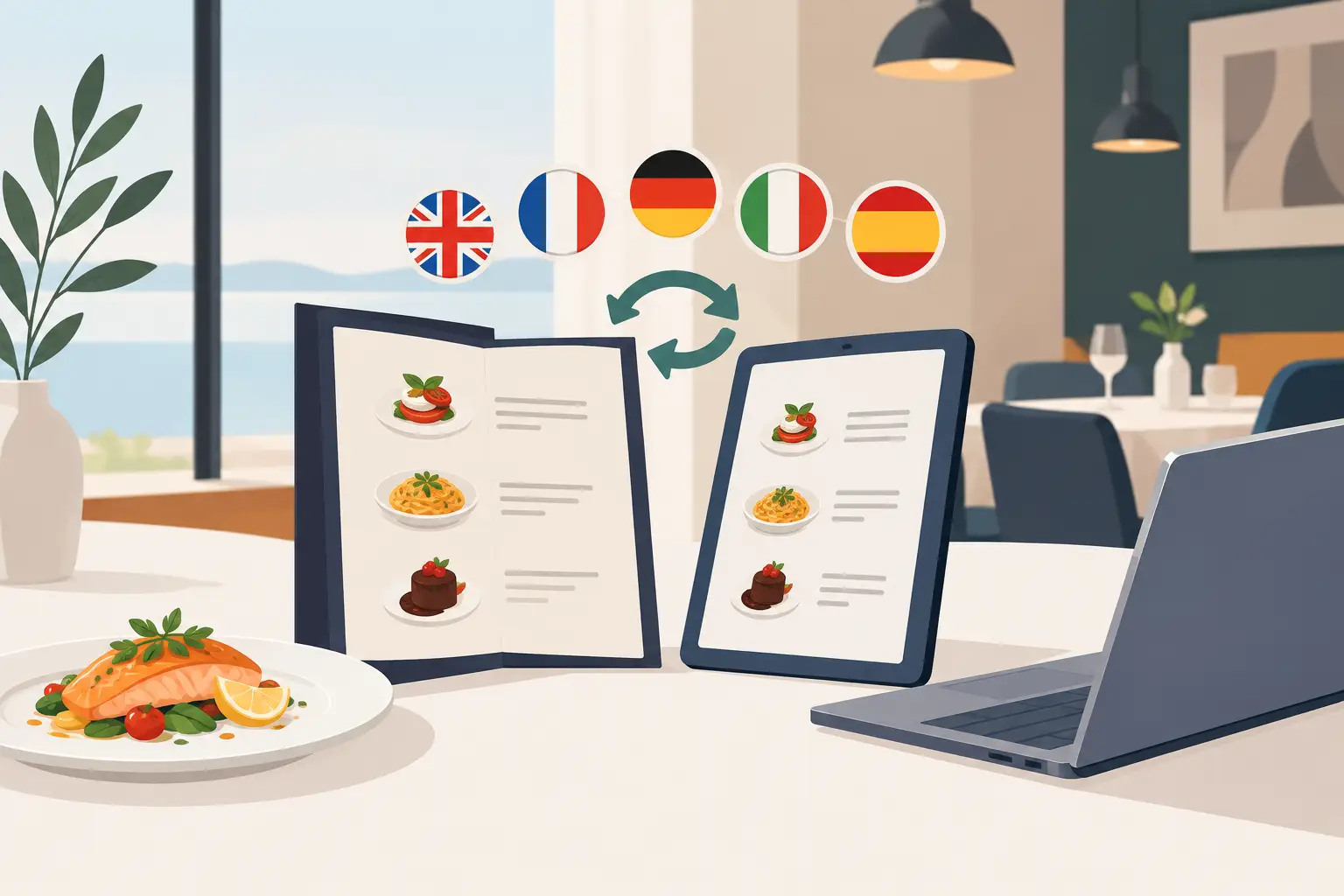
For tourist locations, a QR code brings another practical advantage: multiple languages. Foreign guests can browse the offerings in a language they understand, while staff receive fewer basic questions about ingredients, portions, and prices. Clear descriptions and allergens don't replace the waiter but help make conversations shorter and more precise.
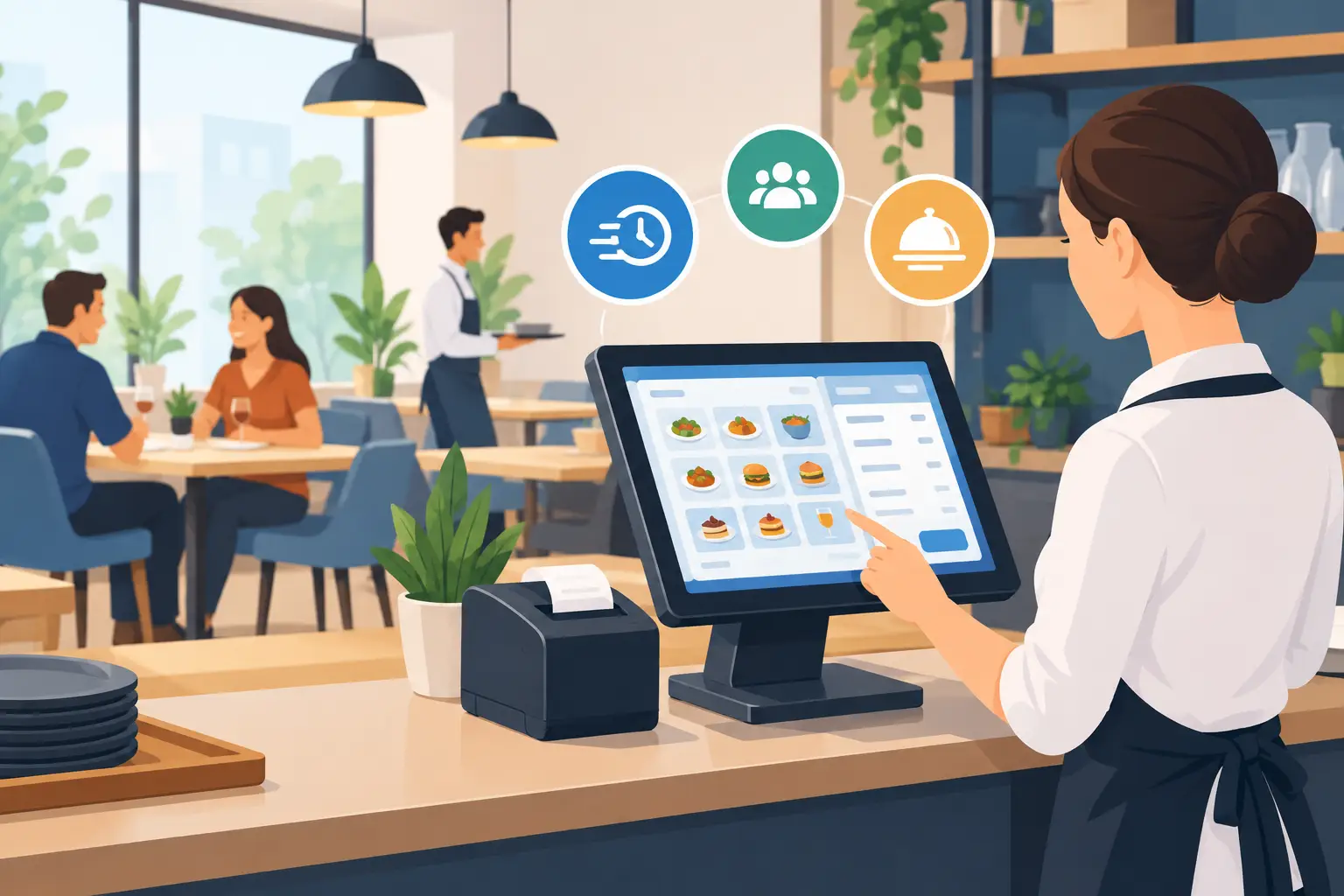
A QR code also fits well with the pace of work in cafes and bars. Guests can open the menu while waiting for company, before the waiter approaches the table. Staff get more time for recommendations, upsells, and attentive service, instead of constantly bringing and collecting physical menus.
Of course, a QR code isn't enough on its own. If the code is poorly printed, leads to a slow page, or opens a menu not optimized for phones, the guest won't feel the advantage of a digital solution. The code should be visible, scannable, and placed where the guest naturally expects it.
Cost isn't just the price of the device
Comparing tablets and QR codes often starts with hardware costs, but the true calculation is broader. With tablets, you pay for the device, protection, maintenance, possible replacements, and employee time. With QR solutions, the initial cost is lower, but the quality of the digital menu must be good enough to genuinely speed up guest selection.
Printed menus have their hidden costs. Every price change, seasonal menu, description correction, or new offer can require new preparation and printing. If you have multilingual menus, that cost grows even faster. A digital menu solves this problem only if the team can easily update content when needed.
So, don't choose a format based on what looks more modern on the table. Calculate how many times a month you change your offerings, how many tables you have, how many languages you use, and how much time staff currently spend on menus. These numbers usually provide a clearer answer than a first impression.
Guest experience: choice, not imposition
Some guests love QR codes because they quickly get information. Others, especially older guests or people with dead batteries, prefer a physical menu or help from a waiter. Good service doesn't force a guest to use one channel at all costs.
A practical approach is to make the QR menu the primary format, with a few printed menus available upon request. This gives you the speed and timeliness of a digital system without an awkward situation for guests who don't want or can't scan the code.
If you use a tablet, also provide an alternative. One device per table might be unnecessary in a busy cafe, while one tablet at the reception or bar can be useful as an information screen. The format should follow the flow of service, not complicate it.
The best model for many establishments
For most hospitality venues, the most rational combination is a QR code as the primary approach, an easily updated digital menu, and a limited number of printed menus for guests who need them. A tablet is added only where it brings concrete value—for example, for premium presentation, hotel services, or self-ordering.
A platform like menu4.me makes sense when an establishment wants one menu address, changes without waiting for a print shop, and content that displays clearly on a phone. It's important that the owner or manager doesn't have to think about technology during peak hours, but can change an item when the real situation in the kitchen or warehouse changes.
How to introduce a digital menu without downtime
Before setting up QR codes, check that dish names are clear, prices are accurate, photos are useful, and categories are logically organized. Don't just copy a printed menu without thinking. On a phone, guests first need to find what they're looking for, then easily understand what they're getting.
Place the QR code on the table so it doesn't interfere with service and isn't hidden by an ashtray, bill holder, or decoration. Add a short, clear message like "Scan for menu." Staff should know how the menu works, how to help guests, and where spare printed copies are located.
Finally, observe guest reactions during the first two weeks. If they frequently ask for specific information, update the description. If they don't notice the code, change its position. A digital menu isn't a one-time replacement for paper, but a tool that should adapt to how your establishment operates.
The best choice isn't the one with more screens, but the one that shortens the guest's path to a good order and leaves your team more time for memorable service.