QR Menu vs. PDF Menu: What's Better for Your Restaurant?
A guest scans a QR code at their table and opens a document on their phone, only to have to zoom, scroll, and squint at tiny text to find prices. This is a common scenario when choosing between a PDF menu and a dedicated digital menu. Both formats can replace a printed menu, but the guest experience and staff's daily workflow are far from the same.
For establishments that frequently change prices, operate seasonally, offer daily specials, or cater to international guests, the question isn't just about how the menu looks. It's about how quickly you can keep it accurate and how easily guests can find what they want to order.
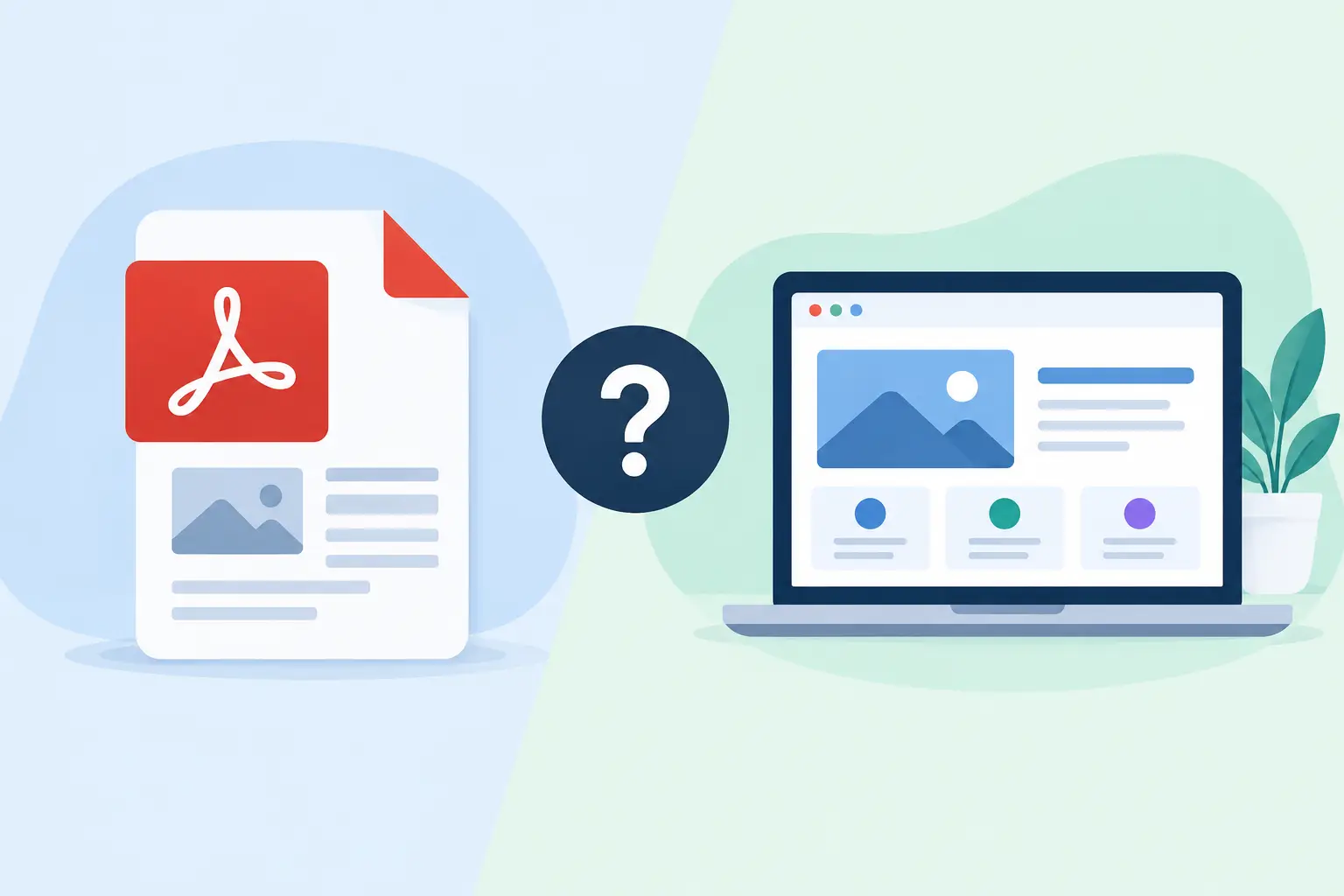
PDF Menu vs. Digital Menu: The Key Difference
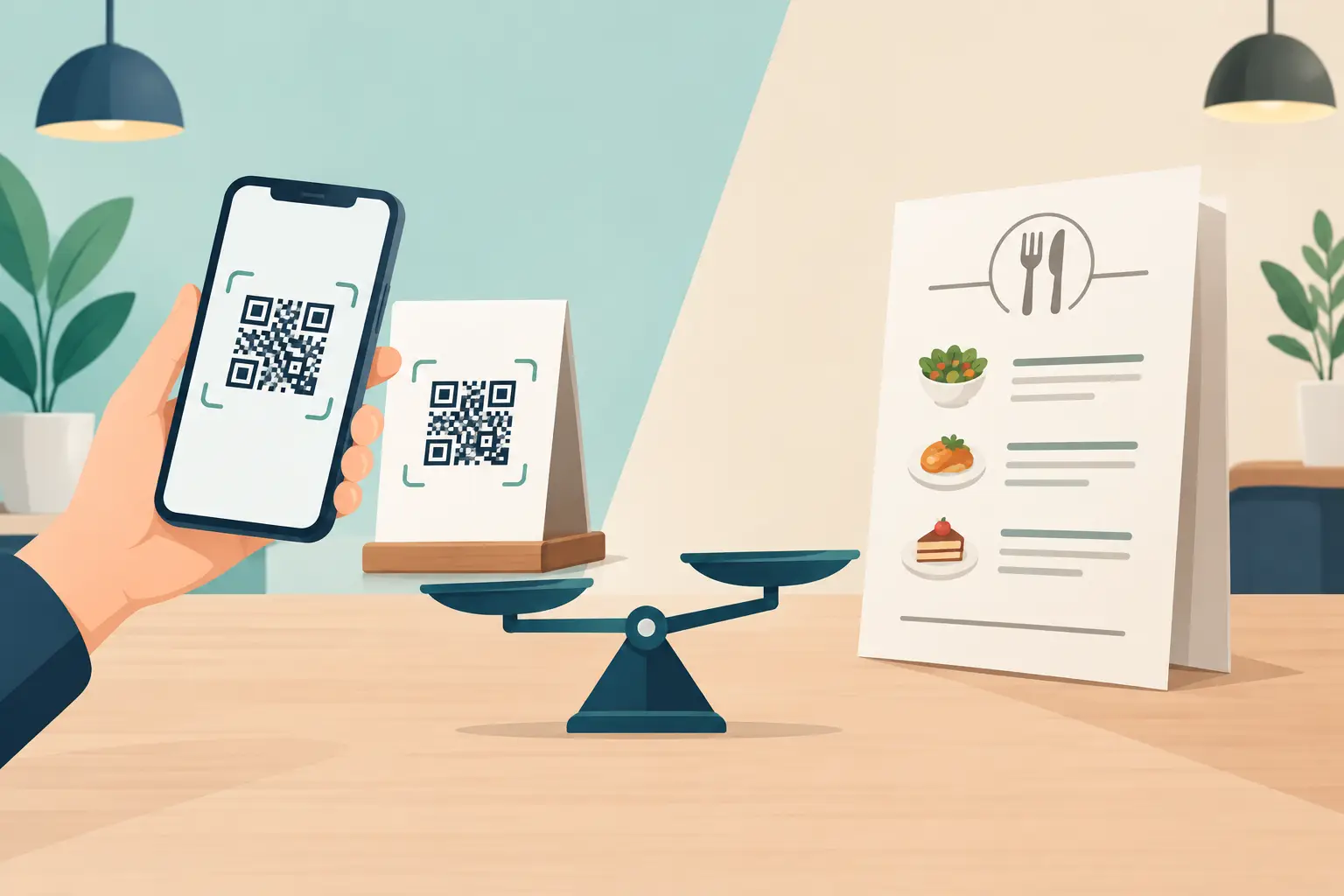
A PDF is a file designed to retain its exact layout regardless of the device it's opened on. This makes it practical for emailing, downloading, or printing. If your menu is short and changes infrequently, a PDF can be a perfectly acceptable temporary solution.
A digital menu, on the other hand, is built for viewing in a phone's browser. Content adapts to the screen, categories open clearly, and guests don't need to zoom to read ingredients, weights, or prices. This difference might seem small until you consider it from the perspective of a guest choosing from ten breakfast options or looking for a cocktail on a busy terrace.
PDFs generally mirror a printed menu on a screen. A good mobile digital menu utilizes the advantages of the screen: clear order, readable text, sensible photos, and easy navigation through the offerings.
When a PDF Menu Makes Sense
Not every PDF is a bad solution. A small establishment with a very stable offering, few items, and no need for multiple languages can use it without major issues. PDFs are also useful as a downloadable version, an internal document, or material for group inquiries and event organization.
The problem arises when a PDF becomes the primary channel for a guest sitting at the table. Every change requires opening the original file, adjusting the design, exporting a new version, and verifying that the QR code still links to the current document. If only the price of an espresso changes or one item is out of stock, the entire file must be republished.
In practice, this often leads to two versions of the menu: one with the staff, and another online. The guest sees one thing, the waiter explains another, and trust is lost due to information that could have been corrected in minutes.
Why a Digital Menu Better Supports Your Operations
A digital menu on a website isn't just about a prettier display. Its main value lies in administration that keeps pace with the hospitality industry. Prices change once, in one place, and are immediately visible to every guest who opens the menu. The same applies to sold-out products, daily specials, seasonal cocktails, and unique promotions.
This is especially crucial in seaside restaurants, hotels, bars, and beach clubs, where offerings are often adjusted based on availability, weather, shifts, or guest numbers. Printed menus quickly become a costly burden there, and PDFs often turn into an administrative task someone has to remember and manage.
A digital menu also allows the offering to be organized in a way that guests think. Appetizers, salads, main courses, desserts, soft drinks, wines, and cocktails can be separated into clear categories. Guests don't blindly flip pages but quickly get to the section they're interested in.
Mobile Display Isn't a Minor Detail
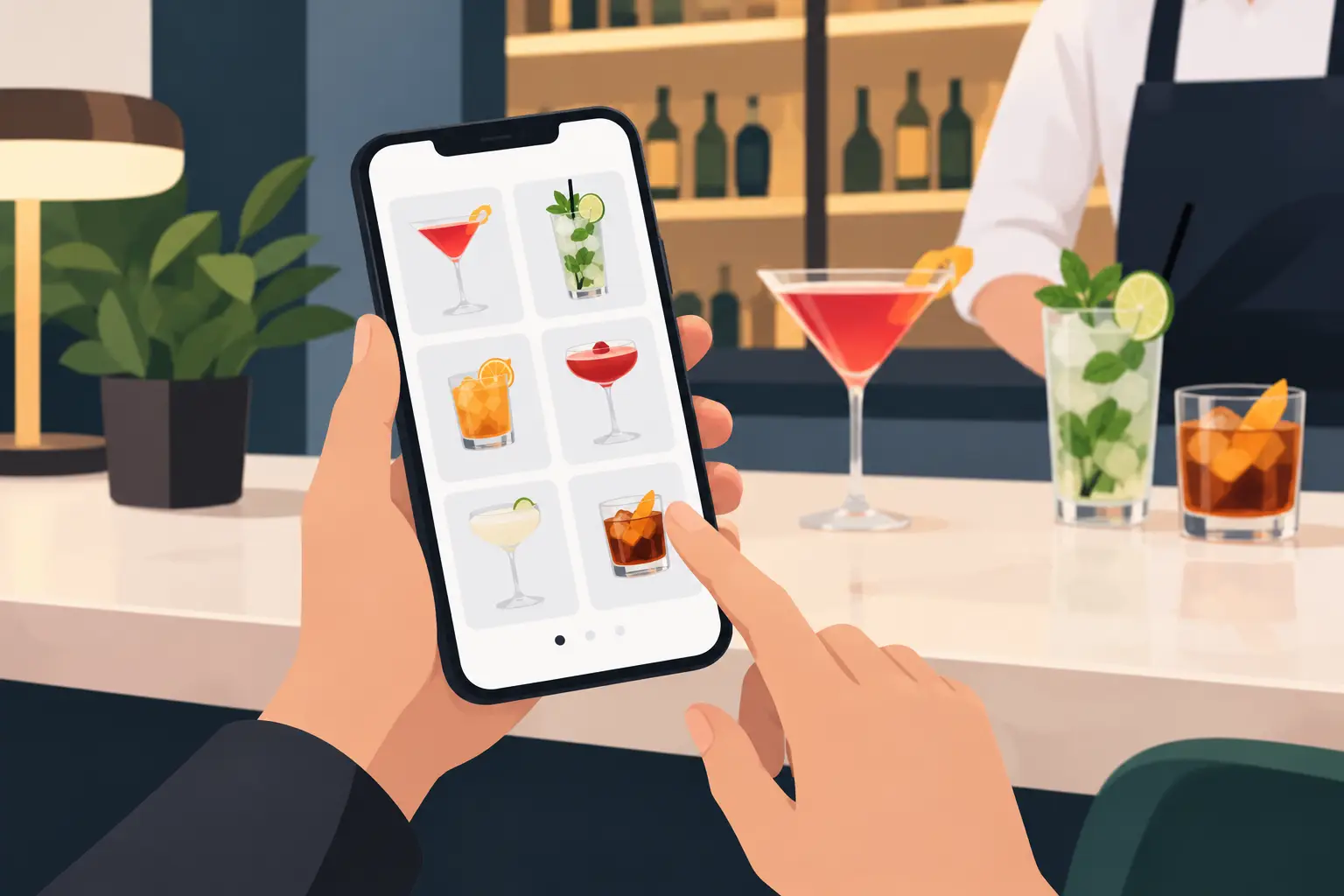
Most guests open QR codes with their phones. Therefore, the menu needs to work well on a smaller screen, in different lighting, and with the limited attention of a guest chatting with friends or waiting for a waiter. Large fonts, enough space between items, and a logical layout often impact the impression more than complex graphic design.
With a PDF, a layout that looks good on a laptop can be cumbersome on a phone. Columns become tiny, photos take up too much space, and a long document makes it hard to return to the previous category. A digital menu adapts to the device instead of asking the guest to adapt to the document.
Multiple Languages Without Mixing Information
Tourist establishments rarely operate with only one language. International guests want to understand dish names, ingredients, and prices without calling staff for every question. When languages are combined in the same PDF, the document can become too long and visually overwhelming.
On a digital menu, guests can choose their desired language, while the structure and prices remain clear. This simplifies service, reduces room for misunderstandings, and leaves a more professional impression. However, translations should be carefully checked—especially allergens, fish names, meat types, and local specialties. These items should not be automatically translated without review by someone familiar with the offerings.
Cost Isn't Just Printing
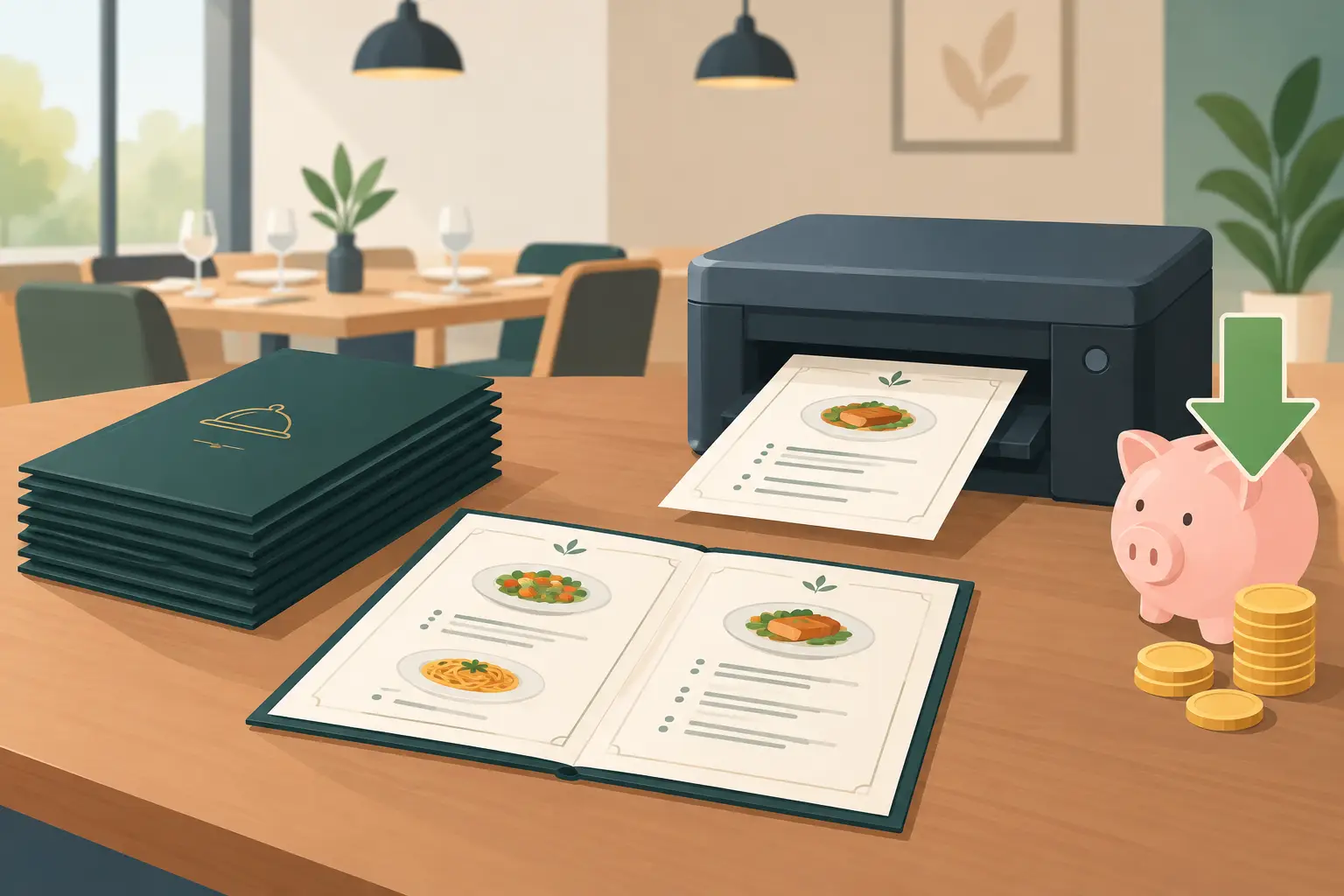
When owners calculate menu costs, they often first think of design and printing. However, the true cost also includes time: who reports a change, who inputs it, who verifies it's published, who responds to a guest when the price isn't the same as on the menu, and who deals with excess old copies.
A PDF can reduce printing costs, but it doesn't necessarily solve that operational part. If a change requires a designer or someone who knows how to edit the document, the establishment still depends on an extra step. With a dedicated digital menu like menu4.me, the goal is for an authorized team member to quickly modify an item without rearranging the entire page.
A platform like menu4.me is therefore not conceived as a simple online business card. Its role is to make the menu accessible via QR code and to keep it accurate when the establishment's operations change throughout the day.
Visual Identity and Sales Are Not the Same Thing
PDFs often provide complete control over layout, typography, and page breaks. For a carefully designed wine menu or an offering for a special event, this can be an advantage. If every millimeter on the page is crucial to you, a PDF offers more freedom.
However, an everyday menu should primarily help guests choose. Too much decoration, lengthy descriptions, and cluttered pages do not increase the value of the offering. Clear categories, good photos of a few key items, and understandable descriptions often do a better job than a document that looks like a brochure.
A digital menu doesn't mean your establishment has to look generic. Colors, logo, photos, and presentation style can follow the brand identity. The difference is that the design remains subservient to readability and quick selection.
How to Choose the Right Solution for Your Establishment
Start with the actual dynamics of your business, not what others are currently using. If you change your menu once a year, have few items, and most guests ask for a classic printed menu, a PDF can be a supplement without a great need for a more complex system.
If you change prices, introduce seasonal items, operate in multiple languages, or want your QR code to be genuinely useful to guests, a digital menu is the more practical choice. The same applies if you have multiple locations or different price lists for the terrace, beach, hotel bar, and restaurant. The more variable your offering, the greater the advantage of real-time updates.
A good decision doesn't have to exclude PDFs forever. You can keep it for banquets, group menus, and materials for sending, while the mobile web version is the main menu at the table. This way, each format does what it's best at.
Guests won't remember the technical format you chose. They will remember whether they found the dish they wanted in a few seconds, understood what they were ordering, and got the price that was valid. When the menu supports that simple moment of choice, it stops being a document and becomes part of good service.