Digital Menu Software Review: Key Features for Restaurants
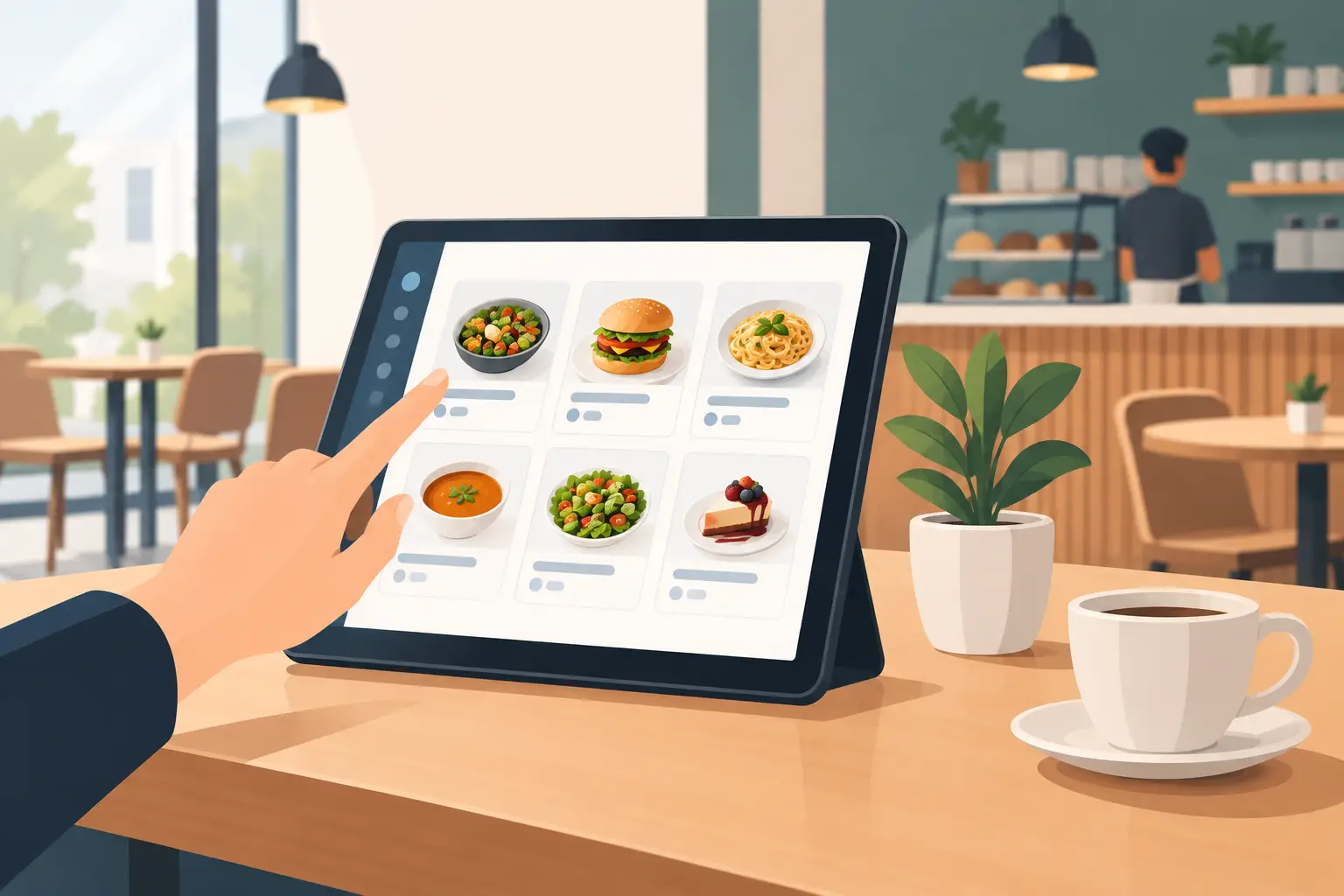
A menu with the wrong price, an unavailable item, or a confusing translation isn't a minor issue. It directly impacts trust, service speed, and revenue. A good digital menu software review doesn't start by asking if the system has a QR code, but by how well it solves everyday restaurant situations.
For a restaurant, café, bar, or hotel in the Balkans, a digital menu needs to work fast on a phone, be simple for staff, and flexible enough for seasonal changes, price updates, and guests from different countries. While good design is important, it's not enough if every change requires a call to support or waiting for an agency.
What Digital Menu Software Must Address
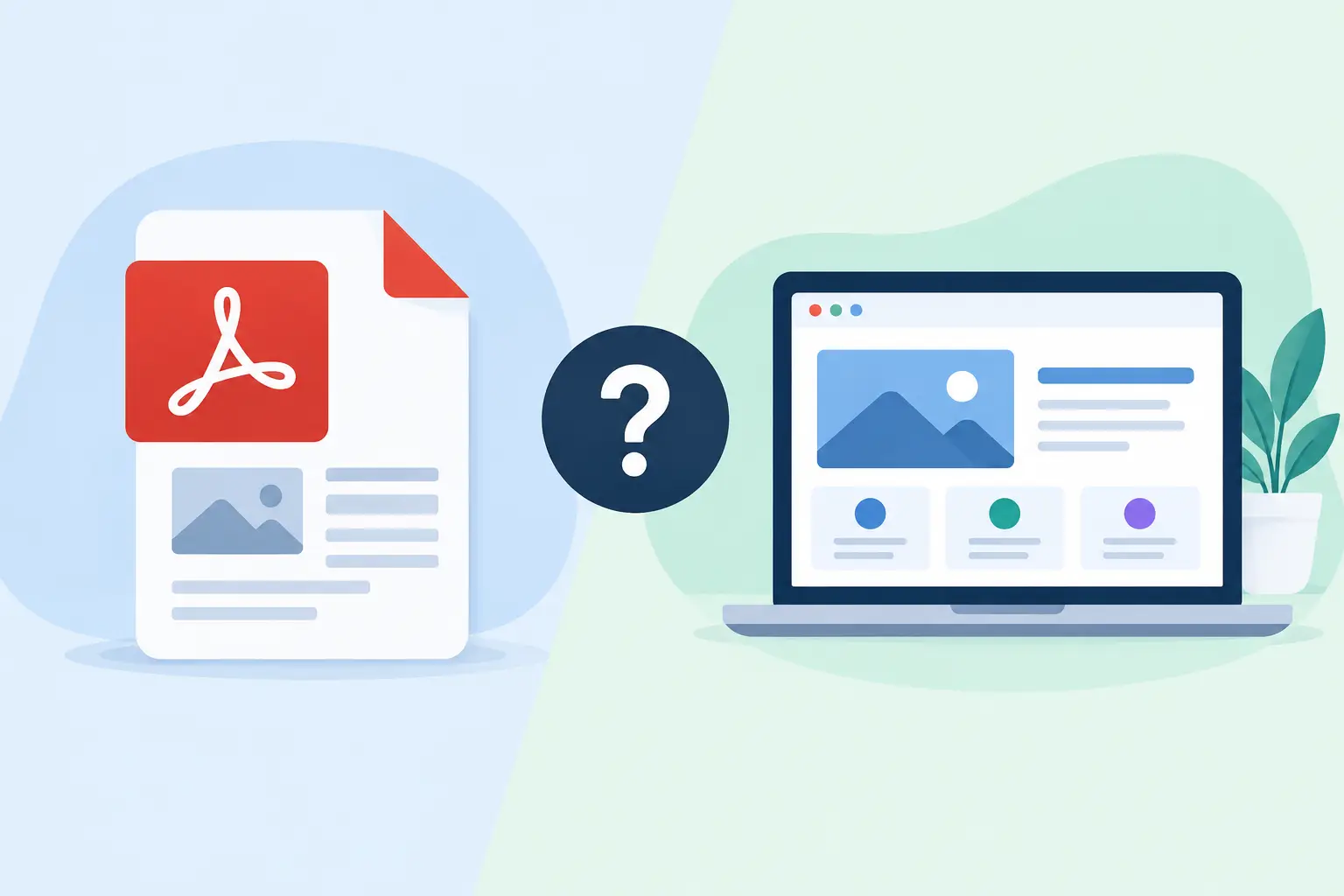
A digital menu is not a PDF behind a QR code. A PDF can be a temporary solution, but on a smaller screen, it often requires zooming, opens slowly, and is difficult to update. Software designed for hospitality should display your offerings as a clear mobile page, where guests can find a category, price, description, and essential information in seconds.
Owners or managers, on the other hand, must be able to change a coffee price, hide a sold-out dessert, or add a daily special without printing and without technical knowledge. If a venue operates seasonally, this ability isn't an add-on but a fundamental need. One day, the cost of ingredients changes; another day, the fish sells out; and on a third day, an evening cocktail special needs to be highlighted.
A good system connects these two sides: the guest receives accurate information, and the team retains control over the offerings.
Digital Menu Software Review: Key Criteria
When choosing, don't just evaluate a platform based on its initial impression. Ask to see the administration interface, not just an example of a finished menu. A demo might look great, but the real difference is apparent when you need to change ten prices or prepare a menu in three languages.
Speed of Content Changes
The first criterion is editing simplicity. Look for a system where items, categories, prices, photos, and descriptions can be changed in one place. It's also crucial that changes are published immediately, without sending requests or waiting for someone else to update the page.
This is especially important for venues that frequently change their offerings. A restaurant with daily specials, a beach bar with time-sensitive promotions, or a hotel with seasonal packages doesn't have time for complicated administration. If a small change takes more than a few minutes, the software will be used less often in practice than planned.
Mobile Phone Display
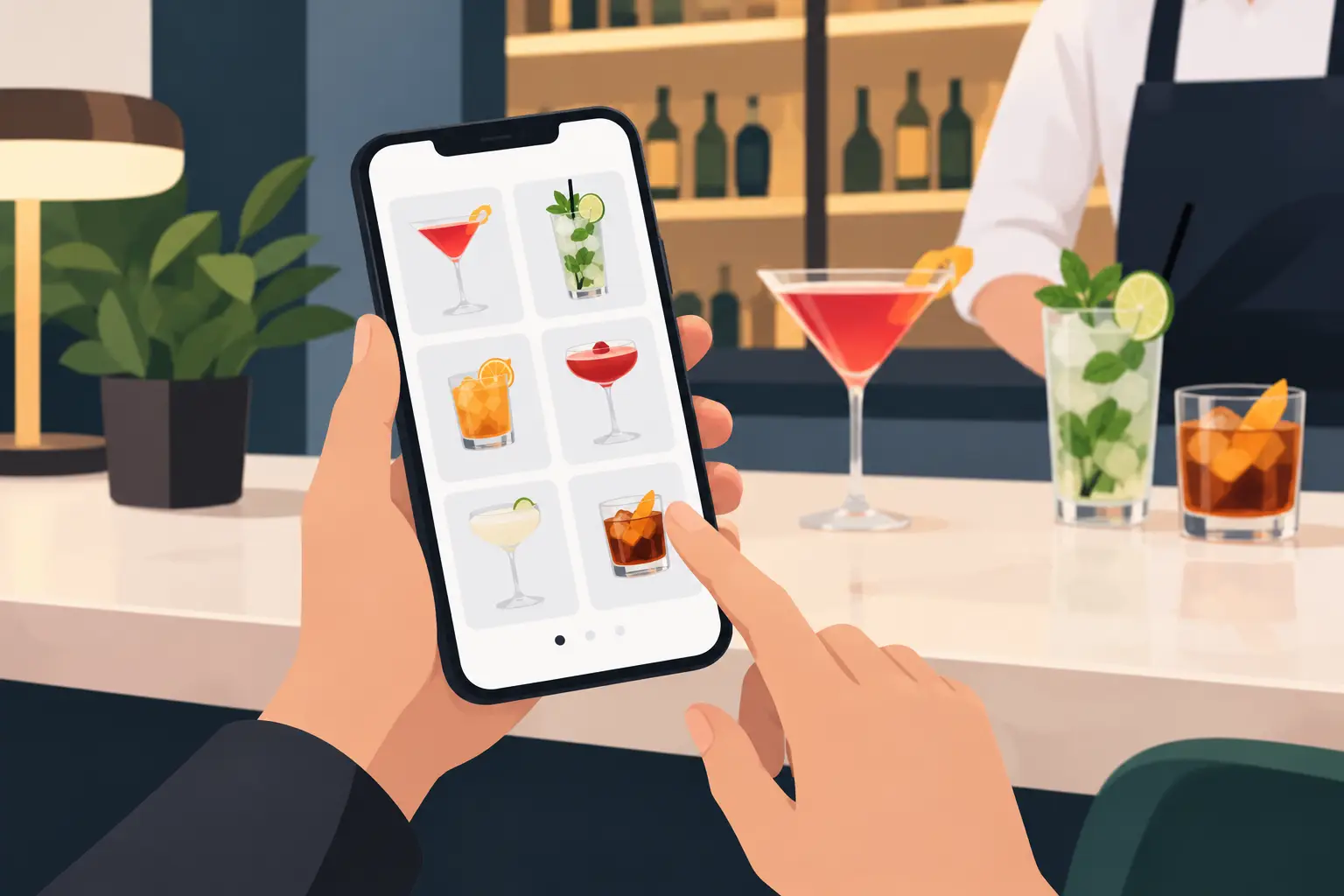
Most guests will open the menu on their phones, often using mobile data and in bright sunlight. So, check the font size, contrast, photo loading speed, and category clarity. The menu should be readable without zooming and without too many clicks.
Not every type of venue needs the same visual approach. A café often prioritizes guests quickly seeing coffee, soft drinks, and prices. A restaurant with an artisanal kitchen might value high-quality photos, detailed descriptions, and recommendations more. For a hotel, it's useful to clearly separate breakfast, room service, and the restaurant. The platform should support different needs without complicating basic use.
Multiple Languages Without Double Work
In tourist destinations, a single-language menu is rarely sufficient. Foreign guests shouldn't have to guess what they're ordering or ask staff about every ingredient. Multilingual support is also practical for the venue itself: clearer descriptions reduce misunderstandings, speed up ordering, and create a more professional impression.
However, check how languages are implemented. Quality software allows you to enter the name, description, and price for the same item in appropriate versions without the menu structure falling apart. If each language requires a separate, manually maintained menu, the risk of inconsistent prices and mismatched information becomes high.
A QR Code That Truly Serves the Guest
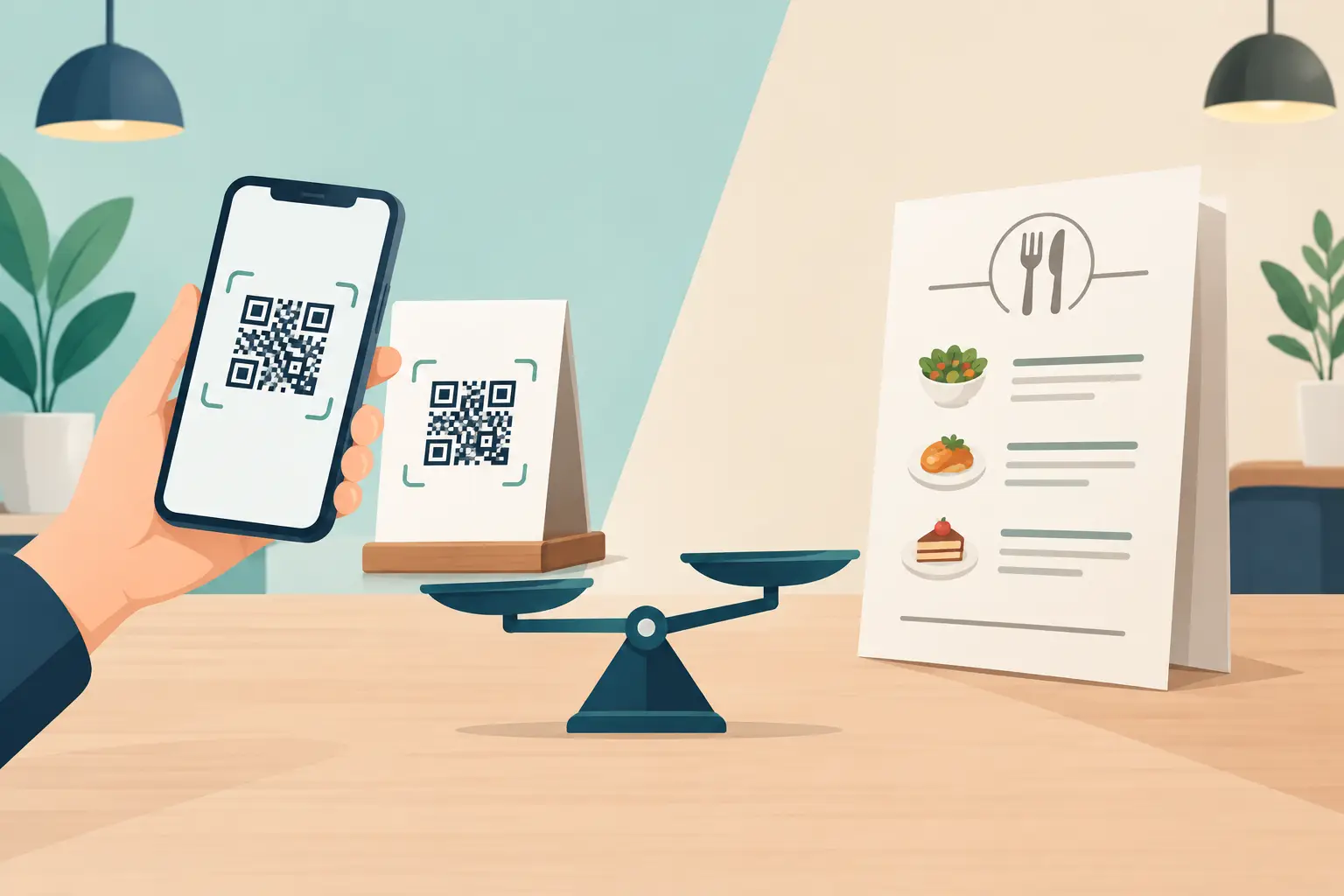
A QR code is the entry to the menu, not the goal itself. It should be easy to scan, placed on tables, the bar, or the entrance, and linked to a page that opens instantly. If a guest scans the code and is greeted by a slow, unclear, or poorly adapted page, the QR code won't improve the experience.
It's also practical when the same digital menu can be used in multiple places: on the table, in social media posts, on the venue's Google profile, or at the hotel reception. This maintains one version of the offerings, instead of multiple different files that someone has to track manually.
Availability, Allergens, and Important Notes
When an item runs out, the quickest solution is for staff to hide it immediately. This saves waiters time and prevents an awkward situation where a guest chooses something the kitchen doesn't have. The same applies to limited daily quantities, special offers, and seasonal items.
Information about allergens, ingredients, and portion sizes can also be very useful, especially in restaurants with a high number of foreign guests. Not every menu needs to be an encyclopedia. It's enough for relevant information to be clear, consistent, and easily accessible to those who need it.
How to Distinguish a Useful System from a Pretty Demo
The best test is a simulated workday. Imagine you need to change the price of five products, hide two items, add a new category, and publish an English translation. Then, assess whether a shift manager could do this without additional training.
Also, pay attention to support. Hospitality doesn't operate nine to five. A menu problem can arise before the evening rush, on a weekend, or in the middle of the season. It's unrealistic to expect every system to respond instantly, but it's important to have clear contact, an understandable help process, and a team that knows how venues operate.
Price should also be viewed through operational value, not just the monthly subscription. A cheap tool that requires a lot of manual work, provides no support, or forces the venue to continue printing changes can cost more than a slightly more expensive solution that is used every day without interruption.
When a Simpler Solution Makes More Sense
Some venues seek a broad platform with reservations, ordering, payment, loyalty programs, and numerous integrations. This can be a good choice when the team has a clear need for the entire package and someone to manage it.
But for a large number of restaurants, bars, and cafés, the priority is a neat, fast, and easily editable digital menu. Too many features can slow down training and increase costs. A focused solution often yields better results when the goal is simple: for guests to quickly find offerings and for the venue to update information without printing and waiting.
menu4.me was developed precisely for such situations — for restaurateurs who need a professional digital menu adapted for phones, operational changes, and multilingual guests. It is especially relevant for venues that operate intensely during the tourist season and don't want every menu change to become an administrative problem.
Questions Worth Asking Before Deciding
Before activating a system, ask for concrete answers: can you change content yourself, how quickly are changes published, is there multilingual support, and how does the menu look on older phones? Also ask if you can use your own QR code, if it's possible to temporarily hide items, and if there are limits on the number of categories or products.
It's good to include the person who works with the offerings daily — a shift supervisor, restaurant manager, or marketing person. The owner often sees the business benefit, but the operational team can quickly recognize whether the tool is practical when the dining room is full.
The best digital menu is one that guests hardly notice as technology: they scan the code, easily find what they want, and get accurate information. For the venue, this means less printing, less explaining, and more control over the offerings every day.