Digital menu with photos of dishes that sell better
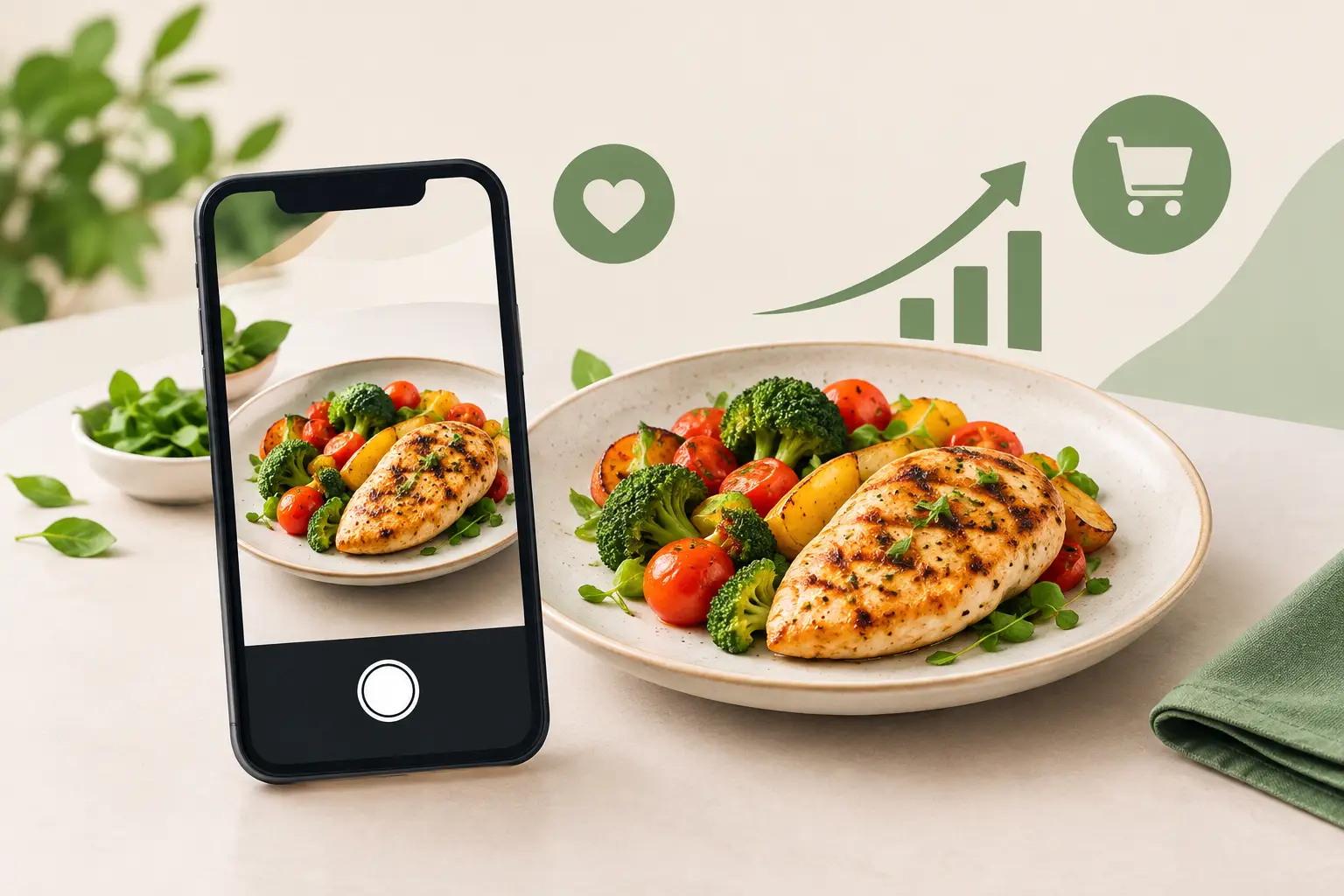
Guests don't just choose between pasta, burgers, or fish. In a matter of seconds, they try to imagine what they'll receive, the portion size, and whether the dish suits their mood. A well-designed digital menu with photos of dishes shortens that dilemma. In hospitality, where crowds, seasons, and guest expectations change the pace of work daily, a photograph isn't decoration – it's practical information that can ease choice and increase order value.
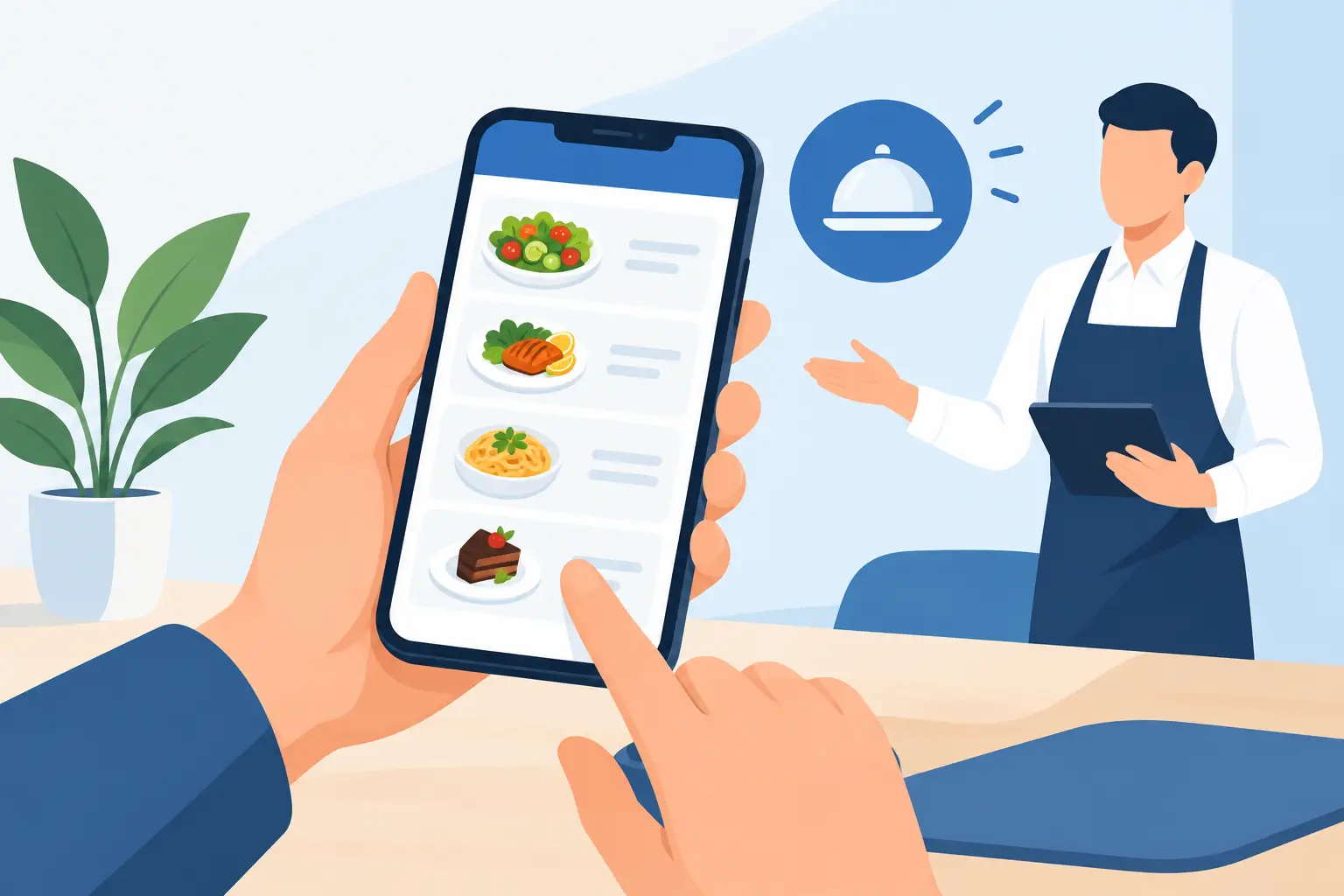
For a restaurant, cafe, hotel, or beach bar, a visual menu makes the most sense when it's part of a clear digital offering. Guests scan a QR code, immediately seeing categories, photos, descriptions, prices, and available variations. Staff answer fewer repetitive questions, and management can change content when business demands it.
Why photos change how guests choose
A dish's name is often not enough, especially when the restaurant has foreign guests, house specialties, or ingredients unfamiliar to the guest. “Crispy chicken,” “Mediterranean platter,” or “homemade pasta” may sound appealing, but everyone imagines them differently. A photograph sets a realistic expectation: it shows the plating, side dish, portion size, and character of the meal.
This is especially useful in tourist locations. A guest who doesn't speak the local language might understand a translation, but with a picture, they'll quickly assess whether the dish is light, spicy, vegetarian, or suitable for sharing. When a photograph is supplemented with a concise, precise description, the decision becomes simpler without extra explanation from the waiter.
Visual presentation can also draw attention to higher-profit items. This doesn't mean every product needs aggressive promotion. It's enough for a few signature dishes you want to be known for to have excellent photos, a clear position on the menu, and a description that specifically tells the guest what they're getting. This way, recommendations don't depend solely on who's on shift.
A digital menu with dish photos is not a gallery
The most common mistake is trying to photograph everything. The digital menu then becomes slow, cluttered, and cumbersome to browse on a phone. Guests scroll longer, pictures compete for attention, and key dishes lose prominence.
A better approach is selection. Photos should feature visually appealing dishes, those frequently ordered, new additions, or items important to the establishment's identity. If a restaurant has 80 items, it's not necessary for all 80 to be pictured. Twenty to thirty carefully selected photos often yield better results than a large, inconsistent gallery.
Categories also matter. For example, photos can be particularly useful for breakfast, burgers, pizzas, desserts, cocktails, fish dishes, and unfamiliar specialties. For water, soft drinks, or standard sides, a clear price and name are usually sufficient. The rule is simple: a picture should aid the decision, not take up space.
Photos must match the actual portion
The most expensive mistake isn't a bad photo, but a photo that promises more than the guest receives. If a richly served dish with a large piece of meat appears on screen, but a significantly smaller portion arrives at the table, disappointment will overshadow any good description. This directly impacts the impression, reviews, and a guest's willingness to return.
Therefore, photograph the dish that actually comes out of the kitchen. It doesn't have to look artificially perfect. It's more important that it's fresh, neatly served, and true to the establishment's standard. If you change a plate, side dish, grammage, or serving method, also check if the existing photo still represents the product you offer.
How to create photos that work on a phone
Good photography doesn't always require a large production team, but it does require consistency and preparation. Guests most often view the menu on their mobile phones, often outdoors, on the go, or with a weaker internet signal. The image must load quickly and be understandable even on a small screen.
Natural light is often the best solution, especially for breakfast, salads, desserts, and cocktails. Avoid direct harsh sunlight that creates sharp shadows, as well as yellow kitchen light that alters food color. A single background, similar plates, and a recognizable shot style will make the entire menu look more professional, even if not all dishes were photographed on the same day.
The frame should show what's important to the guest. For burgers, it's the layers and side dish. For pasta, the sauce texture and portion size. For cocktails, the color, glass, and garnish. An overhead shot works well for pizza, breakfast, and tables with multiple small dishes, while a side angle better displays the height of burgers, cakes, or sandwiches.
Before editing, check four things:
- that the dish is in focus and there are no superfluous objects in the frame;
- that colors look natural, without overly strong filters;
- that the guest can clearly see the expected portion;
- that the file is sufficiently compressed for fast loading on mobile internet.
Excessive editing can make food look unnatural. Guests don't expect an advertising poster, but a clear representation of their order. Realistic, appetizing, and bright photos build more trust than a picture that looks nice but has nothing to do with what arrives at the table.
Photo and description must work together
The picture attracts the eye, but the description answers questions. Alongside the photo, write what the dish contains, how it's prepared, and its key characteristics. Instead of a general “delicious homemade pasta,” it's more useful to say: “tagliatelle with chicken fillet, mushrooms, parmesan, and cream sauce.” The guest immediately knows what to expect.
If information is important for the decision, don't hide it. Mark spiciness, vegetarian and vegan options, allergens, the possibility of choosing sides, or extra charges for additions. In hotels and restaurants with international guests, descriptions and labels should be consistently translated. Photos reduce the language barrier, but don't eliminate it completely.
Prices must also be next to the product, not in a separate table or at the end of a category. When a guest sees the photo, name, and price in one place, there's less room for doubt. This is simpler for the guest and reduces awkward situations for staff.
Digital menu brings control when offerings change
Printed menus struggle to keep up with the realities of seasonal business. Fish prices change, strawberries are no longer available, the daily special changes, and a cocktail campaign lasts two weeks. Every change means new design, printing, or improvisation that often leaves an impression of untidiness.
A digital menu solves this problem by allowing prices, descriptions, photos, and availability to be changed quickly and in one place. If the kitchen sells out of a certain dessert, the item can be temporarily removed. When a new seasonal offer arrives, you can highlight it without waiting for a new menu print run. For establishments with multiple languages, the same applies to translations – one change can be visible to all guests immediately.
menu4.me is designed precisely for such daily operational needs: to provide a catering establishment with a clear, mobile menu that is easy to maintain. Photos are then not separate marketing material, but part of a system that tracks the establishment's actual offerings.
When photos are not the best choice
There are situations where caution is needed. A fine dining restaurant with a short, frequently changing tasting menu might want to preserve an element of surprise and shift focus to the description. A wine bar with a large selection of labels won't gain much by photographing every bottle. An establishment with a weaker internet connection must pay special attention to file sizes.
This is not an argument against photos, but for smart application. In such cases, photograph a few representative dishes, use images for special offers, and ensure the rest of the menu remains clean and fast. The best menu isn't the one with the most content, but the one that most quickly gives the guest confidence to order.
Implement a visual menu without operational downtime
Start with the dishes that sell the most and those you want to highlight. Check recipes, portions, names, allergens, and prices before photographing. Once the content is accurate, create a few test views on different phones. See if the picture opens quickly, if the text is readable, and if the guest can instinctively find a category.
Then involve the team. Waitstaff should know that guests can see all key information on their phones, but also be ready to give recommendations when needed. The kitchen should maintain the serving standard represented by the photo. Managers should regularly check if the digital menu matches actual availability.
A good digital menu with dish photos doesn't try to replace service. It frees up staff from basic questions and leaves more time for what guests truly remember: a good recommendation, a quick answer, and the feeling that their choice was right.