Digital Menu for Mobile Phones: Boost Restaurant Service
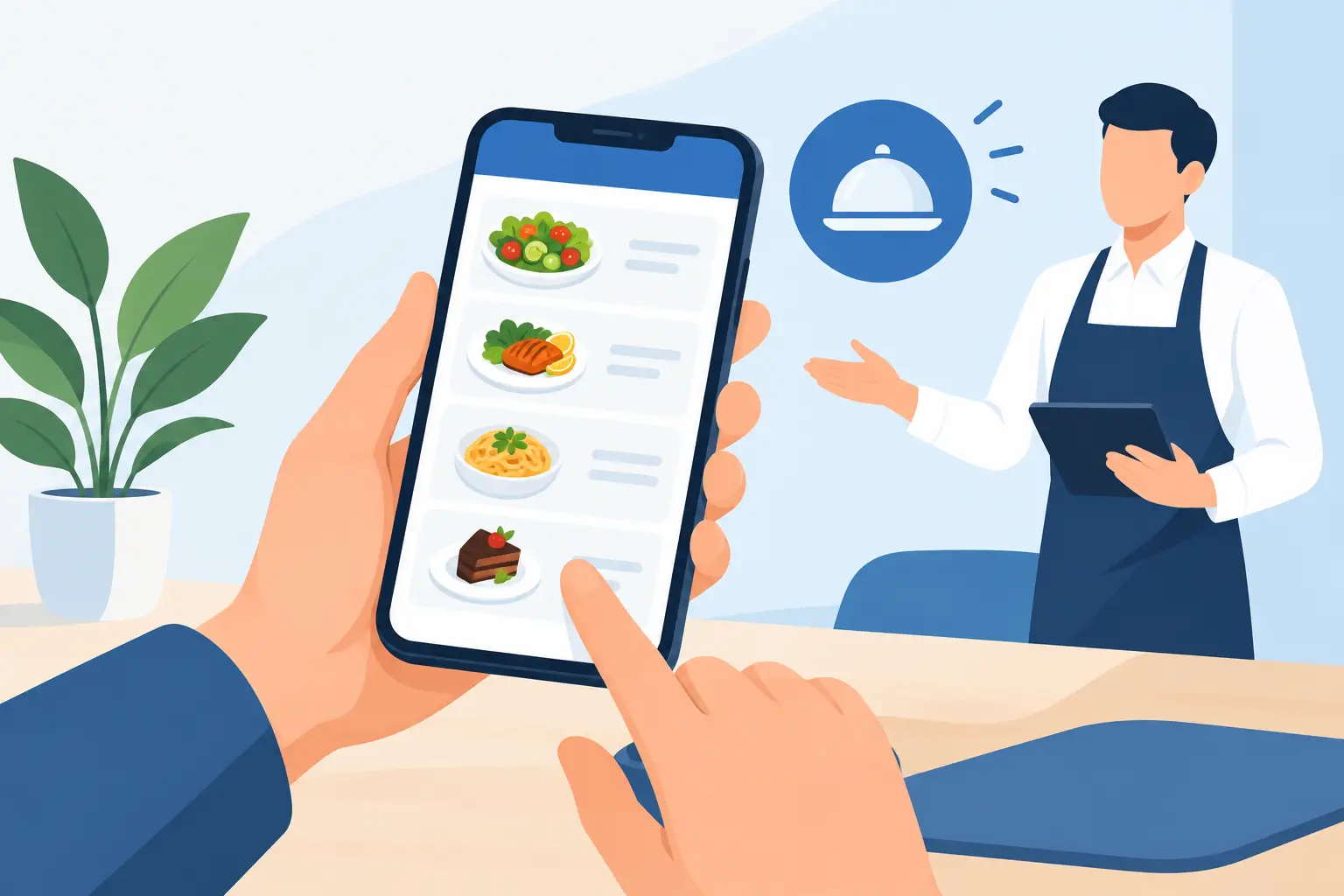
A guest sitting down at a table doesn't want to wait for a menu while the waiter searches for a free copy, nor do they want to guess if prices and offerings are up-to-date. A digital menu for mobile phones solves precisely that moment: the guest scans a QR code, opens the offer on the device they already use, and immediately sees food, drinks, prices, and important information.
For restaurateurs, it's not just a paper replacement. A mobile menu becomes a practical part of daily operations – especially when prices change, there's a daily special, ingredient availability varies, or when the establishment serves guests from different countries.
Why Guests Expect a Menu on Their Phone
The phone is already in the guest's hands when they enter a cafe, restaurant, or hotel. That's why a QR code on the table, bill, or entrance is the shortest path to your offerings. There's no app installation, file download, or searching for staff just to get a menu.
A good mobile menu should open quickly and be readable on a small screen. This means clear categories, easy-to-read dish names, visible prices, and photos that support decisions without slowing down the page. Guests should be able to find breakfast, pasta, cocktails, or dessert in a few seconds, without zooming in or endless scrolling.
This approach is particularly suitable for tourist locations. Foreign guests often want to check ingredients, price, and description before addressing a waiter. When information is available in their language, communication is simpler, and staff get more time for recommendations, upselling, and more attentive service.
How a Digital Menu Changes Daily Operations
A printed menu seems simple until the first change occurs. A new purchase price, a seasonal cocktail, a dish temporarily unavailable, or a translation correction often means new preparation and printing. If only one item changes, old copies still remain on tables, creating a discrepancy between what the guest reads and what the staff can charge.
With a mobile menu, changes are entered in one place. Prices can be adjusted, items temporarily hidden, and daily specials highlighted without waiting for the print shop. This is especially useful for seasonal restaurants, beach bars, hotels, and venues with frequent menu changes.
The operational benefit isn't just saving paper. The team avoids awkward situations where they have to explain that the price in the menu is no longer valid or that a dish is currently unavailable. Clear and up-to-date information at the start of ordering reduces misunderstandings and contributes to a better impression of the establishment.
Faster Changes, Fewer Errors
Changes in hospitality often happen during the same day. Perhaps a certain ingredient ran out, fresh local vegetables arrived, or you want to highlight a lunch offer. A digital menu allows such changes to reflect the real situation in the kitchen and bar.
However, speed only makes sense if there is clear accountability. Determine who on shift can change a price, hide a product, or add a daily special. If multiple people update the menu without coordination, the advantage of a digital system can turn into a new kind of confusion.
More Languages Without More Versions on the Table
An establishment serving both local and foreign guests usually faces two poor choices: an overcrowded multilingual printed menu or several different versions that need to be maintained. A mobile menu allows the guest to choose their language and read content they understand.
Translation doesn't have to be literal at all costs. The dish name can remain authentic, but the description should explain key ingredients and preparation methods. For a foreigner, it's more useful to understand what they are getting than to see a vague translation that sounds nice but says nothing concrete.
What a Good Mobile Menu Looks Like
The most common mistake is transferring an existing PDF menu to a phone. A PDF might look neat on a laptop, but on a phone, it often requires zooming, scrolling left-right, and long loading times. This isn't a mobile experience; it's a printed document on a small screen.
A mobile menu should be built for vertical reading. Categories should be immediately visible, and each item should have a name, a brief description, and a price. Photos are useful when they represent characteristic dishes or drinks but don't need to accompany every item. Too many large images slow down loading and make quick browsing difficult.
Allergens, vegetarian, and vegan options should be clearly marked. The same applies to spiciness, gluten-free choices, and house recommendations, if that information is reliable. Guests shouldn't have to guess if a salad contains nuts or if a sauce is included in the price.
Information Before Decoration
The visual identity of an establishment is important, but a menu is not a promotional poster. Background, colors, and photos should support readability. If white text gets lost over a photo or prices are tiny due to design, guests will give up reading and call a waiter.
First, check three things: does the menu open quickly on a mobile network, are the categories clear, and is the price visible without searching? Only then add style, photos, and special visual details. In hospitality, beautiful design is most valuable when it speeds up a guest's decision.
The QR Code is the Start, Not the Whole Solution
The QR code should be placed where guests naturally look: on the table, bill holder, entrance, bar, or in-room dining in a hotel. The code must have a short message explaining what scanning it provides, for example, "View Menu." A plain black-and-white square without an explanation might work, but a clear call to action yields better results.
It's important to test the code from the guest's perspective. Scan it with different phones, over mobile internet, and in low light. Also, check that it leads directly to the menu, not to a homepage with additional steps. Every unnecessary click is an opportunity for the guest to give up.
There's no need to completely eliminate paper immediately in every establishment. A restaurant with an older demographic, business lunches, or formal dinners can keep a few printed copies on request. The digital menu still handles the main workload, while paper remains as discreet support for situations where it's needed.
When a Mobile Menu Brings the Most Value
The greatest effect is seen by establishments with frequent changes and a large number of guests. A cafe can quickly highlight a seasonal coffee, a bar a new cocktail list, a restaurant a daily special, and a hotel its breakfast offerings, poolside lunch, or room service. One system can track different zones and different guest needs.
For smaller establishments, the benefit can be just as concrete. If the owner changes the menu themselves, a digital version eliminates reprinting costs and allows the offerings to remain tidy even when the assortment changes. No large operation is needed to feel the difference – it's enough that the price, description, and availability are always accurate.
A solution like menu4.me makes sense when you need a menu adapted to the real operations of a hospitality establishment: quick to update, clear on a phone, and ready for multiple languages. The best system isn't the one with the most options on the screen, but the one that staff can use without additional burden.
Set the Standard Before the First Publication
Before publishing, go through each category as a guest. Check names, prices, weights, add-ons, allergens, and translations. Then establish a simple rule: every change in the kitchen or bar must also be changed in the menu on the same day.
Next time you change a price or introduce a new dish, observe how much time and money goes into printing and explaining to guests. That moment is a good opportunity to turn a phone menu into a quiet but very concrete part of better service.