Digital Menu Guide for Restaurants and Cafes
A guest sits down, scans a QR code, and in seconds sees the current offerings, prices, photos, and dish descriptions in their own language. This is the standard guests increasingly expect, especially in city venues and tourist destinations. This digital menu guide explains how a digital menu works in practice, what it should contain, and how it can truly simplify operations for a restaurant, cafe, bar, or hotel.
A printed menu isn't a problem as long as nothing changes. But procurement costs, daily specials, ingredient availability, seasonal cocktails, and translations rarely stay the same for long. When every change means new preparation, printing, and waiting, the menu becomes an operational cost instead of a sales tool.
What is a Digital Menu and Why Do Guests Use It?
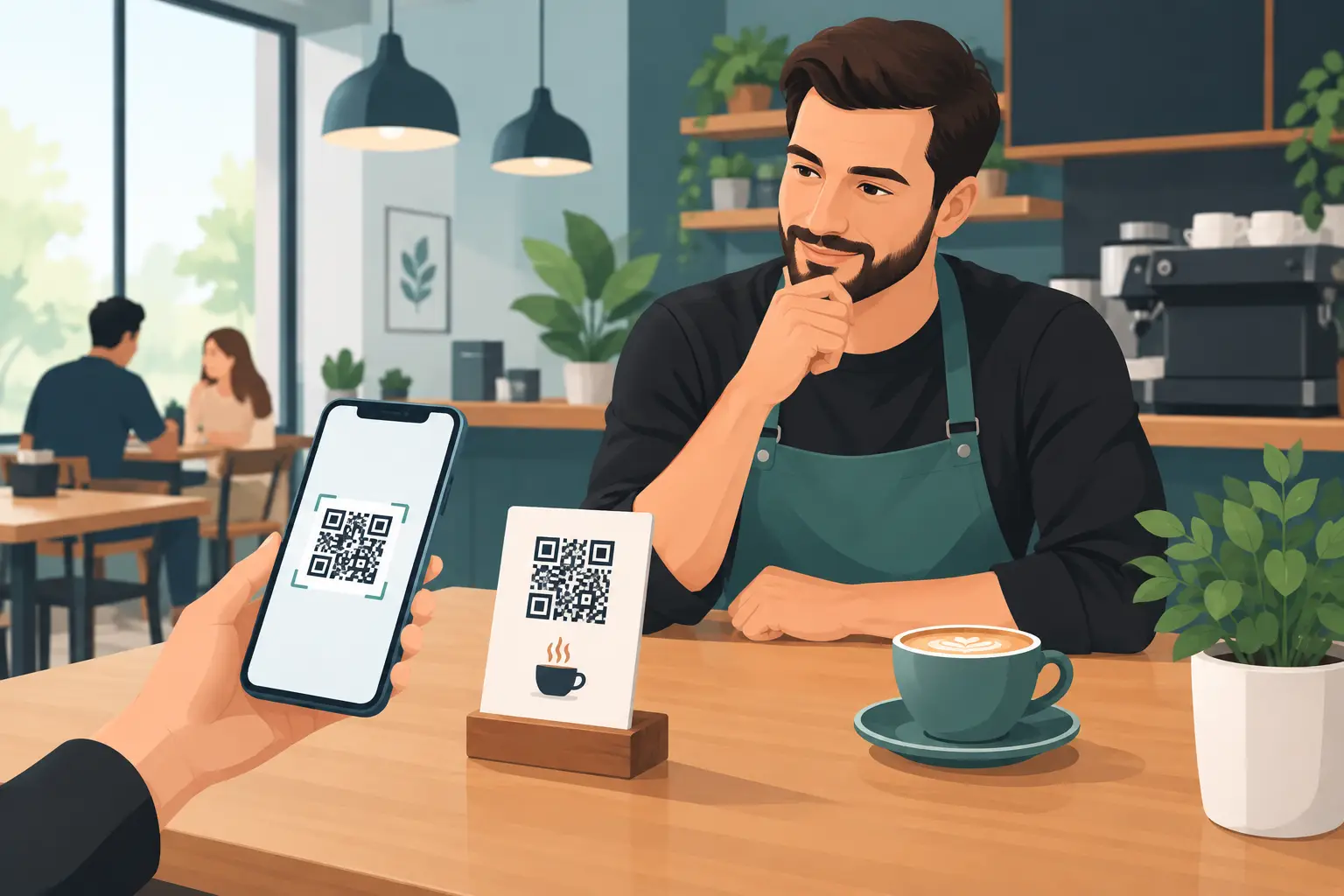
A digital menu is a digital version of your offerings accessible via phone, most often by scanning a QR code placed on the table, bill, entrance, or reception. Guests don't need to install an app or ask for a paper menu. They open the venue's page and immediately select the category that interests them.
Its value isn't just in replacing paper. A good digital menu allows staff to quickly display accurate information and guests to browse the offerings at their leisure. This is especially useful when the patio is full, when a waiter is handling multiple tables, or when guests ask for explanations of ingredients, allergens, and meat-free options.
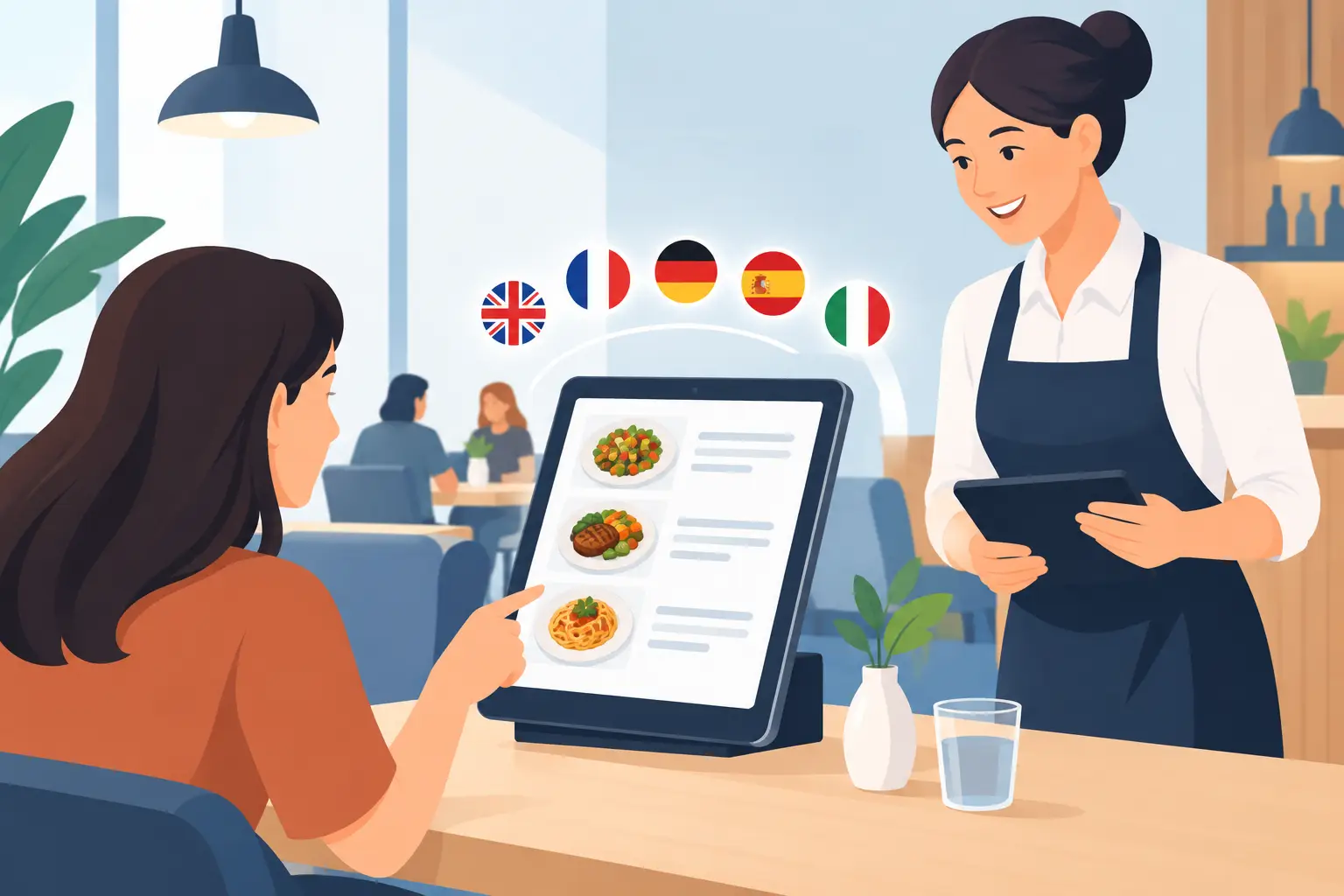
For venues on the coast and in tourist centers, the advantage is even more apparent. Foreign guests often won't ask additional questions if the menu isn't clear. If the description is well-translated and easy to read, they will make a decision more easily and are more likely to order something beyond the basic selection.
Digital Menu Guide: Start with Guest Needs
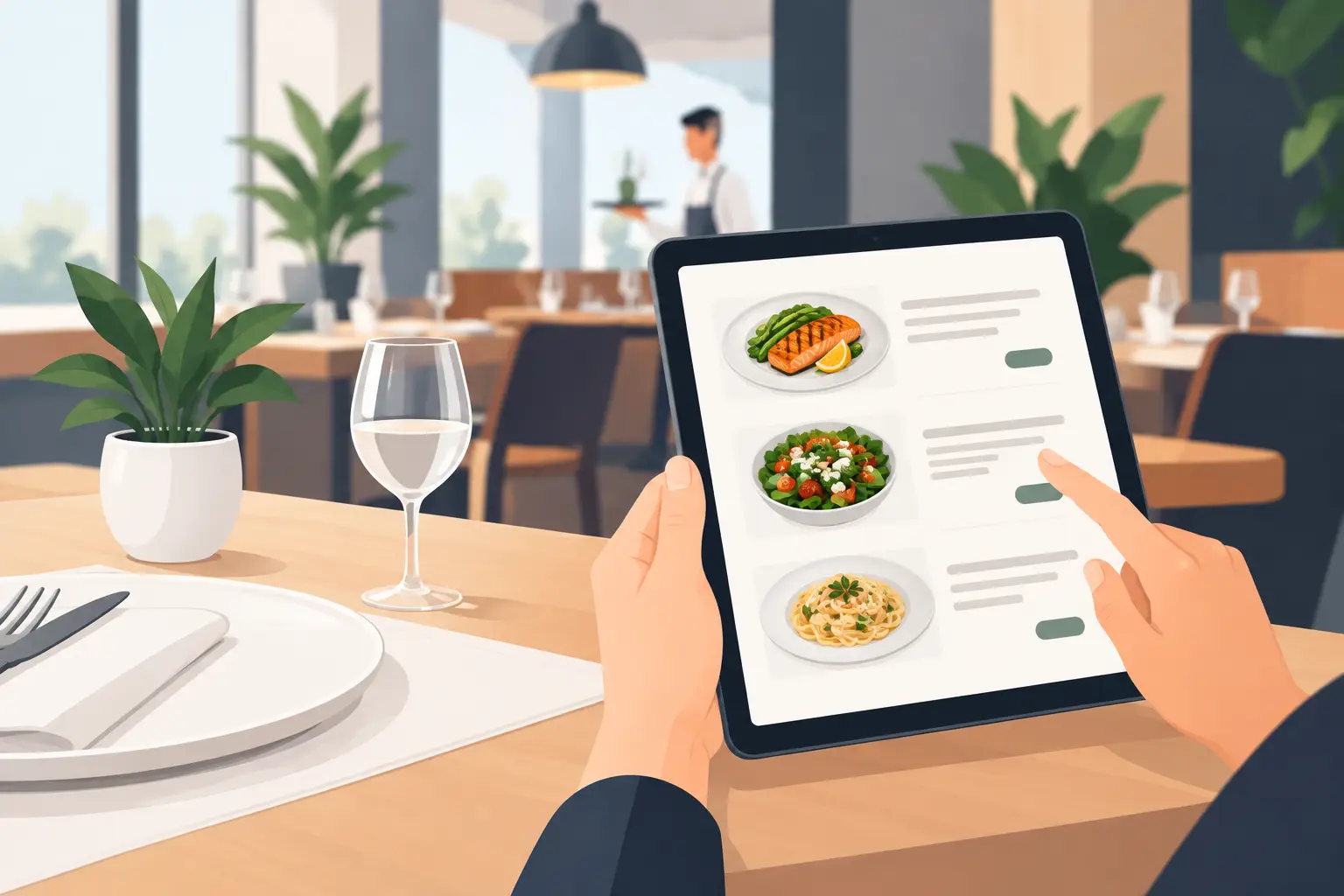
A digital menu shouldn't be a photograph of an existing paper menu. Such a document is often tiny, slow to load, and difficult to read on a phone. The digital display should be organized for a small screen, short attention spans, and quick decision-making.
Clear categories are fundamental. For example, breakfast, appetizers, pasta, grilled dishes, salads, desserts, soft drinks, wines, and cocktails. Category names should match how guests think, not the internal organization of the kitchen. If a venue has a large offering, it's better to divide it into reasonable sections than to create one long, endlessly scrolling page.
Each item should have a name, price, and a brief description. The description doesn't need to be literary but must answer the key question: what does the guest get? Instead of the general name "chicken salad," it's more useful to write that it contains grilled chicken, mixed greens, cherry tomatoes, Parmesan, and dressing. Guests then guess less, and staff receive fewer questions at the table.
For drinks, it's worth stating the quantity, especially for beers, wines by the glass, juices, and spirits. For food, portion sizes are important when the name doesn't reveal the meal's scale. Precision reduces misunderstandings and leaves a more professional impression.
Photos Help, But Not for Every Dish
A good photograph can increase interest in a higher-margin dish, a house specialty, or a seasonal offering. However, too many photos slow down the page and create visual clutter. Photos that don't represent the actual portion can cause even bigger problems than their complete absence.
A practical approach is to only include photos for featured dishes and drinks, while the rest of the offerings remain clean and easy to read. Priority is given to good lighting, a realistic portrayal, and high resolution, not expensive production. Guests want to understand the offering, not wait for the page to load.
Fast Changes Are a Real Business Advantage
In hospitality, offerings change much more frequently than it might seem at first glance. A certain fish might run out, a cocktail price changes, a new wine arrives, the kitchen introduces a daily lunch, or the patio has a special weekend promotion. With a printed menu, each of these changes requires a compromise: crossing out, verbal explanation, or reprinting.
A digital menu allows the price, description, or availability to be changed instantly. This isn't just convenience for the manager. It's a way for guests to always see what they can truly order. There are no unpleasant situations where a guest chooses a dish only to find out it's unavailable or that the price is no longer the same.
For seasonal venues, this is particularly important. The offerings in June and September are often not the same, nor is staff availability or procurement rhythm. The menu should support the business, rather than the business adapting to an outdated menu.
Multiple Languages Without Confusion
Menu translation isn't just transcribing words from one language to another. The dish name should remain recognizable, while the description should clearly explain the ingredients and preparation method to a foreign speaker. A local specialty can retain its original name, but with a brief translation or explanation.
The most common mistake is mixing languages on the same page or using automatic translation without verification. This can be confusing, and with allergens and ingredients, even risky. It's better to have several accurately done language versions than many incomplete translations.
The number of languages depends on your guests. In downtown Belgrade, Serbian and English might suffice. On the Adriatic coast or in a hotel with international guests, German, Italian, or Russian could also be useful. It's important that guests can easily switch languages and that the offerings don't differ from version to version.
QR Code Must Be Visible and Thoughtfully Placed
The best digital menu won't help if guests don't know where to find it or can't easily scan it. The QR code should be large enough, with a clear call to action like "Scan for Menu." It can be placed on the table, on a reservation card, at the bar, in a hotel room, or near the entrance.
Placement depends on the type of venue. In a restaurant, it's logical for the code to be on every table. In a bar, it can be on a coaster, a price list at the bar, or a screen above the offerings. In a hotel, it's also useful in common areas, as guests can browse the offerings before going down to the restaurant.
However, a QR code doesn't mean the paper menu has to disappear entirely. Some guests, especially older ones or those with low battery, will ask for a physical version. Best practice is for the digital menu to be the main and most current channel, with a few neat paper copies as a backup.
Design for Phones, Not Office Screens
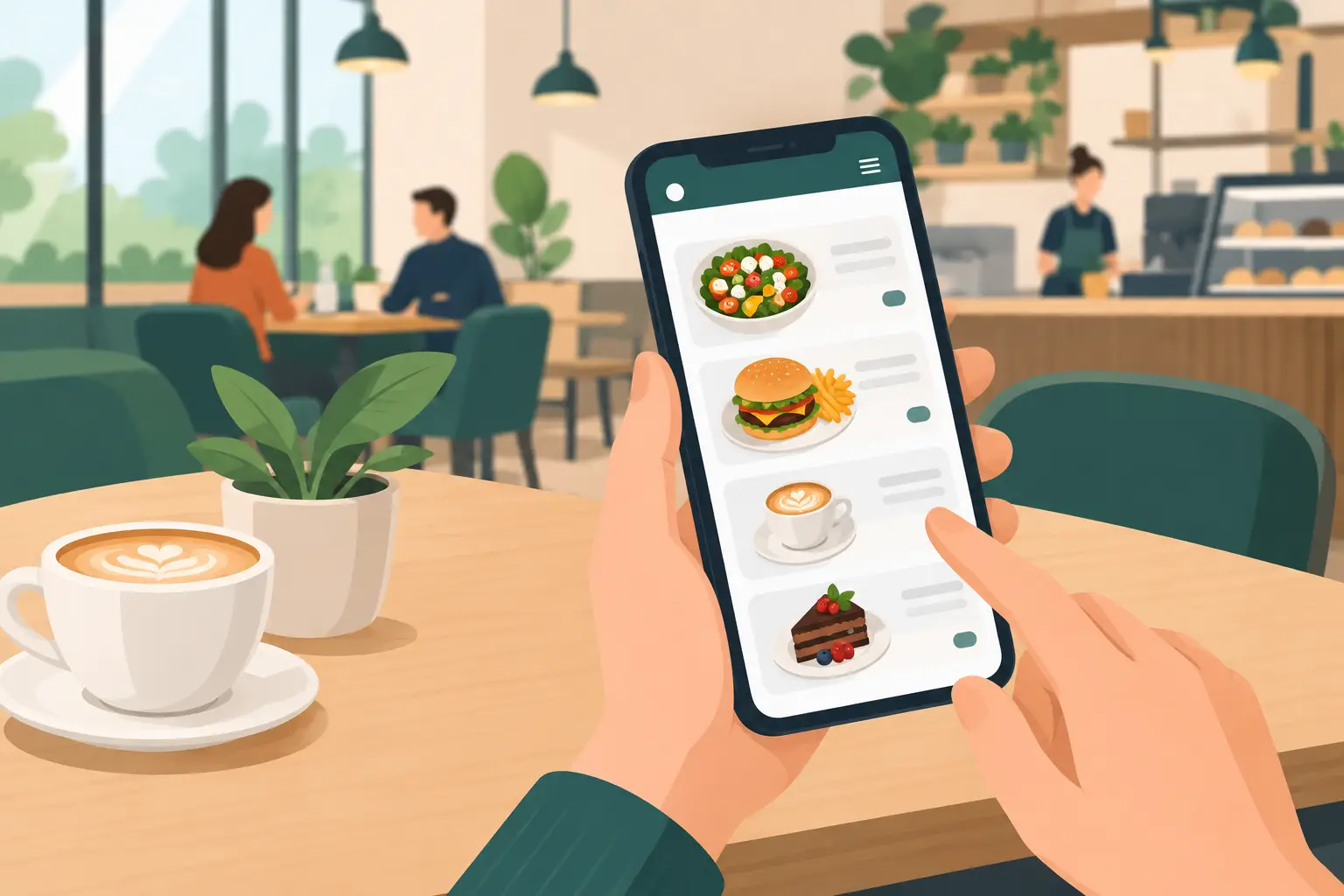
On a phone, guests read with one hand, often in the sun, in a crowd, or with a weak internet connection. Therefore, large text, good contrast, and simple navigation are more important than decorative details. The price must be clearly visible, and buttons large enough to be easily touched.
Avoid long introductory texts, too many animations, and categories with unclear names. If a guest can't find coffee, water, or main dishes in ten seconds, the structure needs to be simplified. Loading speed is also part of the experience. A menu that looks modern but loads slowly creates the same impression as a late waiter.
A platform like menu4.me provides venues with a practical way to organize such a menu, update it without printing, and maintain a display adapted to mobile screens. It's important that the solution is simple for both the guest and the team that changes the offerings daily.
How to Check if Your Menu is Doing Its Job
Before publishing, open the menu on several different phones. Check if the QR code scans easily, if all prices are correct, if translations match the actual offerings, and if items currently unavailable are removed or clearly marked.
Then observe guest behavior for a few days. Do they frequently ask for the same information? Do they get confused about categories? Do waiters still have to explain prices, ingredients, or availability? These questions are not the guest's failure, but a signal of what needs fixing in the menu.
A good digital menu doesn't ask guests to adapt to technology. It allows them to choose faster, and your team to work daily with an offering that is accurate, clear, and ready for the next order.