How to change menu prices without printing and waiting
Changing the price of an espresso by 20 dinars seems like a small thing, until you calculate the cost of new printing, the time it takes for old menus to disappear from tables, and the question of whether all guests see the same price. That's why the question of how to change menu prices is much more than an administrative task. It's a decision that affects your margin, the guest's impression, and the speed of operation for the entire shift.
For a restaurant, café, bar, or hotel, the price on the menu must reflect actual input costs and the market, but it must also be clear to the guest. When changes are made slowly or haphazardly, a problem arises: staff explain discrepancies, guests lose trust, and the establishment sells at the old price longer than planned.
How to change menu prices without errors
The safest approach is not to view the change as simply crossing out numbers. Before changing a price, determine the date and time when the new price takes effect, check calculations, and synchronize all channels where the menu is available. This includes table menus, digital menu (QR menu), menus on social media, offers at the hotel reception, and information used by staff.
Start with a clear reason for the change. Did a supplier raise prices? Did the season bring higher demand? Do you want to adjust an item that sells a lot but brings in too little profit? The reason also determines the scope of the change. Not every change in input cost is a reason to automatically change the retail price of every dish and drink.
First, check the real cost of the item
For food, the calculation should include ingredients, portioning, packaging when relevant, waste, and preparation costs. For drinks, check the purchase price, pouring standard, excise taxes where applicable, and planned margin. Items with popular names are not necessarily the most profitable – these often require a more detailed check.
If a supplier raises the price of a key ingredient, you have several options. You can change the price of the finished dish, adjust the portion or recipe, negotiate with the supplier, or temporarily feature an alternative with a better margin. The best decision depends on your establishment's concept. A restaurant with carefully built premium positioning won't react the same way as a café with high daily turnover.
Don't change prices just because competitors have higher prices. Compare quality, location, service, portion size, and guest profile. The price must make sense within your offering, not just on paper.
Decide what changes and what stays the same
Massively increasing all prices is quick, but often not the most precise solution. Sometimes it's enough to change a few low-margin items, while items that attract guests can remain at the same price. For example, morning coffee can be an important reason for guests to return, while special cocktails allow more room for adjustment.
A good menu also has commercial logic. If you're raising the price of a main course, check if you offer an appetizer, dessert, or addition that increases the average bill. If a seasonal cocktail becomes more expensive due to ingredients, highlight its composition and quality presentation. Guests more easily accept a price when they understand what they are getting.
Before publishing, create an internal table: old price, new price, effective date, and the person who approved the change. It doesn't have to be complicated. It's important to have a single source of truth, especially when multiple people edit the menu or work in different shifts.
Digital menu shortens changes to minutes
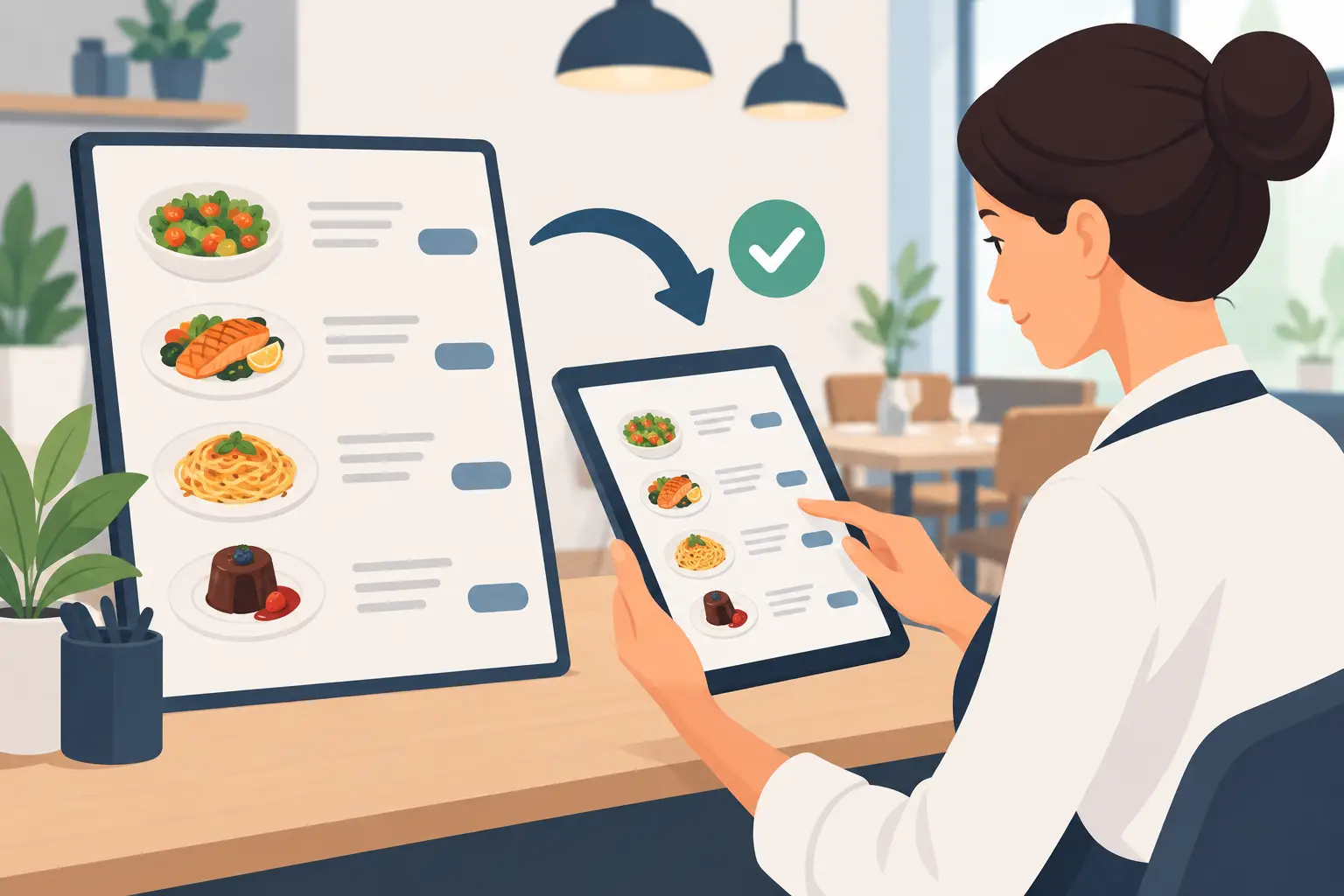
Printed menus turn every correction into a cost and a logistical challenge. You need to send the file to print, wait for delivery, replace old copies, and ensure none are left on tables, at the bar, or in hotel rooms. During peak season, when purchase prices and offerings change faster, this process easily becomes a hindrance.
A digital menu solves precisely this part of the job. An authorized person enters the new price in the administration, checks the display on a phone, and publishes the change. Guests scanning the QR code immediately see the updated version. No sticky labels, no crossing out, no waiting for a new print run.
With platforms like menu4.me, the same control point can be used to change prices, mark unavailable items, update seasonal offers, and manage multi-language content. This is especially practical for establishments on the coast, in tourist centers, and hotels where the offering changes throughout the day, and guests come from different countries.
Digital doesn't mean you should change prices without control. On the contrary, speed requires better internal discipline. Limit editing rights to responsible persons, use a preview before publishing, and agree on who confirms larger-scale corrections. This gives you flexibility without chaos.
Check the display from the guest's perspective
After the change, open the menu as a guest on a regular mobile phone. Check if the price is next to the correct item, if the currency is clearly marked, and if the description matches what the kitchen or bar actually delivers. If you offer multiple languages, the price should be consistent in every language version.
Pay attention to add-ons. Surcharges for plant-based milk, sides, extra cheese, premium spirits, or service often remain unchanged when only the main item is updated. These small items create the most unpleasant conversations with guests if they are not clearly displayed.
The price on the digital menu should be the same as the price in your POS system and other sales channels you use. Before going live, staff should check a few best-selling items through an actual order. Five minutes of checking before the shift starts can prevent dozens of explanations later.
How to communicate price changes to guests
In most cases, there's no need to specially announce every correction. Guests expect the price they see on the menu to be current. Your job is to ensure the display is clean, consistent, and without surprises at the time of payment.
If the change is significant or relates to a recognizable product, communication can help. Instead of a vague explanation, present a new seasonal offer, a renewed recipe, or better quality ingredients, but only when it's genuinely true. Don't try to hide the change with design, small print, or unclear surcharges. It might pass in the short term, but long-term it erodes trust.
Give staff a simple answer for guest questions. They just need to know when the price is effective and whether the offering, composition, or portion size has changed. Waiters should not have to improvise or learn about new prices only when a guest asks.
Use price changes for a better offering
A price list change is a good time to look at your business data. Which items sell frequently? Which take up space on the menu but are rarely ordered? Do guests pay for add-ons? Does a particular item cause congestion in the kitchen but doesn't generate enough profit?
You don't have to analyze dozens of reports to make a useful decision. Start with your best-selling dishes and drinks, then items with the lowest margins, and those that create the most operational work. This way, you'll distinguish items that need adjustment from those worth promoting.
Seasonal establishments have an added advantage: they can plan changes in advance. Create initial, mid-season, and end-of-season prices when justified by costs and demand. A digital menu allows you to prepare such changes without accumulating old printed materials in storage.
A good price is not just a number that covers costs. It's part of the guest experience and a signal of how organized your establishment is. When information is accurate, visible, and updated at the right time, staff work more calmly, guests order more confidently, and you have more time for decisions that truly move your business forward.