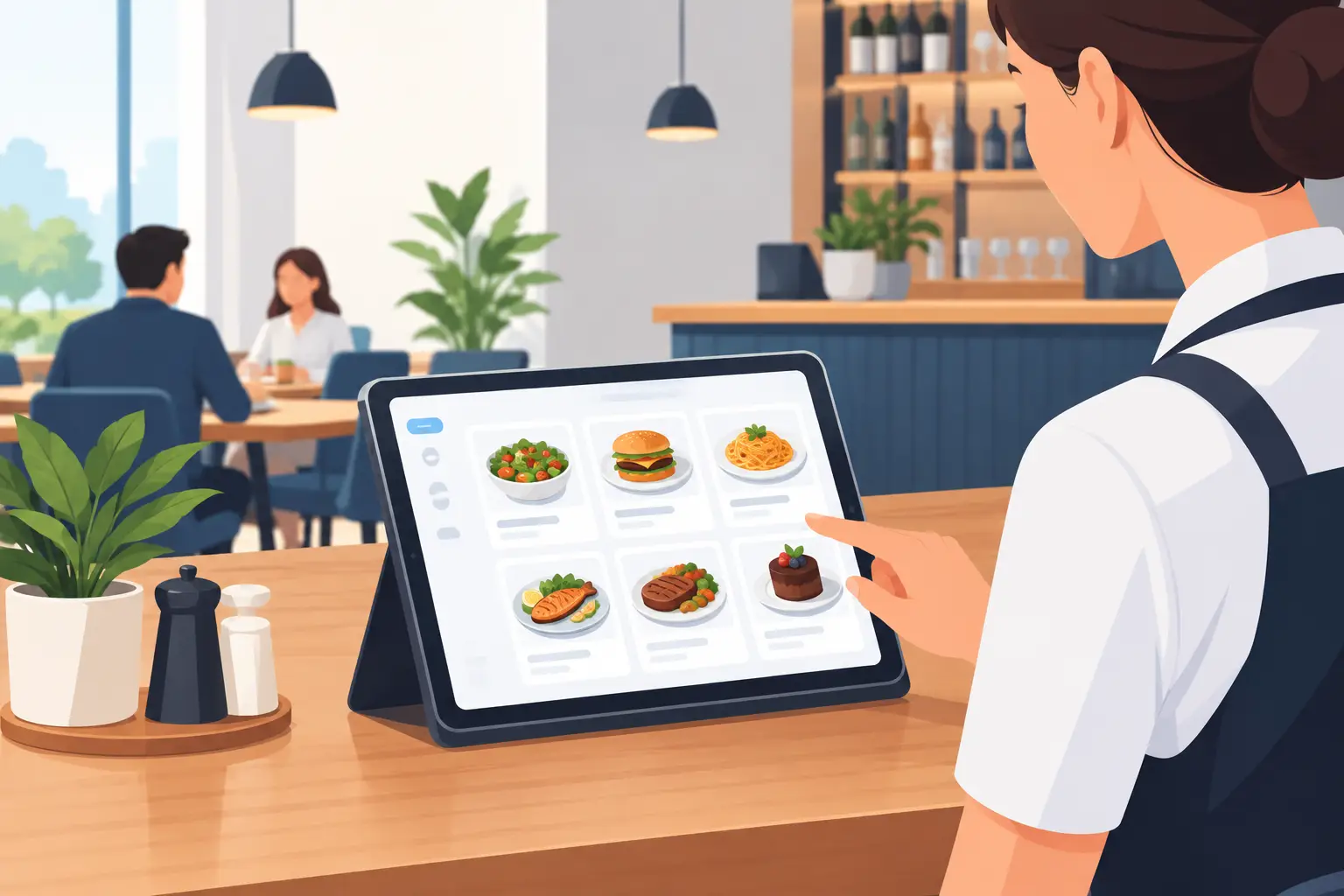
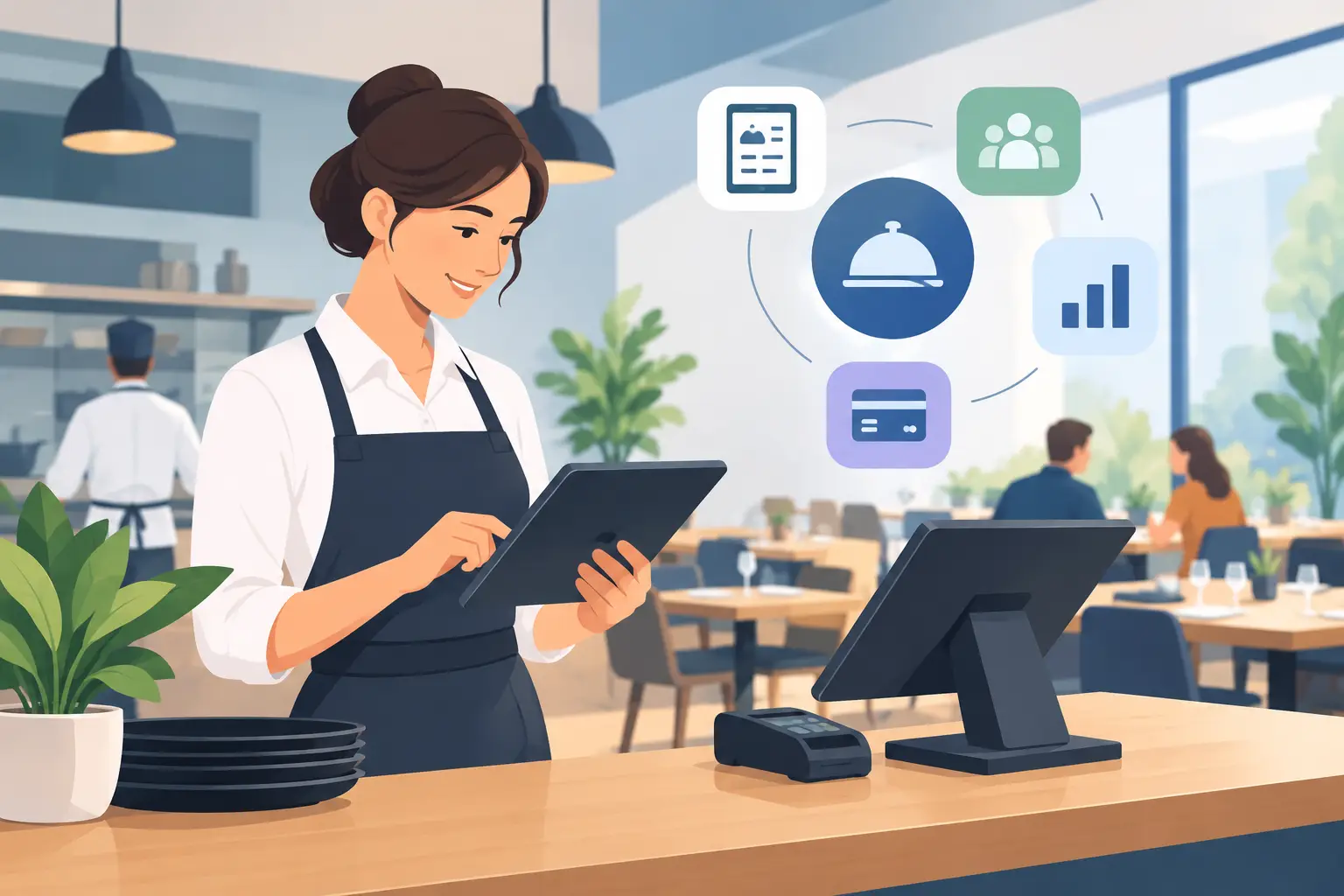
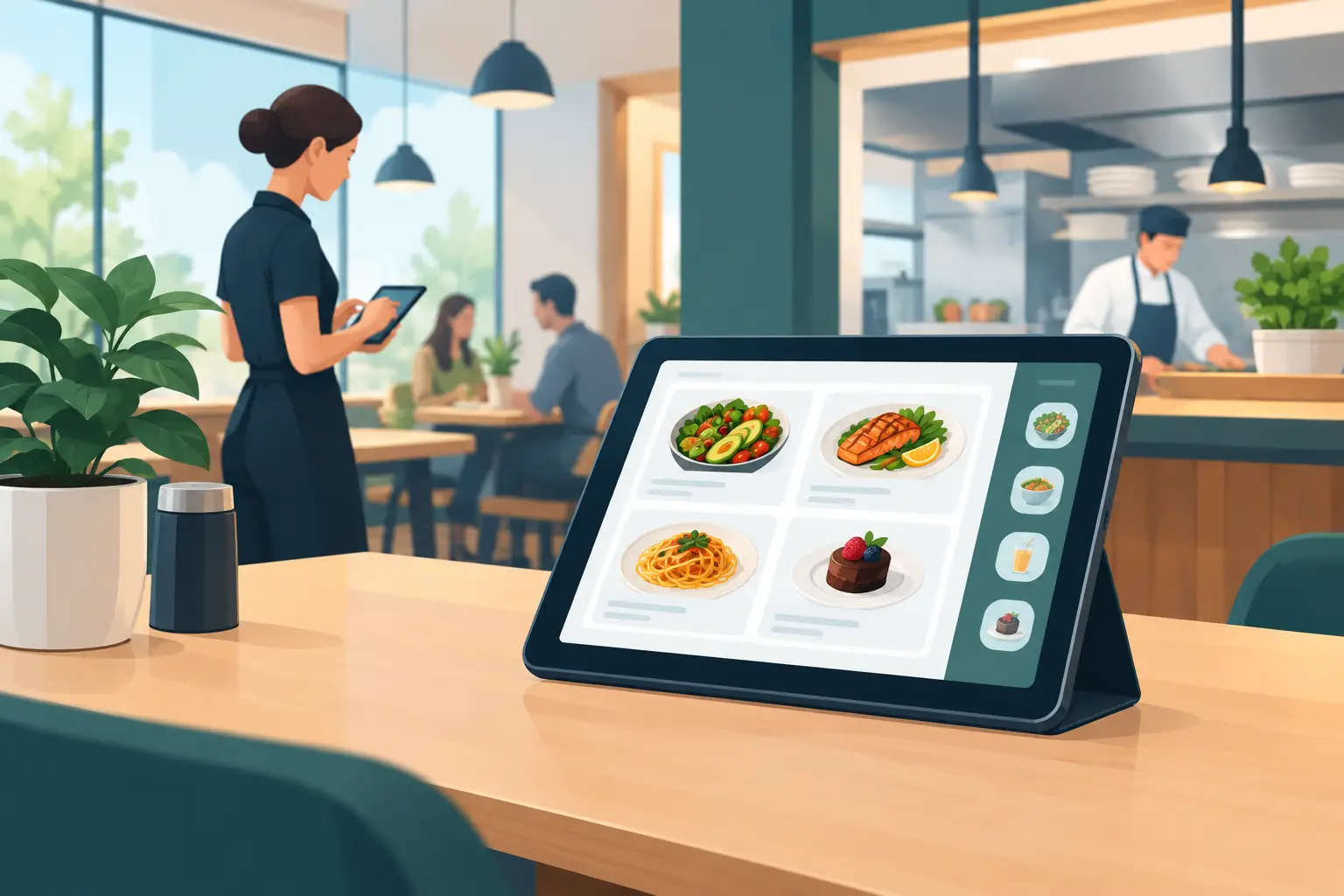
Bar Menu Software That Keeps Pace with Your Venue
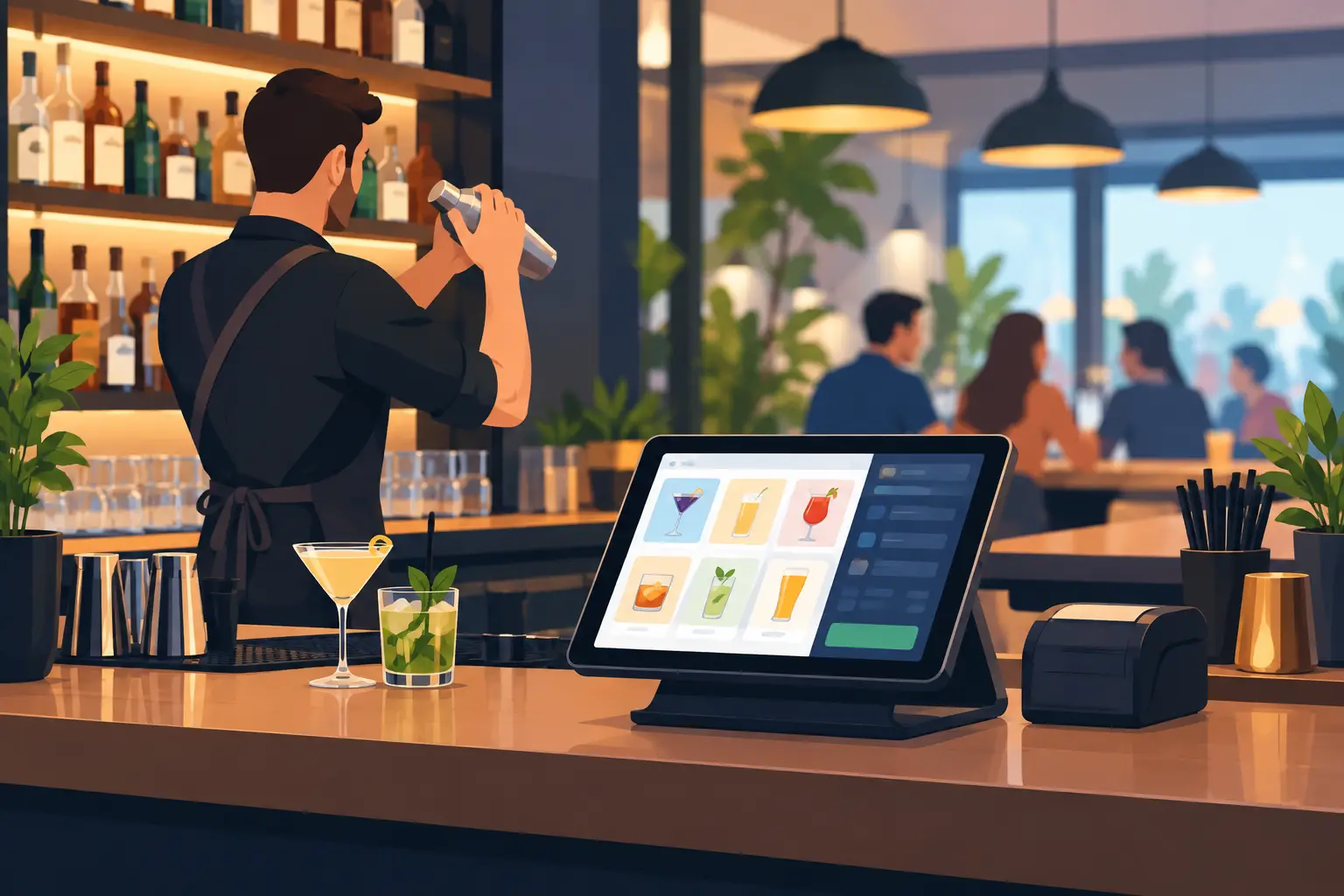
Five minutes before the evening rush, a supplier calls to say a popular gin is out of stock. At the same time, new beer prices arrive, and the patio is full of foreign guests asking for non-alcoholic cocktails. If your menu is only on paper, each of these changes becomes a small operational problem. Bar menu software solves precisely this daily challenge: staff update the offering instantly, and guests see current information on their phones.
For bars, cafes, beach bars, and hotels, a menu is more than just a list of drinks. It impacts ordering speed, the impression of your venue, and your ability to sell what's currently most profitable or available. That's why a digital menu offers the greatest value when it's simple for the guest and even simpler for the team managing it.
Why a Printed Bar Menu Slows Down Business
A printed menu seems familiar and straightforward until the offerings change. And in hospitality, changes are frequent: seasonal cocktails enter and leave the menu, procurement prices fluctuate, certain drinks run out before the weekend, and promotions last only a few days. Every correction on paper means new design, version checks, printing, and replacing old copies.
The problem isn't just the printing cost. A bigger issue is the risk of guests receiving inaccurate information. Waitstaff then have to explain what's unavailable or what price applies, which prolongs the conversation at the table and gives an impression of disorganization. During the evening rush, a few such situations are enough to slow down the entire service.
A digital menu doesn't eliminate the need for good service. It provides staff with accurate information, so conversations with guests can be shorter during busy times or higher quality when guests seek recommendations. This is a practical difference that owners and managers feel within the first few weeks of use.
What Bar Menu Software Should Provide
Not all digital menus are the same. For a venue with constantly changing offerings, the most important thing is to make changes without waiting for an agency, designer, or technical support. The owner, manager, or an authorized team member should be able to change prices, hide temporarily unavailable items, and add new offerings when business demands it.
Quick Price and Availability Changes
The price of a cocktail, spirit, or bottle of wine must be the same on the menu and in staff communication. When a change is needed, it should be published immediately. The same applies to availability. If a certain juice, beer, or cocktail ingredient runs out, the item can be temporarily removed instead of informing the guest it's unavailable only after they order.
This feature is especially useful during peak season. Venues on the coast, in tourist centers, and at events operate under different pressures than off-season. Procurement, turnover, and guest demographics change daily, and the menu must be able to keep pace with that rhythm.
Clear Category Organization
Guests don't want to sift through a long document to find an espresso, local beer, or non-alcoholic cocktail. Categories should be logical and concise: coffee, non-alcoholic drinks, beers, wines, spirits, cocktails, and special offers. If a venue has an extensive assortment, subcategories can help, but they shouldn't be introduced just for the sake of it.
Good layout isn't just an aesthetic detail. It shortens decision-making time and makes it easier for guests to notice offers they might not have looked for themselves. For example, seasonal cocktails can get a prominent spot, while premium whiskey doesn't have to be tucked between standard spirits if the venue wants to highlight it more clearly.
Multiple Languages Without Multiple Menu Versions
For tourist venues, multilingualism isn't an afterthought. A guest who understands the name, ingredients, and price of a drink is more likely to order and has more confidence in the offering. A digital menu allows the same content to be displayed in multiple languages without printing separate menus for each guest group.
However, translations should be carefully prepared. Literal translations often fail to explain what the guest is actually getting, especially for local brandies, coffees, or signature cocktails. A brief, clear description is more useful than complex text. For allergens and ingredients, precision is more important than creativity.
Photos That Encourage Selection
Photography can boost sales, but only when it's high-quality and makes sense to use. Cocktails, desserts, platters, and specials often benefit from good images. For every type of bottled beer or juice, it's not necessary to repeat generic photos that only slow down menu browsing.
The best results come from a few carefully selected photos for products with higher margins, seasonal novelties, or the venue's signature offerings. The menu should look tidy even on a smaller screen, as most guests access it via phone.
How a QR Menu Works in Real Service
Guests scan a QR code on the table, bar, receipt, or other visible spot and open the menu in their browser. There's no need to install an app, register, or wait for content to load through multiple steps. This is important because guests want an immediate answer, especially when they've just sat down or are trying to order in a crowd.
QR codes should be placed where they are naturally noticeable, but they shouldn't be the only option. Some guests will still want a waiter's recommendation or a physical menu, especially in restaurants, hotels, and venues with an older clientele. A digital menu works best as a standard, easily accessible channel, alongside service tailored to the person at the table.
For bars and nightclubs, a QR menu can reduce repetitive questions about prices and cocktail ingredients. For a hotel, it can simplify access to offerings by the pool, in the lobby, or on the beach. For a beach bar, the key advantage is changing offerings without printing new materials in the middle of the season.
How to Prepare Content Before Publishing
Technology won't fix unclear content. Before setting up a digital menu, you need to review your actual offerings and ensure that names, measurements, prices, and descriptions are consistent. If some items are listed as 0.33l and others as a small bottle, it's harder for guests and staff to compare products.
Start with your best-selling categories. Edit names, add short descriptions where helpful, and check that every item can actually be ordered. Then determine who on the team is responsible for changes. When everyone can change everything, errors easily occur. When no one is in charge, the menu quickly becomes outdated.
It's useful to establish a simple routine: the manager checks the menu before opening, and the purchasing person reports availability changes. During peak season, this check might only take a few minutes but prevents many unpleasant situations with guests.
When a Digital Menu Is Most Cost-Effective
It provides the greatest value to venues that frequently change prices, operate seasonally, offer multiple languages, or want to present their offerings more clearly. This doesn't mean a small neighborhood cafe won't benefit. Even a venue with a short menu can save time by not having to print a new menu for a single price change.
However, the scope of features should be tailored to the venue. A small cafe doesn't need ten levels of categories and dozens of photos. A cocktail bar with a large selection can have more detailed descriptions and better-highlighted specials. For a hotel, languages and consistent appearance across multiple zones are often crucial. The solution should support the business, not add a new administrative burden to the team.
menu4.me is designed precisely for such practical use: a venue gets a digital menu accessible via QR code that can keep pace with changes in offerings without the costs and delays of printing.
The Menu as Part of the Experience, Not Just a Price List
Guests often first judge a venue by what they see on the table or screen. If the menu is clear, current, and understandable, the first impression is more professional. If prices are unclear, descriptions are outdated, or half the offerings are unavailable, even a good ambiance can't fully correct the feeling.
Therefore, don't view bar menu software just as a replacement for paper. View it as a daily tool for controlling your offerings. The next time you change a price, introduce a cocktail of the week, or run out of an item during peak season, the question isn't whether the menu can change, but how quickly the guest will see accurate information.